
Our readers keep the lights on and the weekend projects moving. As an Amazon Associate, I earn from qualifying purchases.
Specs are compiled from manufacturer listings and verified buyer reviews and can change over time — please confirm the key details on the product page before buying.
You sit down at a coffee shop, pull out a second screen, and instantly get twice the work done. But too many budget portable monitors force you to squint at washed-out colors, fight dim backlights, or carry a brick of an external battery. This roundup picks the ones that actually deliver crisp 1080p (Full HD) resolution and easy USB-C plug-and-play (single cable carries video and power) without draining your wallet.
I’m Rikta — the founder and writer behind FitlyFast. This guide is built by comparing the manufacturers’ published specifications and the patterns across verified customer reviews, so you get each pick’s real strengths and trade-offs instead of marketing spin.
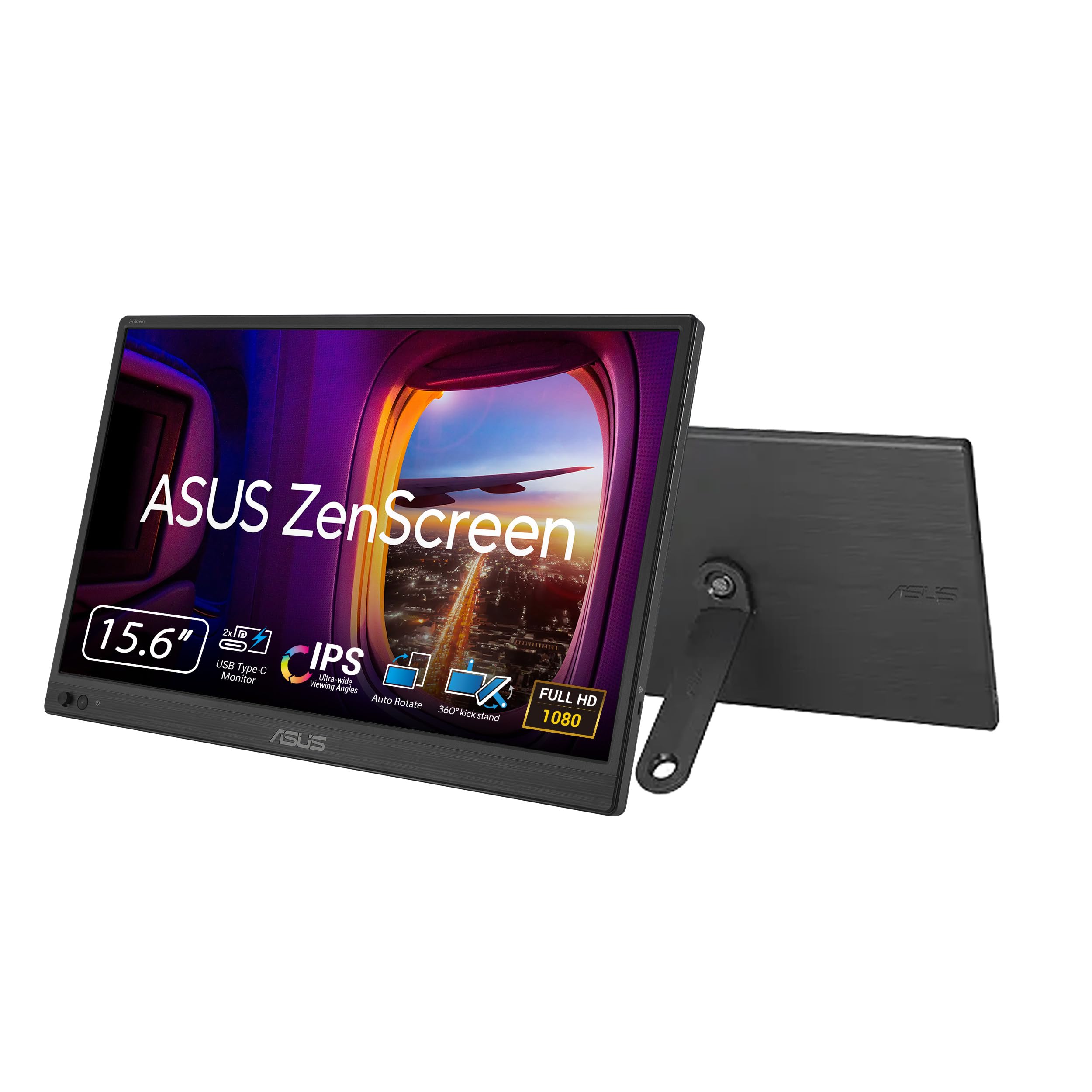
After crunching the specs and thousands of owner experiences, the ASUS ZenScreen MB169CK stands out as the overall best budget portable monitor — a 2000:1 contrast ratio that makes black text on a white spreadsheet look crisp instead of gray, a solid 300-nit anti-glare panel, and a complete kit (padded bag, cables, 360-degree kickstand) at an entry-level price. These seven models balance screen quality, build, and connectivity at prices that won’t sting.
Our Picks at a Glance
How To Choose The Best Budget Portable Monitor
You want a portable monitor that simply works — a screen, a cable, a stand. But a few specs separate the ones you’ll actually enjoy using from the ones that collect dust. Here is what to watch for.
Panel Type: IPS vs TN vs VA
Stick with IPS (In-Plane Switching) panels — they give you consistent color and brightness from almost any angle, crucial when you share your screen or set up in a cramped coffee-shop corner. TN (Twisted Nematic) panels are cheaper but look washed out if you are not dead-center. VA (Vertical Alignment) panels offer deeper blacks but narrower viewing angles. Every monitor in this guide uses an IPS panel, so that box is checked.
Connectivity: USB-C with DP Alt Mode
The single-cable dream — one USB-C cord carrying video, data, and power — only works if your laptop supports DP Alt Mode (DisplayPort Alternate Mode) over USB-C. Many Ultrabooks and MacBooks do. If yours does not, you will need a USB-C to HDMI adapter or an additional power cable. Look at the ports: dual USB-C ports give you more flexibility than a single one.
Brightness and Anti-Glare
Brightness is measured in nits (candelas per square meter — a unit of luminance). 250 nits is the bare minimum for indoor use. 300 nits handles a bright room or a sunny window better. An anti-glare surface (a matte coating that diffuses reflections) is a bigger real-world upgrade than chasing a higher number — it cuts reflections so you can actually read the screen.
Quick Comparison
| Model | Best For | Resolution | Brightness | Weight | Amazon |
|---|---|---|---|---|---|
| ASUS ZenScreen MB169CK★ Best Overall | All-around value with rich contrast | 1920×1080 | 300 nits | — | Amazon |
| VisionOwl 15.6″Crowd Favorite | Crowd favorite — quality and value | 1920×1080 | 300 cd | 1.4 lbs | Amazon |
| ViewSonic VA1653 | Ultra-light traveler | 1920×1080 | 250 nits | 1.5 lbs | Amazon |
| Acer PM161Q | Sleek, single-cable Mac/iPad setup | 1920×1080 | — | 1.52 lbs | Amazon |
| cocopar 15.6″ | Highest owner satisfaction | 1920×1080 | 280 cd/m² | — | Amazon |
| Lenovo L15 | Business travelers who want a height-adjustable stand | 1920×1080 | 250 nits | under 2 lbs | Amazon |
| ASUS ZenScreen MB16ACV | Minimalist one-cable setup with eye care | 1920×1080 | — | under 3 lbs | Amazon |
In‑Depth Reviews
1. ASUS ZenScreen 15.6″ Portable Monitor (MB169CK)
The panel that makes text pop without the glare — a travel monitor that actually looks good in a cafe.
This ASUS ZenScreen delivers a 2000:1 contrast ratio — so black text on a white spreadsheet stays crisp instead of looking gray. The 15.6-inch IPS display runs at 1920×1080 with a 300-nit brightness and an anti-glare surface, meaning you can work by a sunny window without squinting. The 360-degree kickstand and a tripod socket (a 1/4×20 thread — a standard mounting screw) let you prop it up on any hotel desk or kitchen table at the perfect angle.
Buyers report it is “lightweight, works perfectly as a second screen,” and highlight the easy USB-C connection. A few note that while the 60Hz refresh is fine for productivity, gamers craving higher frame rates should look elsewhere. The included padded bag, USB-C cable, and HDMI-to-mini-HDMI cord mean you can pull it out of a backpack and be running in seconds.
The thing everyone raves about is the display quality — picture quality is praised widely, and owners consistently describe the setup as plug-and-play. The catch is screen brightness: in very bright environments, a 300-nit panel can feel modest, though the anti-glare coating helps a lot.
What wins people over
- 2000:1 contrast ratio for rich, readable text and media
- Includes padded bag, USB-C cable, and HDMI cable from the start
- Auto-rotate software switches between portrait and landscape automatically
- TÜV-certified flicker-free and low blue light for long sessions
Who should think twice
- 60Hz refresh rate is not ideal for fast-paced gaming
- Some devices may need a driver for extended display mode
Your daily driver: If you want a single workhorse monitor that travels well, looks sharp, and includes everything you need in the box, this is it. For a premium aluminum build and VESA mounting (75x75mm holes for attaching to a monitor arm), consider the VisionOwl instead.
A fair trade-off: The brightness holds up indoors, but if you frequently work outdoors or in very bright rooms, the 300-nit peak may feel slightly dim.
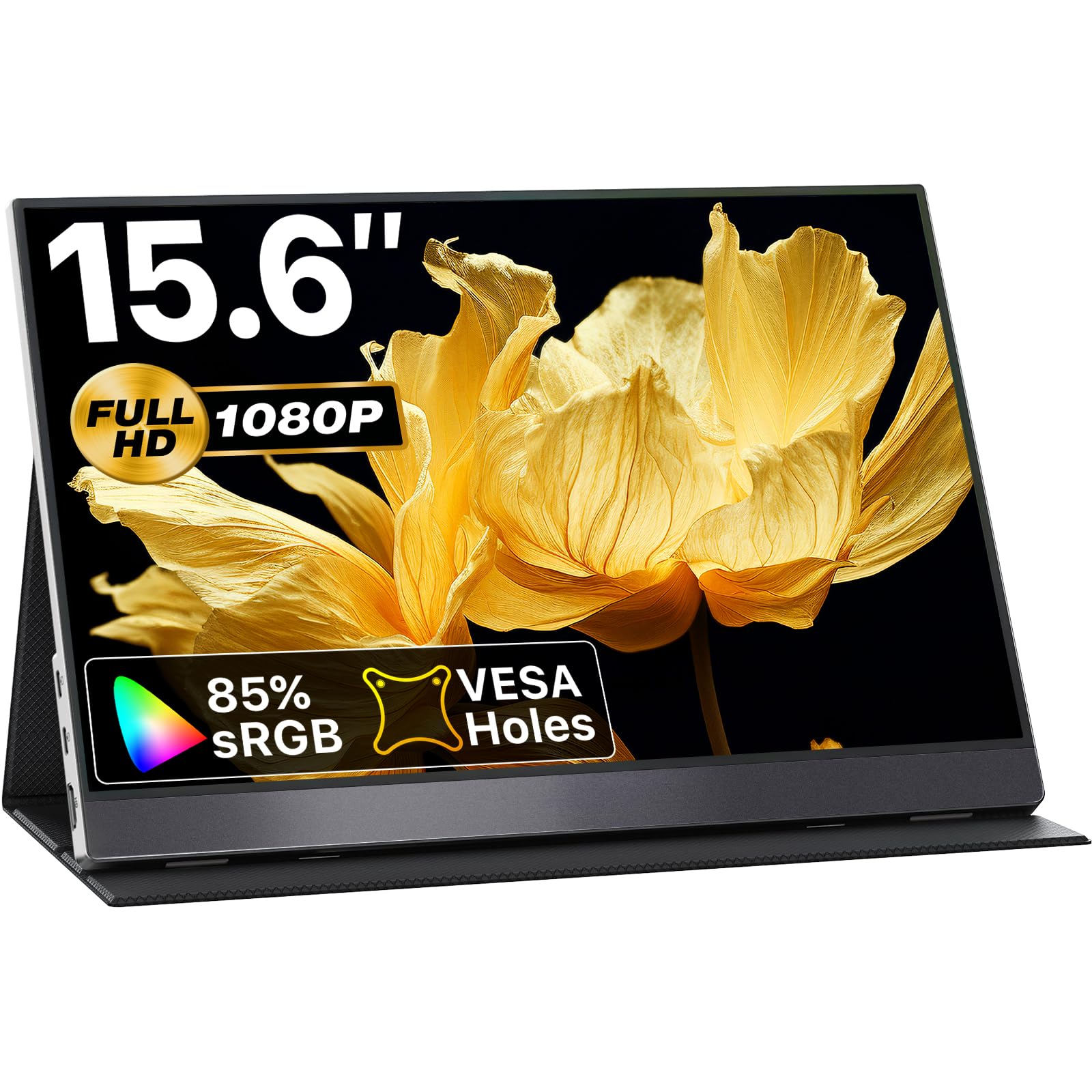
2. VisionOwl 15.6″ 1080P Portable Monitor
Nearly every buyer who clicks “add to cart” leaves a rave — and the numbers back it up.
The VisionOwl is a 15.6-inch, 1080p IPS panel with a 300 cd brightness and an 85% sRGB color gamut (85% of the standard red-green-blue color space), all wrapped in a durable aluminum alloy body. At 1.4 lbs (just over 2 lbs with the magnetic cover), it is noticeably lighter than the ASUS MB169CK and even edges the ViewSonic VA1653’s 1.5 lbs by a hair. The cover doubles as a stand, and two VESA mounting holes (75x75mm) give you the option to mount it in portrait or landscape — a rare find at this level.
What makes this monitor stand out is the single-cable simplicity. A single USB-C cable handles power and video for Thunderbolt 3/4/5 (high-speed data and video standards) and DP Alt Mode laptops — no separate adapter needed. It also includes dual full-function USB-C ports, a standard HDMI interface, and built-in stereo speakers that get the job done for video calls and casual media.
The aspect owners praise most by a wide margin is overall quality, closely followed by portability and picture quality. A few describe an occasional flicker at high brightness, but turning the brightness down a notch typically resolves it.
Why it wins hearts
- Aluminum alloy build feels premium and dissipates heat well
- VESA mountable (75x75mm) for flexible desk setups — a rare feature for the price
- True plug-and-play — single USB-C cable for power and video
- Magnetic smart cover protects the screen and doubles as a stand
A minor caveat
- Occasional flicker at max brightness; lowering it by a notch fixes it
- Built-in speakers are adequate but not room-filling
The no-brainer choice: If you want the most universally loved portable monitor with a metal build and VESA flexibility, this is it. It’s the pick for those who want the ASUS MB169CK’s quality but in a lighter, mountable frame.
A small quirk: The magnetic case protects against scratches but not drops — handle it with care when moving between desks.
3. cocopar 15.6″ 1080P Portable Monitor

The quiet overachiever with the highest owner satisfaction in this lineup — even surpassing the VisionOwl in buyer reviews.
This cocopar monitor packs a 15.6-inch IPS A-grade screen (a high-quality display panel with no dead pixels) running 1080p at 60Hz with an 85% sRGB color gamut and HDR (High Dynamic Range — improves contrast and color in video content) support. Brightness sits at 280 candela per square meter, with a 178-degree viewing angle and Low Blue Light technology to reduce eye fatigue. Two full-featured USB-C ports and a mini HDMI input give you flexibility across laptops, consoles (PS4, Xbox, Nintendo Switch), and even Raspberry Pi (a low-cost mini-computer).
VESA mounting holes let you attach it to a monitor arm or stand in portrait or landscape mode — helpful for coding or reading long documents, just like the VisionOwl. The monitor works with a single USB-C cable for both power and display, and supports power pass-through (it can charge your laptop through the same cable). Buyers consistently describe it as “lightweight” and “easy to transport,” with many noting the screen quality surpasses their laptop’s built-in display.
This model earns the strongest owner satisfaction score in the list, with owners praising the sharp screen and good colors after adjustment. The built-in pop-out stand is a design upgrade over flimsy folio covers. Some find the brightness needs the included 30W power adapter to reach its full potential when connected to a low-power laptop — unlike the ASUS MB169CK which hits 300 nits from the start.
What owners love
- Excellent color accuracy with 85% sRGB and HDR support
- VESA mountable for versatile setups (landscape or portrait)
- Plug-and-play USB-C with power pass-through
- Includes padded travel case, two USB-C cables, HDMI cable, and 30W adapter
A small note
- Brightness peaks at 280 cd/m²; needs the included adapter for full output
- Some devices may require a driver for extended display mode
Best for color-conscious users: If you edit photos or need accurate colors on a second screen without spending a fortune, this is your monitor. It’s a step up in color fidelity over the entry-level Acer PM161Q.
A realistic limitation: The 60Hz refresh and 280-nit brightness mean it is built for productivity and media, not competitive gaming or outdoor use.
4. Acer PM161Q 15.6″ Portable Monitor
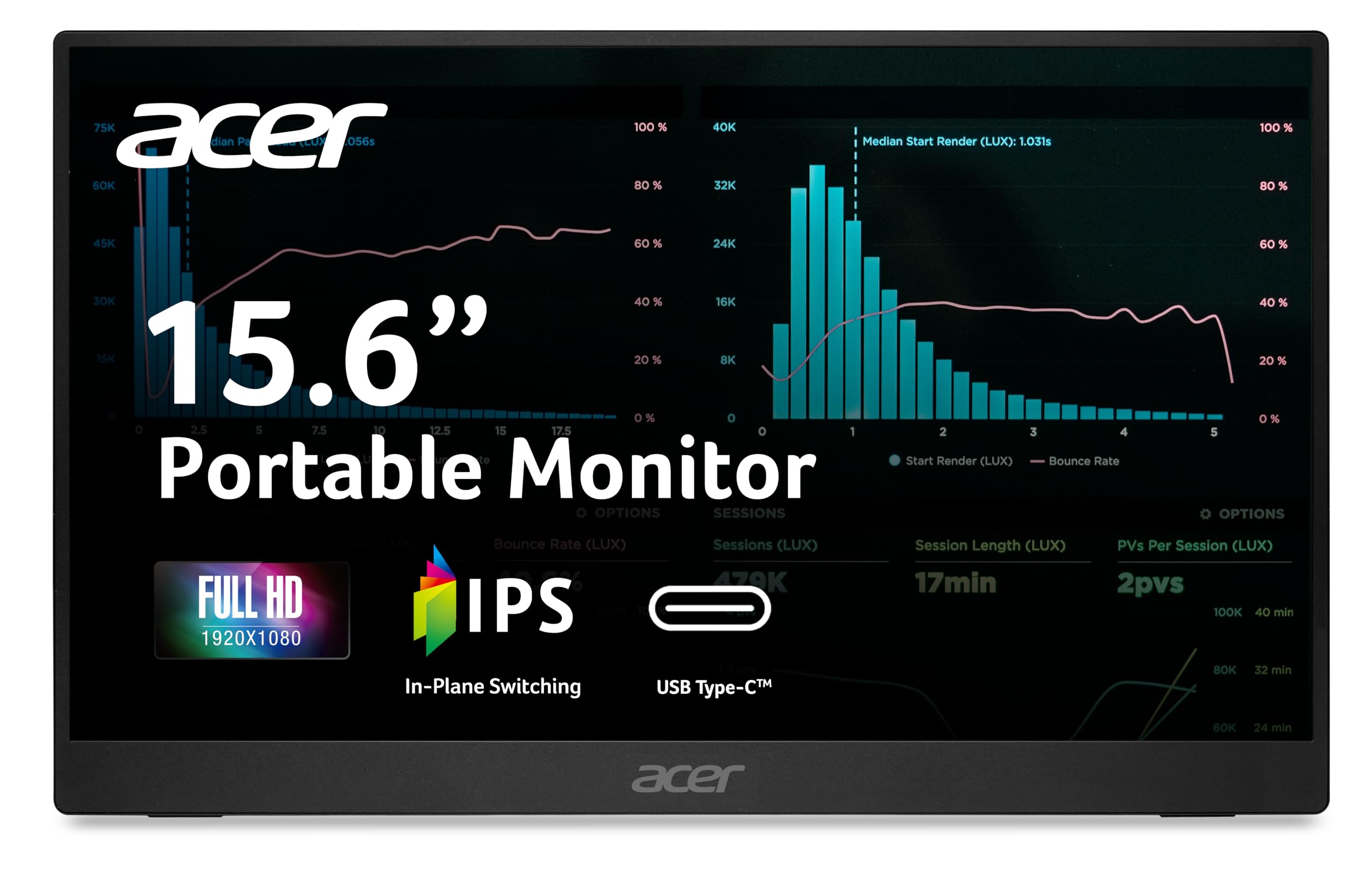
A featherweight panel at 1.52 lbs that clings to your laptop bag — and your laptop’s USB-C port for power — and also includes Adaptive-Sync (matches refresh rate to your graphics card to reduce screen tearing).
The Acer PM161Q weighs just 1.52 lbs and measures only 0.41 inches thin, making it one of the slimmest portable monitors available. The 15.6-inch Full HD IPS display offers a single-cable USB-C solution that handles video, data, and power — no separate wall wart needed if your laptop can drive it. It also includes an HDMI 1.4 port and an audio-out jack, plus two built-in speakers (1 watt each).
Adaptive-Sync (FreeSync compatible) matches the monitor’s refresh rate to your graphics card, reducing screen tearing during video playback or casual gaming — a feature you won’t find on the cheaper ViewSonic VA1653. The tiltable stand adjusts from 0 to 90 degrees, so you can angle it for presentations or tight desk spaces. Buyers describe it as “good picture quality” and “versatile with Mac/iPad/Raspberry Pi,” with one noting it powers directly from USB-C without external power.
The Acer’s picture quality earns consistent praise, though some find the screen “a little dull” compared to a premium laptop panel. The back stand feels a bit flimsy to a few owners, but the overall build is solid for the price.
Ultra-portable edge: At 1.52 lbs and 0.41 inches, this is the monitor you grab when every ounce in your backpack counts. It works with a single USB-C cable and even connects to phones and tablets.
Honest trade-off: The 60Hz panel is fine for productivity and casual use, but the lower brightness and plastic build mean it is best for indoor desk work — not bright coffee shops or outdoor setups.
5. ViewSonic VA1653 16″ Portable Monitor
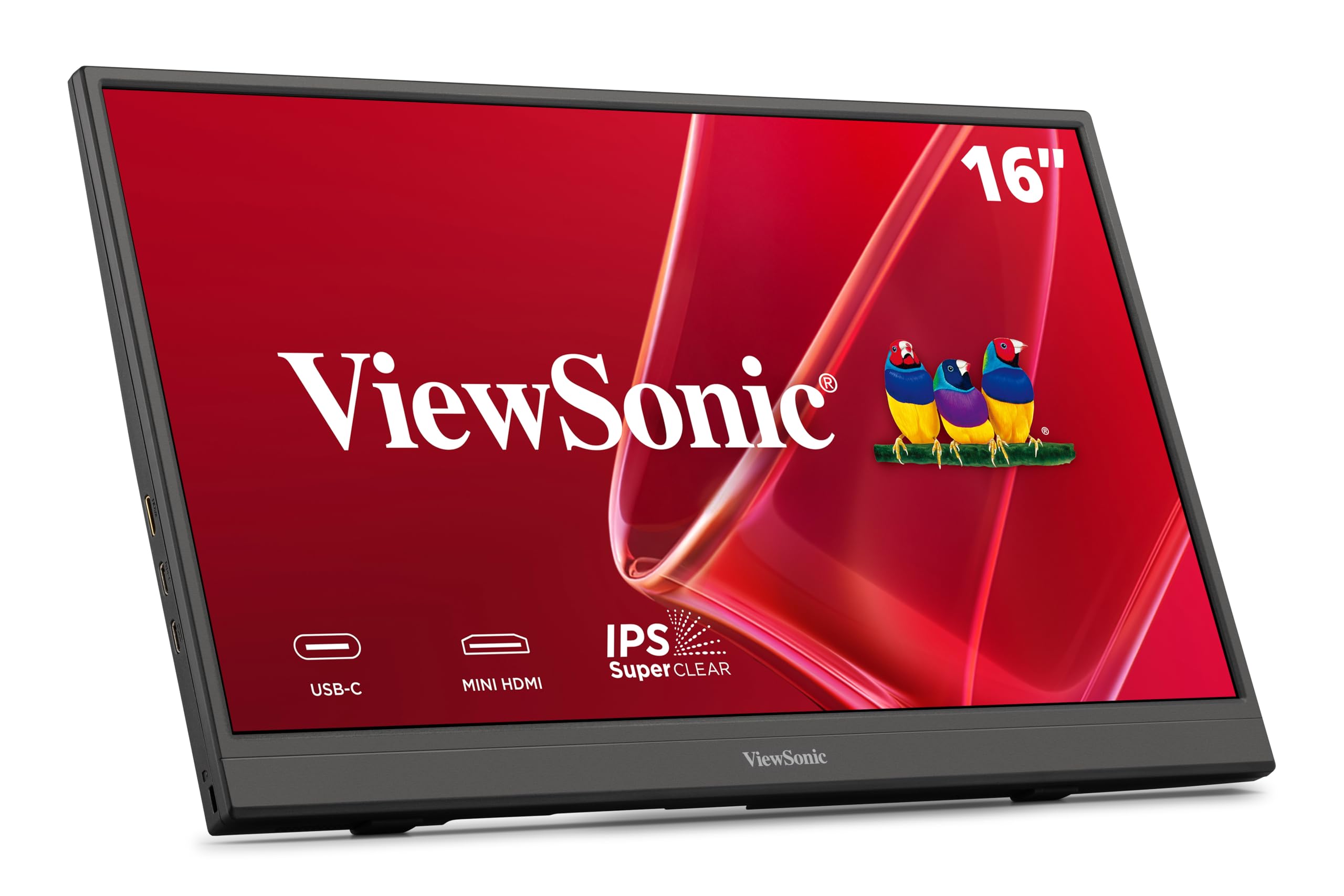
Drops into any bag and fires up instantly — at 1.5 lbs it is the lightest full-size monitor here, even beating the Acer PM161Q by 0.02 lbs.
The ViewSonic VA1653 offers a 16-inch Full HD (1920×1080) IPS display at 60Hz with an anti-glare coating, packed into a frame just 0.7 inches thick and weighing only 1.5 lbs. That makes it one of the lightest full-size portable monitors you can buy — and at 1.5 lbs, compared to the Acer PM161Q’s 1.52 lbs, though both are near-identical. USB-C connectivity handles data, audio, and video with passthrough power when using the included adapter, plus a Mini-HDMI input for older devices.
A built-in stand and a protective sleeve are included right in the box, so you do not need to buy extras. Owners mention the monitor is “instantly detected and worked beautifully” on both new and old laptops, and they praise the sharp picture quality that matches a gaming laptop’s display. The compact form factor adds minimal bulk when packed with a laptop in a business case.
Where the ViewSonic shines is weight and portability — owners call it “excellent size and very lightweight.” The caveat: at 250 nits brightness, it is at 250 nits versus the ASUS MB169CK’s 300 nits, so it handles indoor use well but may struggle in very bright rooms. A few also note that the manual lacks clear charging instructions for setups without a USB-C to USB-C cable.
The lightweight champion: If your main priority is the lightest possible monitor that still delivers a crisp 1080p image and includes everything you need (stand, case, cables), the VA1653 delivers at 1.5 lbs. It is the pick for travelers who want the Acer’s portability plus an included case.
One thing to plan for: The 250-nit brightness is fine for indoor use, and the anti-glare coating helps, but if you often work near a bright window, consider the 300-nit ASUS MB169CK instead.
6. Lenovo L15 15.6″ Portable Monitor

The business traveler’s best friend — a height-adjustable stand that most portable monitors skip entirely, reducing neck strain during long work sessions.
The Lenovo L15 brings a rare ergonomic feature to the budget category: a height-adjustable stand that lets you dial in the perfect viewing angle. The 15.6-inch Full HD IPS panel runs at 60Hz with 250 nits brightness and flicker-free technology (reduces flickering at low brightness levels to prevent eye strain), so your eyes stay comfortable during back-to-back meetings. Two USB-C ports provide smooth connectivity, and the monitor weighs under two pounds — making it heavier than the 1.5 lb ViewSonic VA1653 but adding that crucial stand adjustment.
Buyers describe it as “super-light, thin, fits in a backpack,” with one calling it a “standout for hotel work productivity.” It works plug-and-play with MacBook Air, Surface Pro, and ThinkPad laptops, remembering your settings between connections. The fold-down foot houses the USB-C ports and feels stable on any desk.
The L15 earns high marks for its sharp display and sturdy built-in stand. One reliable report notes that the included sleeve lacks a closure, and the cable could potentially scratch the screen if not handled carefully — a trade-off for the ergonomic stand that the Acer PM161Q lacks. A single buyer experienced a failure after 60 days, though the overwhelming majority report trouble-free use.
The ergonomic advantage
- Height-adjustable stand reduces neck strain — unique at this price
- USB-C plug-and-play with MacBook and Surface Pro
- Quick startup that remembers your display settings
- Flicker-free technology for comfortable long sessions
A few considerations
- 250 nits brightness is adequate for indoors but not bright rooms — at 250 nits versus the ASUS MB169CK’s 300 nits
- Included sleeve lacks a closure; cable may scratch the screen
- Rare reports of failure after extended use (not a widespread pattern)
Best for hotel workers: If you regularly work from hotel rooms or coworking spaces and want a monitor that stands at eye level without a separate stand, this Lenovo is a natural fit.
A small caution: The sleeve is a simple slip-case — consider a padded case if you toss your bag around during travel.
7. ASUS ZenScreen MB16ACV 15.6″ Portable Monitor

One USB-C cable, zero fuss, and a kickstand that works on uneven surfaces — minimalist travel at its best.
The ASUS ZenScreen MB16ACV is a 15.6-inch Full HD anti-glare IPS display that runs entirely off a single USB-C connection — no separate power adapter needed. This makes it among the most travel-friendly monitors you can buy. The built-in kickstand props it up in portrait or landscape mode, and the included sleeve and cables mean you can pack it and go. Note that it is heavier at under 3 lbs than the Acer PM161Q (1.52 lbs), so if raw portability is your only goal, the Acer wins.
ASUS Eye Care technology (TÜV Rheinland-certified — tested by a German certification body for flicker-free and low blue light performance) helps prevent eye fatigue during multi-hour sessions. The monitor supports a hybrid-signal solution that works with both USB-C and USB-A ports (the latter requires a driver). Customers note it is “bright, clear, good stand” and that the one-cord setup is “efficient” for travel.
Picture quality is satisfactory for a travel monitor — not OLED-level (a premium display technology with perfect blacks), but with good clarity and no glare. The kickstand is versatile enough to stand on a hotel bed or an uneven table. Some buyers find the picture “not 4K clear,” which is expected at 1080p, and a few report compatibility quirks with desktop USB-C ports that do not support DP Alt Mode.
Why minimalists love it
- Single USB-C cable handles power and video — no wall adapter — unlike the cocopar which needs its adapter for full brightness
- Kickstand works on uneven surfaces like hotel beds
- Anti-glare surface with flicker-free and low blue light certification
- Includes sleeve, USB-C cable, and USB-C to USB-A cable
Know before you go
- Requires DP Alt Mode or DisplayLink driver; not fully plug-and-play for all devices
- 1080p at this size is clear but not retina-sharp
- Desktop USB-C ports may not support video output — check your device
For the one-cord crowd: If you hate carrying extra power bricks and want the simplest possible travel monitor, the MB16ACV delivers a clean, lightweight experience. It’s for minimalists who prioritize simplicity over the VESA flexibility of the VisionOwl.
A compatibility check: This monitor needs a device that supports DP Alt Mode over USB-C — verify your laptop’s USB-C port before buying.
Understanding the Specs
Contrast Ratio
This number tells you how deep the blacks look next to the whites. A 2000:1 ratio (found on the ASUS ZenScreen MB169CK) makes dark text and shadows look rich and detailed, while a 1000:1 ratio (typical for budget panels) still looks good but blacks appear slightly gray in dim rooms. For spreadsheet work, coding, or reading documents, the higher the contrast ratio, the easier it is on your eyes.
USB-C and DP Alt Mode
Not all USB-C ports are equal. A port that supports DP Alt Mode (DisplayPort Alternate Mode — a standard that sends video signals over USB-C) can carry video, data, and power through a single cable. If your laptop lacks DP Alt Mode, you will need a separate HDMI connection or a USB-C to HDMI adapter. Always check your device’s specs — many Ultrabooks and MacBooks have it, but some budget laptops do not.
Brightness (Nits / cd/m²)
Measured in nits or candela per square meter, brightness determines how well you can see the screen in a bright room. 250 nits is the minimum for comfortable indoor use. 300 nits handles a sunlit window or a bright coffee shop. Anti-glare coatings (like the one on the ASUS ZenScreen) are often more effective than chasing a higher number — they cut reflections so you can actually read the screen.
Refresh Rate and Response Time
A 60Hz refresh rate is standard for productivity and video — it refreshes the image 60 times per second, which is smooth for reading, spreadsheets, and YouTube. For competitive gaming, higher refresh rates (120Hz or 144Hz) matter. Response time (measured in ms, like 4ms GtG — gray-to-gray, the time a pixel takes to change shades) affects motion blur: faster is better for gaming, but for everyday work, the difference is invisible.
FAQ
Will a portable monitor work with my laptop if it only has USB-A ports?
Can I use a portable monitor with a PlayStation 5 or Xbox?
How much weight difference matters for daily carrying?
Do I need a separate power adapter for a portable monitor?
What is the difference between a 1000:1 and 2000:1 contrast ratio in real use?
Can a portable monitor charge my laptop at the same time?
How long do portable monitors typically last?
Is a portable monitor worth it if I already have a tablet?
Can I use a portable monitor vertically for coding?
What is the real benefit of an anti-glare screen on a portable monitor?
Final Thoughts: The Verdict
For the majority of shoppers, the budget portable monitor winner is the ASUS ZenScreen MB169CK because it delivers the richest contrast ratio (2000:1 versus the typical 1000:1), a solid 300-nit anti-glare panel, and a complete kit (padded bag, cables, 360-degree kickstand) at an entry-level price. If you want the most universally beloved pick with a premium aluminum build and VESA mounting flexibility, grab the VisionOwl. And for the lightest possible carry that still delivers a crisp 1080p image, the ViewSonic VA1653 at 1.5 lbs is the one to reach for.
How We Picked
We do not accept paid placement. Every pick is matched to a real buyer and a real use-case; we do not hands-on test units.
Sources & Methodology
Specifications: manufacturer listings and product documentation. Review insights: verified customer reviews, as of July 2026. Pricing: not shown on this page (it changes often); check the current price via the retailer link.
As an Amazon Associate, FitlyFast earns from qualifying purchases. This does not affect which products we feature.