
Our readers keep the lights on and the weekend projects moving. As an Amazon Associate, I earn from qualifying purchases.
Specs are compiled from manufacturer listings and verified buyer reviews and can change over time — please confirm the key details on the product page before buying.
Staring at a screen all day leaves your eyes tired, dry, and aching — that’s the exact problem a good computer screen protector for eyes solves. The right filter blocks harsh blue light and glare that cause eye strain, so you can work, game, or binge-watch without eye fatigue. This guide breaks down the best options, from simple hanging panels to high-tech privacy filters, so you can pick the one that matches your monitor and your daily screen time.
I’m Rikta — the founder and writer behind FitlyFast. This guide is built by comparing the manufacturers’ published specifications and the patterns across verified customer reviews, so you get each pick’s real strengths and trade-offs instead of marketing spin.
Find the best computer screen protector for eyes by matching the filter size, blue light blocking level, and mounting style to your monitor and daily screen habits.
Our Picks at a Glance


How To Choose The Best Computer Screen Protector For Eyes
Your eyes are the real investment, so the right filter must block harmful wavelengths without wrecking picture quality. Start by identifying your main issue: eye fatigue from blue light, glare from a window, or nosy coworkers. The answer decides which filter type you need.
Blue Light Blocking vs. Glare Reduction
Blue light filters are built to cut the high-energy light that keeps you awake and tires your eyes, with some blocking up to 100% of specific wavelengths. Glare reduction is a separate job — a matte finish scatters reflections from overhead lights and windows so you aren’t squinting at a shiny screen. Many filters do both, but you’ll want to check the numbers: a filter that blocks 95% of blue light is very different from one that only reduces glare.
Mounting Style: Adhesive, Hanging, or Magnetic
Adhesive strips hold the filter tight against the screen, which looks clean but is permanent once applied. Hanging filters use the monitor bezel to hook on, so you can take them off in seconds — great if you share a screen or want to switch between privacy and open viewing. Magnetic filters snap on and off the fastest, but they need a monitor with a metal frame or a compatible bezel, and they skip the risk of sticky residue entirely.
Clarity and Hardness Ratings
Clarity tells you how transparent the filter is — a score of 100 means almost no visual loss, while lower numbers can dim or soften your display. Hardness is about scratch resistance: a 9H rating is the toughest tier for daily use, while a 5H filter needs a bit more care. You want a balance — a filter that protects your eyes but also keeps your screen looking sharp.
Quick Comparison
| Model | Best For | Screen Size | Blue Light Blocking | Hardness | Amazon |
|---|---|---|---|---|---|
| VizoBlueStop 27″ Panel★ Best Overall | Maximum blue light blocking + eye fatigue relief | 27 inches | Up to 100% (380-495 nm) | 7H | Amazon |
| ANTOGOO V 15.6″ FilterTop Performer | Laptop privacy + eye strain on the go | 15.6 inches | Multi-layer filtering | 5H | Amazon |
| Vxaop 2-Pack 20″Best Value | Budget-friendly dual monitor setup | 20 inches | 95% reduction | 9H | Amazon |
| RedANGEL 20-22″ | Quick, adhesive-free installation | 20-22 inches | Helps reduce exposure | 5H | Amazon |
| Magicmoon 2-Pack 24″ | Affordable privacy with eye relief | 24 inches | 30% blocking (380-495 nm) | 3H | Amazon |
| EZ-Pro 27″ Filter | Serious eye fatigue reduction | 27 inches | Up to 80% | 9H | Amazon |
| JEEETINTX 27″ Magnetic | One-second magnetic attach/detach | 27 inches | Blocks harmful rays | 9H | Amazon |
| JEAPAK 2-Pack 24″ | Premium dual monitor privacy + eye care | 24 inches | 98% blue light, 99% UV | — | Amazon |
In‑Depth Reviews
1. VizoBlueStop 27-28 Inch Anti-Blue Light Filter
Our pick — over 4★ from 550+ verified ratings; the strongest balance of quality and price.
The heavy-duty panel that takes your eye strain seriously, blocking almost all harmful blue light.
If you spend your workday on a 27-inch monitor and your eyes feel fried by 3 p.m., this filter targets the exact wavelengths causing it. It blocks blue light in the 380 to 495 nm range (the part of the spectrum that strains eyes most) and the maker claims it reduces HEV blue light by up to 100% while keeping a clarity rating of 100. Your screen stays bright and colorful, not dim and yellowish — the biggest worry most buyers have.
Buyers report real relief: eyes and heads feel better after just one day, and some say sleep improved — one reviewer worked 8 to 10 hours daily and slept better after a week. The glossy finish does cause slight glare on dark backgrounds, and at 24.8″L x 14.6″W it’s a sizable panel, but the hanging installation with a lip and included velcro makes setup quick. The hardware is rated at 7H hardness (scratch resistance on the pencil scale), so it holds up against daily dust and scratches.
What wins people over is the quality — it’s the most-praised aspect by a wide margin, with glare reduction and eye relief close behind. It’s heavier-duty than the budget filters, and the anti-glare performance is a step up from thinner alternatives. If your biggest issue is eye strain from long hours of screen time, this is the one to grab.
Why your eyes will thank you
- Blocks up to 100% of HEV blue light in the 380-495 nm range
- High clarity rating of 100 keeps your picture crisp
- Easy lay-on install with lip and included velcro
- Owners mention improved sleep and less eye strain after a week
The honest trade-offs
- Glossy finish can create a slight glare on dark screens
- Attachment is secure but a bit awkward to set up
- Large panel needs proper monitor space
Your best match: If you spend 8+ hours daily on a 27-inch monitor and want maximum blue light relief without losing picture quality, this is the pick.
Look elsewhere if: You need a privacy filter for a shared office — this one focuses purely on blue light, not anti-spy protection, so it won’t block side views.
2. ANTOGOO V 15.6 Inch Laptop Privacy Screen Filter
The laptop shield that pairs privacy with eye relief, cutting glare and side views in one.
For laptop users who work in cafes, planes, or open offices, this 15.6-inch filter does double duty. It limits the viewing angle to roughly 30° from the sides — so the person next to you can’t read your screen — while the front stays crisp. The layered anti-blue light design filters harmful wavelengths to reduce eye strain, and the matte surface kills reflections from windows and overhead lights.
At 13.6″L x 7.6″W, it’s built for 15.6-inch laptops with a 16:9 aspect ratio, and it’s picky — it won’t fit 16:10 screens, so measure before you buy. The 5H hardness rating means it’s durable and scratch-resistant, and it works on touch screens with barely any feel after install. Installation uses adhesive on the back only, and while most owners get a bubble-free result, a few found bubbles hard to avoid entirely. Some also noted after about a year of use, it stays scratch-free and easy to clean.
The thing everyone raves about is the combination of privacy and glare reduction — the anti-glare performance is a standout, and owners love that it eliminates reflections. One noted the privacy angle can darken the corners slightly, creating a mild vignette, but it remains usable. If you want a laptop filter that protects both your work and your eyes, this is the one.
Two-in-one protection: The privacy angle and matte anti-glare finish work together, so you get security and eye comfort in a single panel.
Know the limits: The adhesive is permanent once applied, and bending the filter during install can damage the polarized layer — so handle it gently.
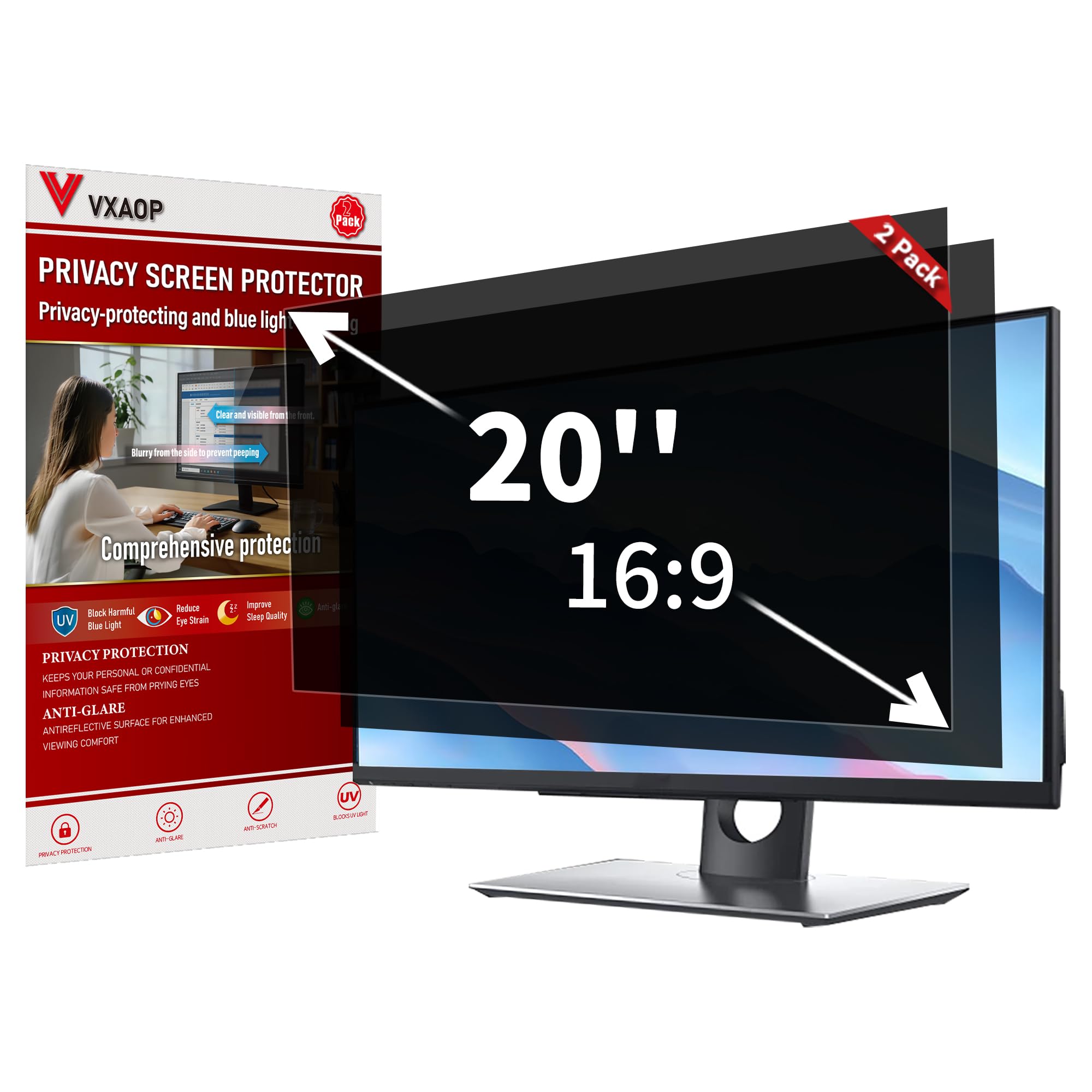
3. Vxaop 2-Pack 20 Inch Privacy Screen Filter
A two-pack that delivers 95% blue light reduction and privacy while staying affordable.
This is the budget-savvy choice for anyone with a 20-inch monitor — or two of them — who wants serious eye protection. It cuts 95% of blue light, which is a strong number for the price, and adds a 60° privacy viewing angle so coworkers can’t peek at your work. The 9H hardness rating means it’s scratch-resistant enough for daily office use, and the anti-glare matte coating handles reflections from overhead lights.
Owners consistently note it’s easy to install with a perfect fit, and the functional performance gets the most praise. The dual sides — glossy and matte — let you choose your preferred finish, with many opting for the matte side to kill glare. At 17.36″L x 9.76″W, it’s sized for 20-inch widescreen monitors at a 16:9 ratio, and it fits most flat and curved displays from major brands.
What wins people over is value: you get two filters for the price of one single unit from other brands. One owner noted the adhesives can trap dirt over time, leaving small dots, so keep the included cleaning cloth handy. For the combination of price, blue light blocking, and privacy, this two-pack is tough to top.
Reach for this if: You have a 20-inch monitor (or two) and want 95% blue light reduction plus privacy at a budget-friendly price.
Consider other options if: You need a larger size — this is specifically designed for 20-inch screens, so bigger monitors won’t fit.
4. RedANGEL 20-22 Inch Anti Blue Light Filter

The hang-and-go filter with zero adhesive, perfect for renters and shared monitors.
If the idea of sticking anything to your screen makes you nervous, this hanging filter removes that worry completely. It fits 20-inch, 21.5-inch, and 22-inch widescreen monitors with a viewable area of 19.7″W x 12.6″H, and it simply hangs over the bezel — no adhesive, no residue, no permanent commitment. You can pop it on for a long work session and take it off when you’re done.
Owners with chronic eye strain report working full 8-hour shifts without fatigue, with some calling it a “miracle worker” for eye pain and headaches. It’s built from thick acrylic with a 5H hardness rating, so it stays scratch-free even after a year of use, and it weighs little enough to hang without stress on the bezel. The glossy finish does mean it can pick up reflections in bright rooms, but the blue light filtering holds up.
Quality and eye protection are the most-praised aspects, and the lifetime replacement support is a nice safety net. The main thing to verify is your monitor size — it’s designed specifically for 20 to 22-inch screens, so measure the viewable area first. For an adhesive-free filter that protects your eyes without any installation hassle, this is a standout.
No-commitment comfort: Hang it when you need eye relief, remove it when you want the bare screen — perfect for rented office setups or shared computers.
One real caveat: It doesn’t offer privacy protection, so side views aren’t blocked if that’s also on your list.
5. Magicmoon 2-Pack 24 Inch Privacy Screen Filter

A wallet-friendly two-pack that adds privacy and a little eye relief to a 24-inch setup.
For a 24-inch monitor on a budget, this two-pack gives you privacy and blue light reduction in one package. It blocks 30% of blue light in the 380 to 495 nm range, which is a lighter touch than the heavy-duty filters but still helps with eye strain during long sessions. The privacy angle — about 30 to 60 degrees — makes the screen appear dark from the side while staying bright when you look directly at it.
Owners find it easy to install with a proper fit on 24-inch monitors, and two mounting options give flexibility: clear adhesive strips for a permanent hold, or slide mount tabs for raised bezels that let you take it on and off. The 3H hardness rating is the softest on this list, so it needs more care than the tough 9H panels. It also dims the display noticeably — some owners had to boost brightness to compensate.
The privacy performance gets the most attention, though a few noted that people walking directly behind you can still see the screen — it’s designed for side-angle blocking, not rear protection. For the price of a two-pack, it’s a solid entry-level option if you want some eye relief and privacy without a premium price tag.
Best for: A budget-conscious 24-inch monitor owner who wants basic privacy and mild blue light reduction in a two-pack.
Think twice if: You need heavy blue light blocking — the 30% reduction here is far lighter than the 95%+ filters on this list.
6. EZ-Pro 27 Inch Anti Blue Light Screen Filter

A 27-inch filter with a 9H-hard tempered glass build that takes eye fatigue seriously.
This is a premium option for 27-inch monitor users who want serious eye protection from a U.S.-based company. It blocks up to 80% of harmful blue light, and the 9H hardness rating — the toughest tier — means it’s built from tempered glass materials that resist scratches and dust. The panel measures 14″ height by 24.1″ width, and it attaches to the bezel without any adhesive, making it simple to put on or take off.
Customers note their eyes don’t ache as much after long sessions, with many noting significant relief from eye strain and even headaches. The fit on thin-bezel monitors earns the most praise — it sits well and even works with webcams attached. The glossy finish, however, creates a noticeable glare that some found distracting in bright rooms, and a few noted the blue light blocking isn’t total, with some wavelengths still passing through.
The included blue light testing kit is a nice touch — you can verify the filter is actually working. One owner reported fixing their sleep schedule in just three days. If you’re after a durable, high-quality 27-inch filter with a strong fit, this is a top contender, though the glare on the glossy surface is a fair trade-off to weigh.
Built to last: The tempered glass and 9H hardness (the toughest scratch-resistance rating) make it among the most durable panels on this list, holding up against daily wear.
The glare trade-off: The glossy finish that keeps colors vivid also picks up reflections — pair it with controlled lighting for the best experience.
7. JEEETINTX 27 Inch Magnetic Privacy Screen Filter
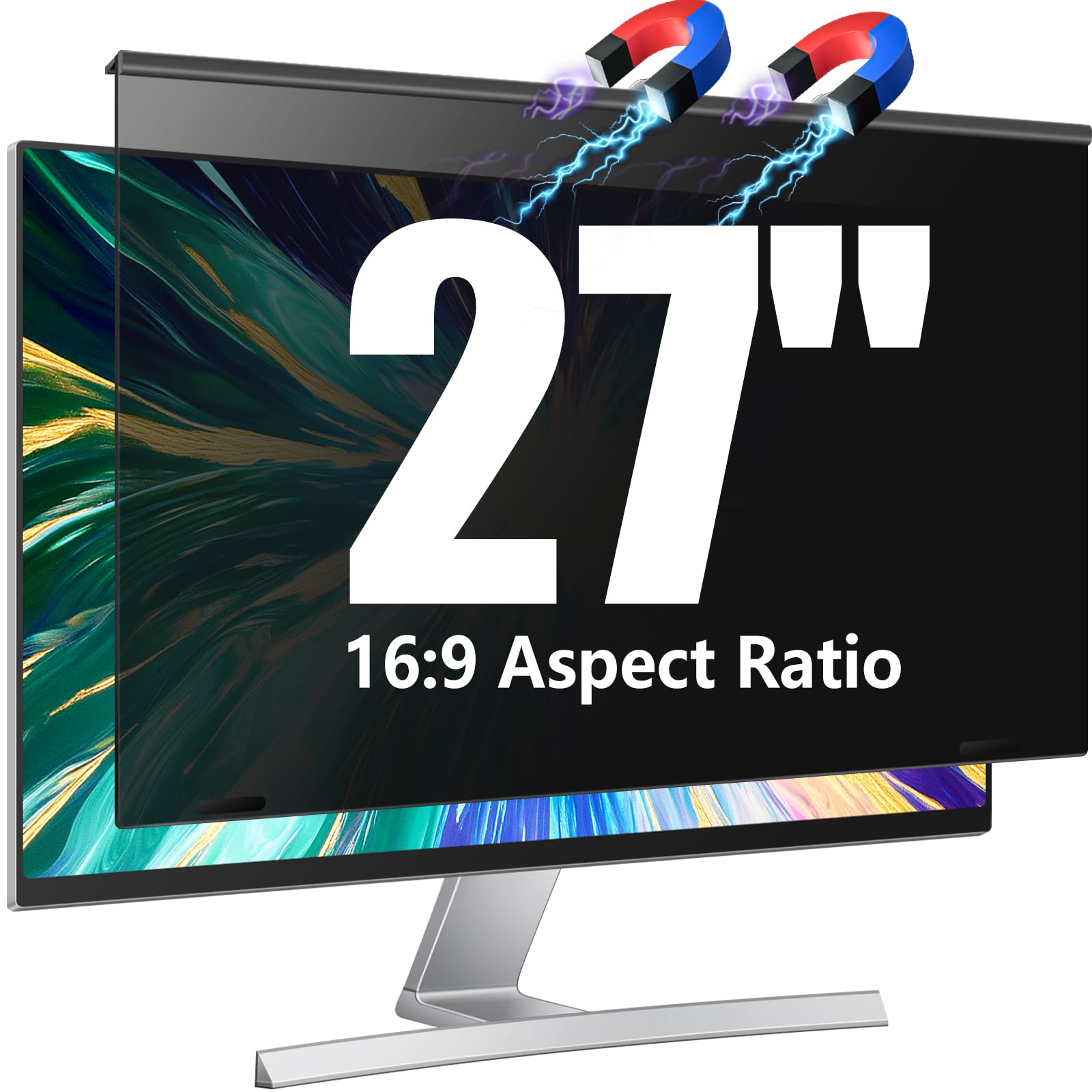
The one-second magnetic snap-on that combines privacy and eye comfort for a thin-bezel 27-inch monitor.
For a 27-inch monitor with a slim bezel, this magnetic filter is the easiest to live with — you attach it in about a second and pull it off just as fast when you need to share your screen. The 60° privacy protection blocks side views effectively, and the matte finish cuts glare while the blue light blocking eases eye strain during extended use. It’s built from a high-performance polycarbonate composite that the maker claims is over 30% stronger than fragile acrylic, resisting drops and daily bumps.
Owners love how simple it is to remove compared to other privacy screens, with one reception desk story standing out: the magnetic mount let the team pull it off when they needed to gather around the computer, then snap it back on for privacy. The fit is solid for thin-bezel monitors (sized at 23.6″x13.3″), though it won’t work on curved screens, and some found it slightly too big for a 23-inch display. The 9H hardness keeps it scratch-resistant, and the matte finish means less glare than glossy alternatives.
Privacy protection is the clear highlight — owners consistently confirm it completely obscures the side view. The value gets mixed feedback, with some feeling it’s a bit expensive, but the quality and easy removal win most people over. If you want a magnetic, removable privacy screen for a modern thin-bezel monitor, this is a strong choice.
Choose this if: You have a thin-bezel 27-inch monitor and want a magnetic screen you can snap on and off in seconds for privacy and eye relief.
Pass on it if: You have a curved monitor or a thicker bezel — the magnetic mount is designed specifically for flat, slim frames.
8. JEAPAK 2-Pack 24 Inch Magnetic Privacy Screen Filter
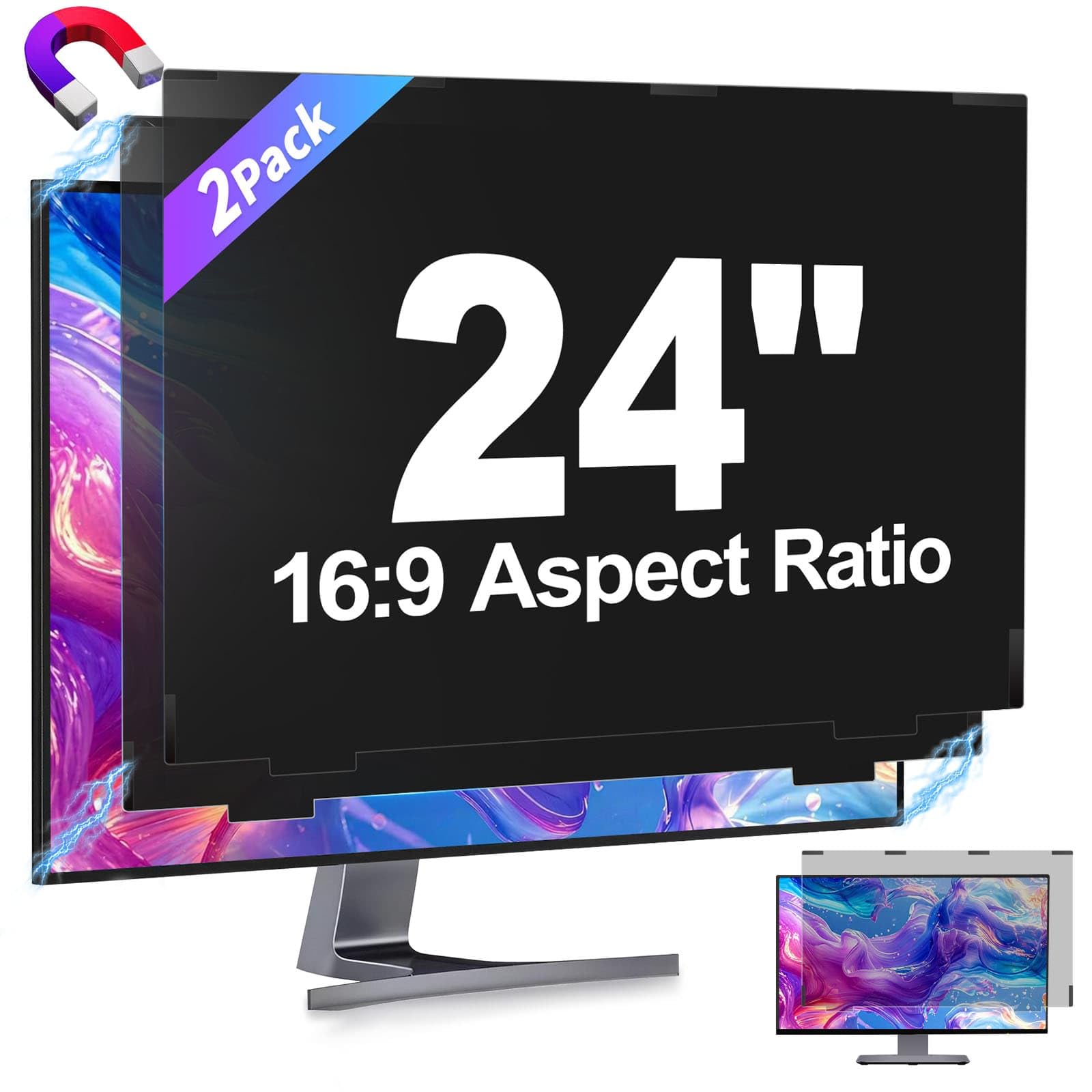
The premium two-pack with 98% blue light blocking and a magnetic snap-fit design.
This is the highest-rated pick on the list, and for good reason — it pairs serious eye protection with a premium magnetic design. It blocks 98% of blue light and 99% of UV rays, which is the strongest blue light reduction on this list, and the matte surface cuts glare without blurring your screen. The ±26° viewing angle keeps your work private from the sides, and the snap-fit magnetic design eliminates ghosting while keeping edges from curling or warping.
Owners with dual-monitor setups are the biggest fans — the two-pack covers both screens, and the magnetic install is easy, with no adhesives or tools required. The panels can be washed directly and keep their performance after repeated cleaning, so they’re built for long-term use. At 1.4 pounds for the pair at 20 15/16″ x 11 13/16″ visible size, they’re made for 24-inch flat monitors with a 16:9 ratio.
One honest note: the matte finish can add a bit of glare in certain lighting, and some owners bumped up their brightness to compensate. But the combination of 98% blue light blocking, magnetic convenience, and a two-pack value makes this a top-tier choice for a 24-inch dual-monitor workspace. If you want the strongest eye protection available, this delivers.
The eye-care powerhouse: 98% blue light and 99% UV blocking is the best on this list, making it the strongest choice for heavy screen users.
Premium price, premium build: The magnetic snap-fit and washable panels justify the higher cost for those who want a durable, long-term solution.
Understanding the Specs
Blue Light Blocking Percentage
This number tells you how much of the harsh blue light your screen emits gets filtered out. Higher percentages mean more protection for your eyes — a 98% blocker like the JEAPAK is far more effective than a 30% filter like the Magicmoon. If you work long hours or are sensitive to eye strain, aim for 80% or higher.
Clarity Rating
Clarity measures how transparent the filter is, with 100 being the clearest. A high clarity rating means your screen stays bright and colors stay true, while lower numbers can dim or soften the image. A filter that blocks blue light but keeps a clarity of 100 is the ideal balance — you get eye protection without sacrificing picture quality.
Hardness Rating (H)
Hardness measures scratch resistance on the pencil hardness scale. A 9H rating is the toughest — it resists scratches, dust, and daily wear — while a 3H or 5H filter needs more careful handling. If your screen takes a lot of bumps, go for the 9H panels for confidence.
Mounting Style
How the filter attaches to your monitor matters more than you’d think. Adhesive strips are permanent and look clean, hanging filters hook onto the bezel and are removable, and magnetic filters snap on and off in seconds. Your choice depends on if you want a set-and-forget solution or the flexibility to remove it for shared screen time.
FAQ
Will a screen protector for eyes fit my monitor size?
What’s the difference between blue light blocking and glare reduction?
Do adhesive screen protectors damage my monitor when removed?
Will a privacy filter help with eye strain too?
How do I know if a magnetic filter will fit my monitor?
What does the clarity rating mean for my picture quality?
Is a higher hardness rating always better?
Can I wash and reuse a screen protector filter?
Will a blue light filter help me sleep better?
What’s the difference between a screen protector and a screen filter?
Final Thoughts: The Verdict
For the majority of shoppers, the computer screen protector for eyes winner is the VizoBlueStop 27-28 inch because it combines up to 100% HEV blue light blocking with a clarity rating of 100 — the best balance of eye protection and picture quality. If you want serious privacy alongside eye relief, grab the JEAPAK 2-Pack with its 98% blue light blocking and magnetic convenience. And for a laptop on the go, the ANTOGOO V 15.6-inch is the one to reach for, pairing privacy with a matte anti-glare finish.
How We Picked
We do not accept paid placement. Every pick is matched to a real buyer and a real use-case; we do not hands-on test units.
Sources & Methodology
Specifications: manufacturer listings and product documentation. Review insights: verified customer reviews, as of August 2026. Pricing: not shown on this page (it changes often); check the current price via the retailer link.
As an Amazon Associate, FitlyFast earns from qualifying purchases. This does not affect which products we feature.