
Our readers keep the lights on and the weekend projects moving. As an Amazon Associate, I earn from qualifying purchases.
A cheap laser engraver that can’t cut through a piece of plywood or leaves burn marks instead of clean lines is not a deal, it is a paperweight. The difference between a frustrating starter machine and a reliable workshop tool often comes down to three numbers: laser power measured in milliwatts, the precision of the beam spot, and the real-world work area.
I’m Rikta — the co-founder and writer behind FitlyFast. I’ve spent weeks diving into laser module specifications, comparing motion system designs, and analyzing real user feedback across dozens of models to find the machines that genuinely balance performance with cost.
Whether you are a hobbyist making custom gifts or a small business owner scaling up production, finding the right affordable laser engraver means knowing which specs actually matter for your materials and projects.
How To Choose The Best Affordable Laser Engraver
Buying a laser engraver is a multi-year purchase. The entry price is low, but the wrong choice will cost you in wasted materials, frustrating software, and limited capabilities. Focus on the specs that define what you can actually make.
Laser Power and Module Quality
The advertised power (5W, 10W, 20W) determines what materials you can cut and how fast you can engrave. A true 10W diode laser cuts 5-6mm wood in a single pass and handles coated metals. Avoid 5W units if you plan to cut anything thicker than 3mm balsa wood. The laser module itself matters for longevity — modules with built-in cooling fans or air-assist interfaces run cooler and last longer.
Spot Size and Precision
The laser spot size directly controls the finest detail your machine can reproduce. A 0.06mm spot is standard for most 10W machines and produces sharp text and clean lines. Machines claiming 0.01mm precision are using compression technology, which delivers smoother gradients on photos and finer detail on jewelry or small signage. For most hobby work, 0.06mm is adequate, but for photo engraving on coated metal or stone, a finer spot makes a visible difference.
Work Area and Expansion Options
Measure your typical projects before buying. A 300x300mm bed handles coasters, phone cases, and small signs. A 400x400mm or larger area lets you work on cutting boards, larger panels, or multiple items in one run. Some machines offer extension kits that double the Y-axis, useful if you plan to grow beyond small projects. Rotary attachments expand capability to cylindrical objects like tumblers and bottles.
Safety Features and Enclosure Design
Open-frame laser engravers (Class 4) require dedicated safety glasses and a ventilated space. Enclosed machines with Class 1 certification filter harmful radiation and automatically stop the laser when the lid opens — much safer for home workshops. Look for flame sensors, tilt detection, emergency stop buttons, and child safety locks if you have kids or pets around.
Software Compatibility and Connectivity
LightBurn is the industry standard for professional results, supporting layered designs, image tracing, and precise control. LaserGRBL is a free alternative for basic engraving. Some newer machines include a built-in touchscreen with proprietary software (AlgoOS) that eliminates the need for a computer. Offline capability via TF card or USB is convenient for repeat jobs. WiFi connectivity simplifies file transfer but can introduce latency on large files.
Quick Comparison
On smaller screens, swipe sideways to see the full table.
| Model | Category | Best For | Key Spec | Amazon |
|---|---|---|---|---|
| LONGER RAY5 | Mid-Range | Expandable work area & touchscreen | 400x400mm, 10W, 0.06mm spot | Amazon |
| AlgoLaser 20W MK2 | Premium | Deep cuts & photo engraving | 20W, 0.06mm spot, 20,000mm/min | Amazon |
| AlgoLaser Pixi 10W | Premium | No-computer smart engraving | 10W, 0.08mm spot, touchscreen | Amazon |
| CREALITY FALCON 10W | Premium | Complete bundle with rotary roller | 10W, 0.06mm spot, rotary included | Amazon |
| Woxcker L2 MAX | Mid-Range | Enclosed safety & fast engraving | 10W, 0.01mm spot, 20,000mm/min | Amazon |
| Ortur Laser Master 2 Pro S2 | Mid-Range | Speed & dual-fan cooling | 10W, 0.05×0.1mm spot, 15,000mm/min | Amazon |
| BlazeX M3 | Mid-Range | All-in-one starter kit with enclosure | 10W, 0.01mm precision, 200+ materials | Amazon |
| ACMER P1 S Pro | Mid-Range | Large work area & WiFi control | 10W, 0.06mm spot, 380x370mm | Amazon |
| Twotrees TTS-10 Pro | Budget | Entry-level with full metal frame | 10W, 0.069mm spot, 300x300mm | Amazon |
In‑Depth Reviews
1. LONGER RAY5
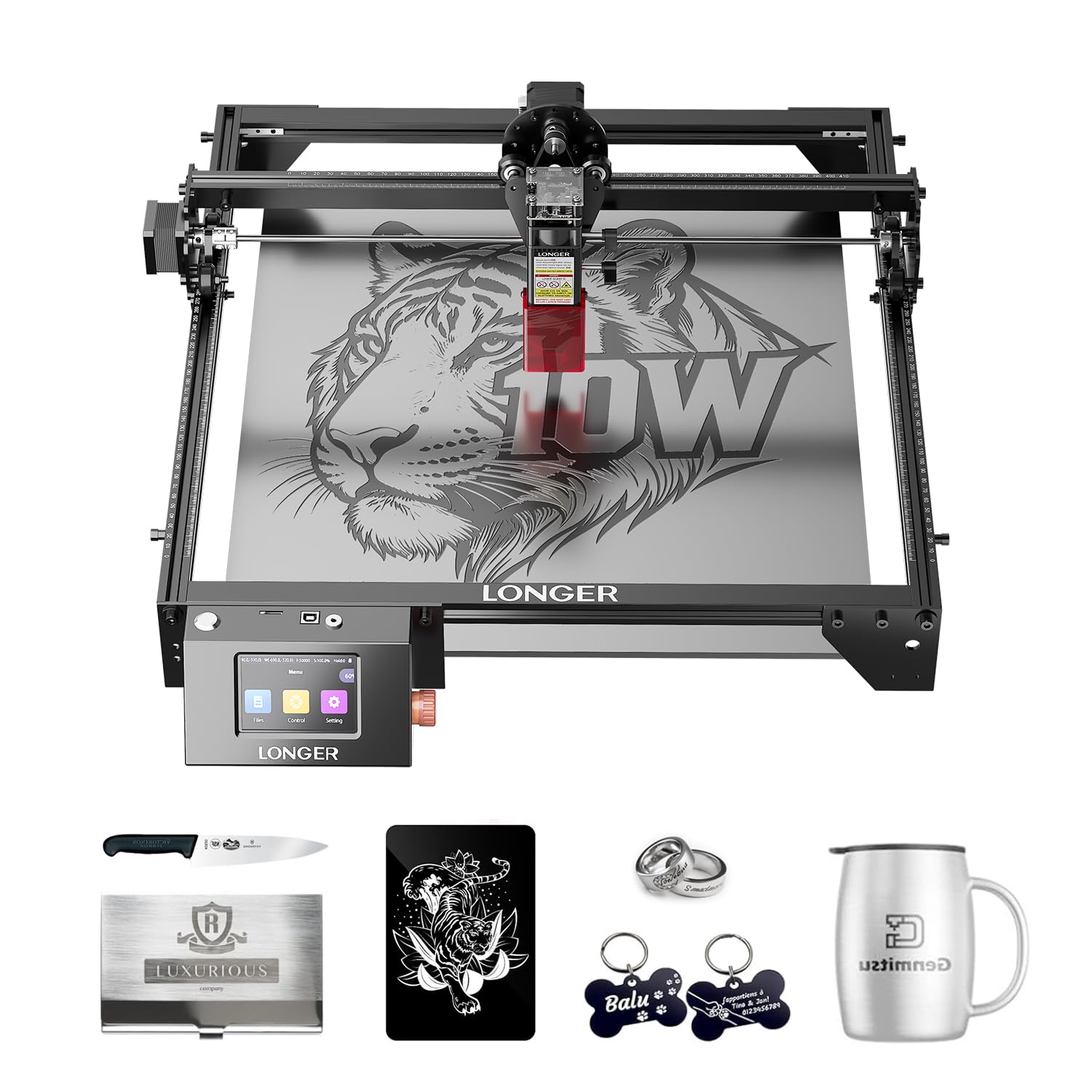
The LONGER RAY5 stands out for its generous 400x400mm stock work area, which is one of the largest at this price point, and the option to expand it further to 850x400mm with an extension kit. The 3.5-inch color touchscreen makes it easy to control engraving jobs without a computer, and the included protective cover and safety glasses add peace of mind. Its 10W dual-beam laser cuts through 20mm wood and 30mm acrylic, making it powerful enough for serious hobby work.
Users consistently praise the build quality and the responsive customer support from Longer. The touchscreen interface is intuitive for selecting files from a TF card or adjusting settings on the fly. The mainboard uses a 32-bit core for stable operation, and the machine supports Wi-Fi, USB, and mobile app connectivity. Some users noted that initial LightBurn setup required adjusting the device boundaries, but once configured, the machine produced consistent results.
For small business owners or dedicated hobbyists who need room to grow, the RAY5 offers the best balance of power, work area, and ease of use in the mid-range. The expandable bed is a feature you will appreciate as your projects get bigger.
Why it’s great
- Expansive 400x400mm work area with upgrade path
- Intuitive 3.5-inch touchscreen for offline use
- Cuts 20mm wood and 30mm acrylic in a single pass
Good to know
- Assembly instructions could be clearer
- LightBurn boundary setup requires manual tweaking
2. AlgoLaser 20W MK2

The AlgoLaser Alpha MK2 is the powerhouse of this list, packing a 20,000mW COS laser module that cuts through 15mm wood cleanly in a single pass. It also features a built-in smart air pump that blows smoke and debris away from the cut line, resulting in cleaner edges and less charring. The 3.5-inch touchscreen runs the AlgoOS system, allowing you to start engraving directly without connecting to a laptop.
What sets the MK2 apart is its speed — up to 20,000mm/min, which is roughly three times faster than many entry-level machines. The dual-core CPU handles complex G-code files without stuttering, and the 32GB of internal memory stores hundreds of designs. Users have successfully engraved detailed photo portraits on polished black stone, capturing fine fur texture and eye glints, a testament to the laser’s precision and consistency.
This is the machine for users who want to cut thicker materials, run batch production, or engrave highly detailed images without upgrading within a year. The semi-enclosed design and seven safety features (flame detection, emergency stop, auto-pause on lid open) make it suitable for a home workshop.
Why it’s great
- 20W laser cuts 15mm wood in one pass
- Built-in air assist keeps cuts clean
- Touchscreen and AlgoOS eliminate computer dependence
Good to know
- Premium price reflects the higher power
- Requires well-ventilated space despite semi-enclosed design
3. AlgoLaser Pixi 10W

The AlgoLaser Pixi 10W is the most beginner-friendly machine in this lineup — it arrives fully assembled and requires zero setup beyond plugging it in. The 3.5-inch touchscreen runs AlgoOS, which supports hand drawing (AlgoSketch), text creation (AlgoType), and direct file uploads via WiFi or USB-C. There is no need to install software on a computer; the machine operates entirely offline.
With a 0.08mm spot size and 317.5 LPI resolution, the Pixi delivers crisp text and detailed line art on wood, leather, coated metal, and glass. The Class 1 safety certification means the laser stops instantly if the lid is opened, and the auto-pause door prevents accidental exposure. Users report excellent results on suede phone cases, wooden coasters, and thin metal tags right out of the box.
The trade-off is a smaller 10.5×8.5×7.7-inch work area, which limits large-format projects. Some users noted minor smoke leakage from the door seal and a learning curve for the touchscreen interface. But for anyone who wants to start engraving within minutes of unboxing without learning LightBurn, the Pixi is unmatched.
Why it’s great
- Fully assembled, plug-and-play out of the box
- Touchscreen with AlgoOS for drawing and text
- Class 1 safety with auto-pause lid
Good to know
- Small work area limits large projects
- Smoke leakage from door seal reported
4. CREALITY FALCON 10W

The CREALITY FALCON 10W bundle is designed for users who want everything they need to start engraving immediately. The package includes a 10W laser module, a rotary roller for cylindrical objects (tumblers, glasses, bottles), a honeycomb bed, and an air assist kit. The rotary roller itself is versatile, accommodating objects from 1mm to 110mm diameter with adjustable jaws, and it supports spheres and ring-shaped items via different clamping methods.
The laser’s 0.06mm super fine spot and repositioning accuracy under 0.007 inches deliver clean, detailed results. Users praise the 10-20 minute assembly time and the Falcon Design Space software, which is beginner-friendly. The 10W module cuts 12mm wood and 3mm black acrylic in one pass at 10,000mm/min, and the included air assist keeps cut edges smooth by reducing excessive burning.
The major caveat is the product manual, which users describe as tiny and poorly written. Some experienced connectivity issues with LightBurn initially, and a small number of users received defective units. However, the majority find the value unbeatable for a complete starter kit that includes a rotary attachment — a feature typically sold separately.
Why it’s great
- Complete bundle with rotary roller and air assist
- Versatile rotary handles spheres, rings, and cylinders
- Easy assembly and beginner-friendly software
Good to know
- Manual is poorly written and lacks detail
- Some units arrive with connectivity issues
5. Woxcker L2 MAX

The Woxcker L2 MAX prioritizes safety without sacrificing speed or precision. It is fully enclosed with a Class 1 certification, meaning the laser stops if the lid opens, and it includes a flame sensor, emergency stop button, safety lock, and a 15-degree tilt auto-pause. The aluminum frame and modular five-part assembly system make it easy for beginners to put together — users report 30-40 minutes saved compared to other models.
The machine uses point compression technology to achieve a 0.01mm square focus, allowing for exceptionally fine detail on metal, wood, leather, and even food. Engraving speeds reach 20,000mm/min, which translates to engraving a cup in under 25 minutes — roughly half the time of slower machines. The 300x300mm work area is standard, but the real differentiation is the speed and safety integration.
Some users noted that the laser head shroud can trap grit and heat, potentially damaging the lens over time. The manufacturer has sent replacement lenses to affected users, and installing an external air assist is recommended for longevity. For home users with kids or pets, the enclosed safety design is a major advantage that is rare at this price point.
Why it’s great
- Full Class 1 enclosure with flame and tilt sensors
- 0.01mm ultra-fine focus for high detail
- Fast 20,000mm/min engraving speed
Good to know
- Laser head shroud may trap grit and heat
- External air assist recommended for lens protection
6. Ortur Laser Master 2 Pro S2
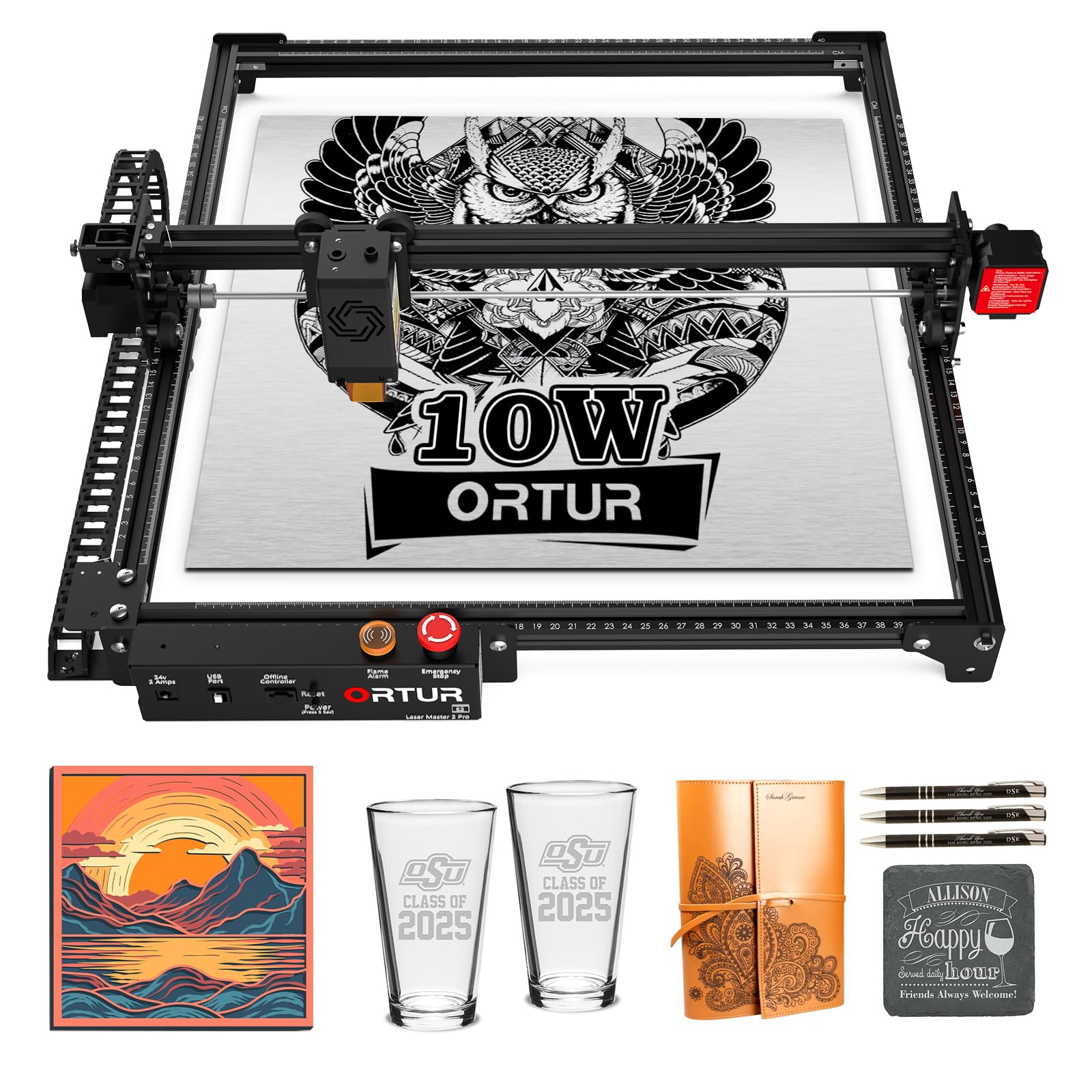
The Ortur Laser Master 2 Pro S2 is built for speed, with a 15,000mm/min engraving rate and a lightweight 235g laser module that reduces inertia for faster movement. The LU2-10A module features dual fans for active cooling, which helps maintain consistent power during long engraving sessions. Its 390x410mm work area is among the largest in the 10W class, suitable for medium-sized projects.
The compressed spot measures 0.05×0.1mm, which produces sharp text and clean lines on wood, acrylic, and coated metal. The industrial-grade full metal frame provides stability during high-speed operation. Ortur includes four safety features: active position protection, USB disconnect stop, emergency stop switch, and exposure time limit. The machine supports LaserGRBL and LightBurn on Windows and macOS.
Users mention that the assembly instructions are poor, but YouTube guides fill the gap. The learning curve for LightBurn is steeper than some all-in-one systems, but the hardware is reliable once configured. The dual-fan cooling system is a genuine advantage for users who run multiple jobs back-to-back without letting the module cool down.
Why it’s great
- Large 390x410mm work area for medium projects
- Dual-fan cooling for extended operation
- Fast 15,000mm/min engraving speed
Good to know
- Assembly instructions are unclear
- Learning curve for LightBurn software
7. BlazeX M3
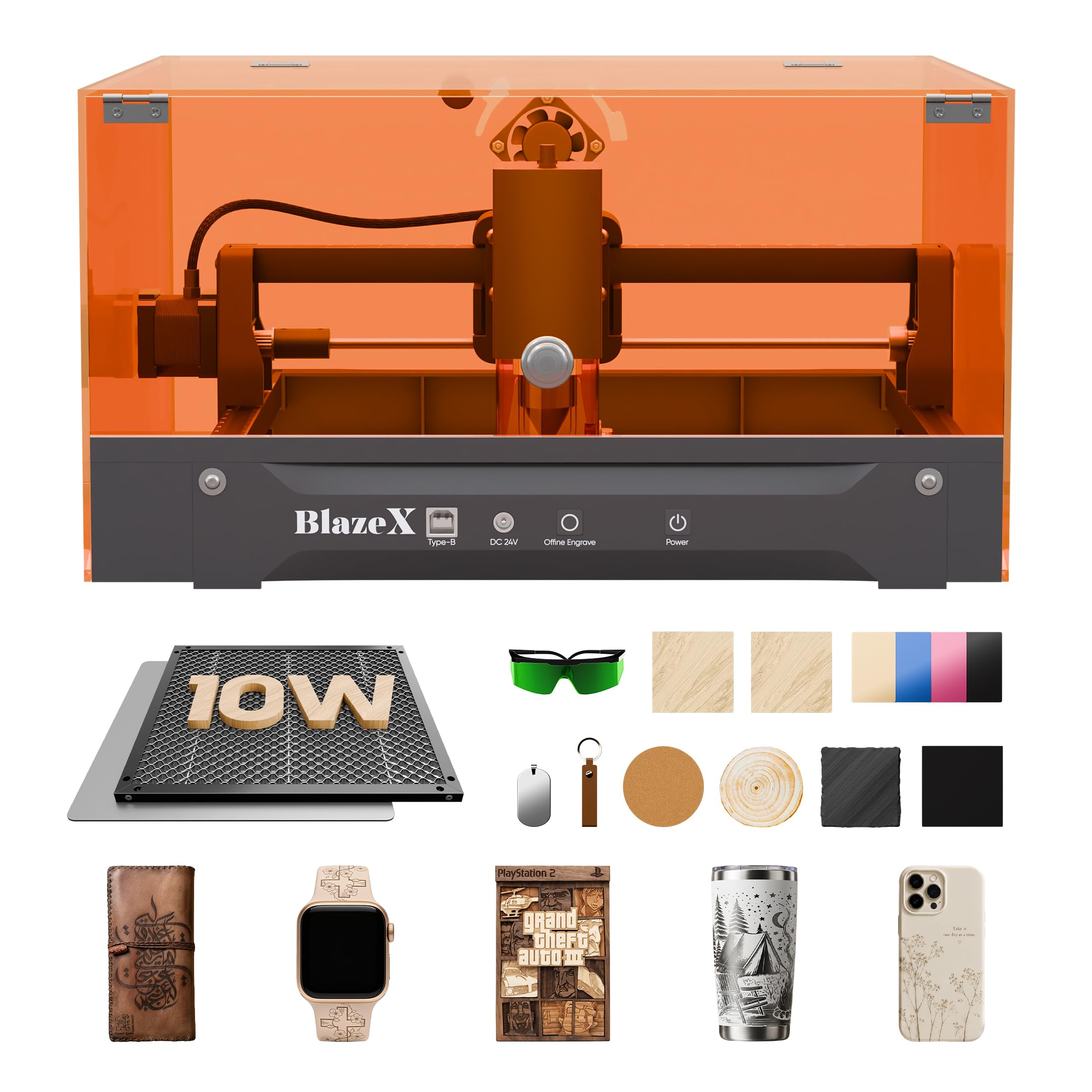
The BlazeX M3 targets beginners by including everything needed for the first session: a protective enclosure, honeycomb laser bed, tool kit, and 13 pieces of engraving material. The machine itself features a 10W laser module with 0.01mm ultra-fine accuracy, covering over 200 materials including wood, leather, glass, and coated metal. The Class 1 safety rating with automatic lid stop makes it safe for use in shared spaces.
The integrated fan exhaust system pulls smoke and odors away, keeping the work area clean. Smart sensors trigger an automatic stop if the machine tilts or the lid opens, adding an extra layer of protection. The M3 is compatible with LightBurn, LaserGRBL, and CutLabX across Windows, macOS, iOS, and Android, giving users flexibility in software choice.
Users report that the initial setup can be challenging for true beginners, but the customer service team responds quickly to help dial in settings. The honeycomb bed is particularly praised for providing stable support and protecting the work surface from scorching. For someone who wants to avoid hunting down accessories separately, the M3’s bundled approach saves time and frustration.
Why it’s great
- Complete starter kit with enclosure and materials
- Class 1 safety with tilt and lid sensors
- 0.01mm precision for detailed engraving
Good to know
- Setup can be tricky for absolute beginners
- Customer support is helpful but response needed
8. ACMER P1 S Pro
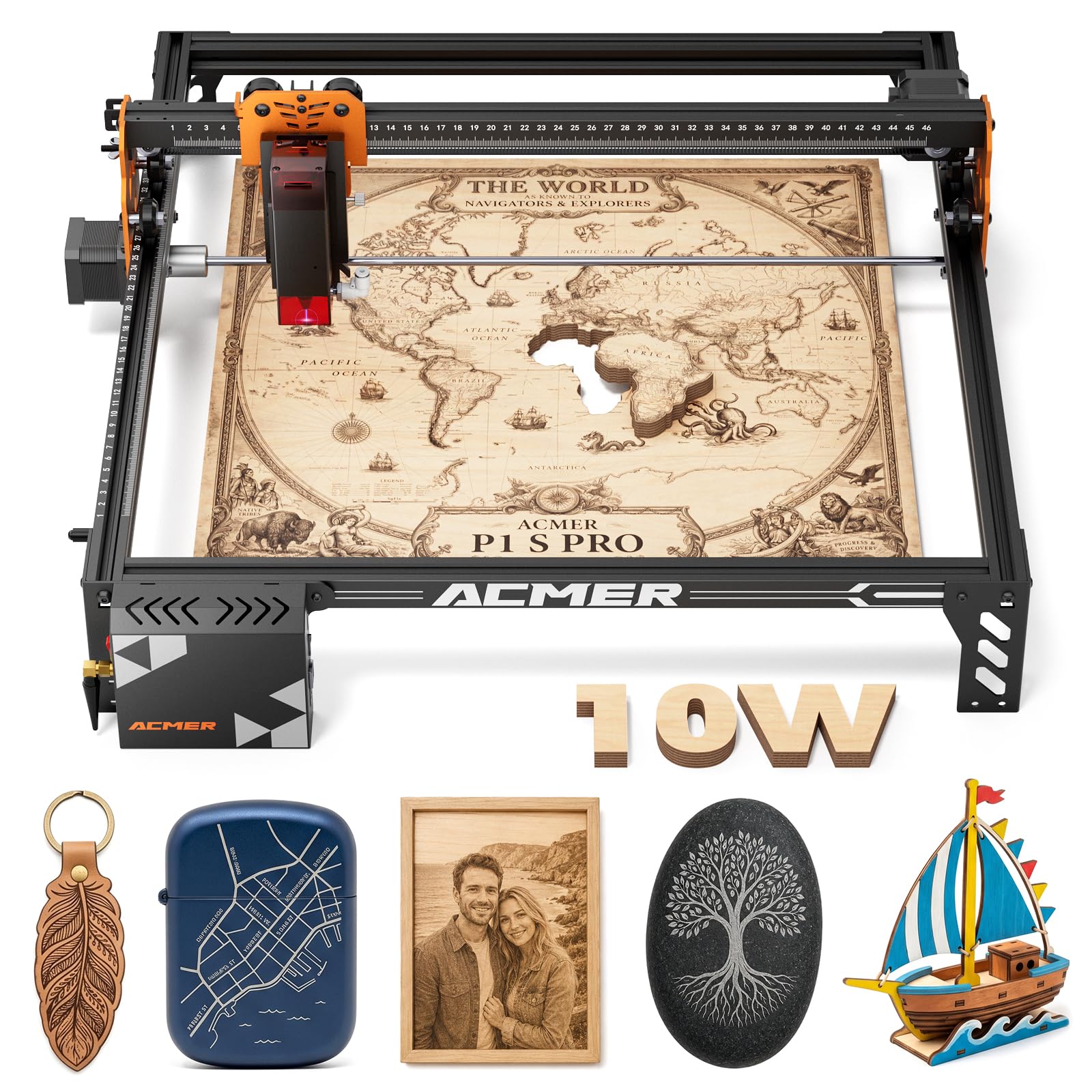
The ACMER P1 S Pro offers a 380x370mm work area that rivals more expensive machines, along with a dual-beam 10W laser module that produces a fine 0.06mm spot. It cuts 12mm wood and 8mm acrylic in a single pass, and its Class 1 safety certification with included laser glasses ensures eye protection. Connectivity options include WiFi, USB, and TF card, and the machine works with PC software and mobile apps.
The modular frame design is straightforward to assemble, and users on both Windows and Linux (LaserGRBL on Ubuntu) report smooth setup. The optional rotary attachment expands capability to cylindrical objects. The machine is compatible with over 100 materials, including wood, bamboo, acrylic, leather, coated metals, anodized aluminum, glass, and paper.
The primary drawback is the instruction booklet, which some users found lacking — especially for assembling the unit and connecting to software. A few users reported receiving units with assembly defects, but the seller replaced them promptly. For users who need a large work area without paying a premium, the ACMER P1 S Pro delivers solid performance.
Why it’s great
- Large 380x370mm work area at a mid-range price
- Class 1 safety with included laser glasses
- WiFi, USB, and TF card connectivity
Good to know
- Assembly instructions are poor
- Some units arrive with defects needing replacement
9. Twotrees TTS-10 Pro
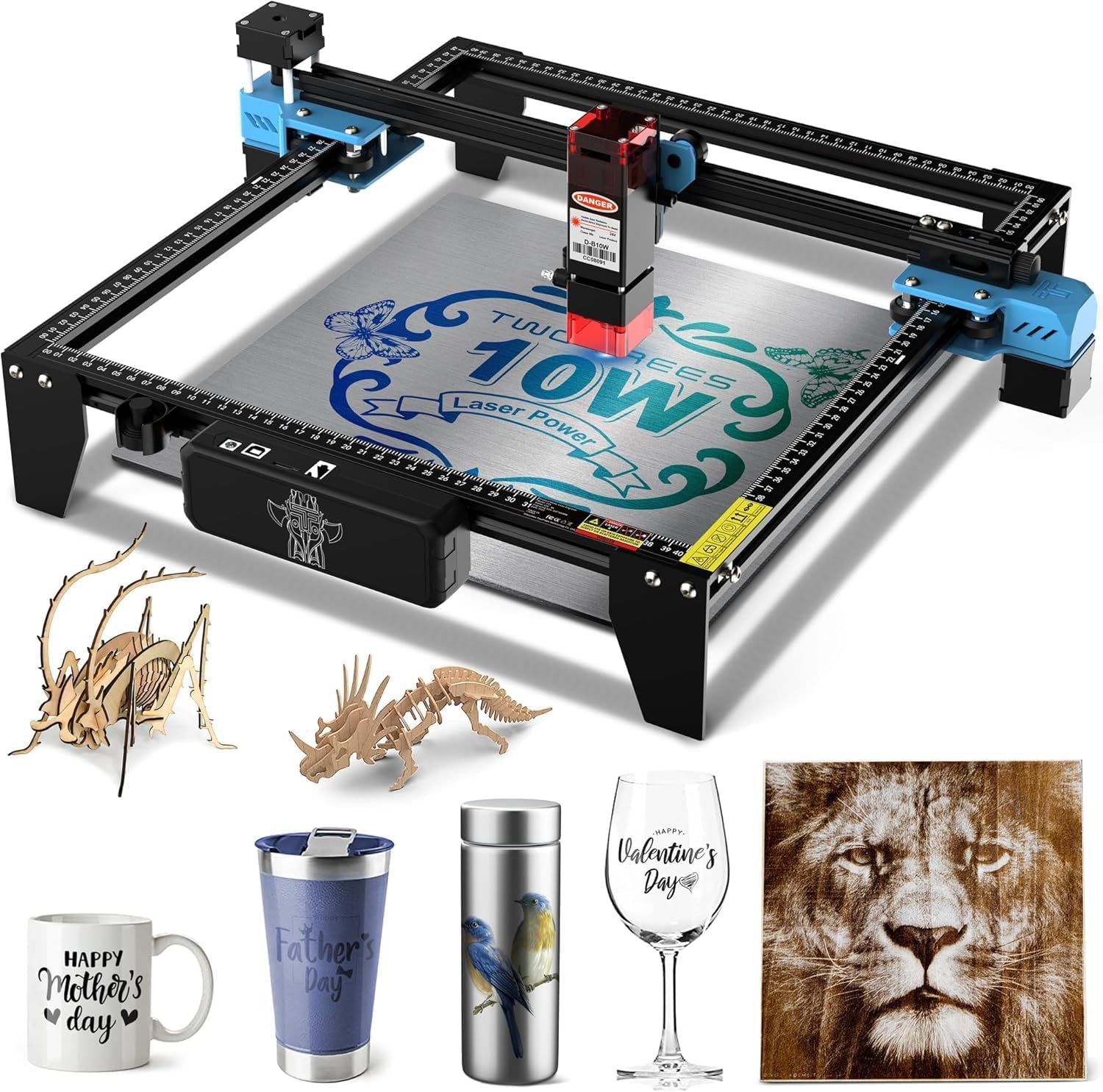
The Twotrees TTS-10 Pro is the most budget-friendly entry point that still offers a genuine 10W laser module. The 450nm blue light diode laser engraves wood, bamboo, acrylic, leather, dark glass, and coated or anodized metal. The 300x300mm work area handles small projects like coasters, keychains, and phone cases. The full aluminum alloy frame with dual Y-axis motors and GT2-6mm belts provides a stable base.
The 32-bit dual-core MCU mainboard processes files faster than older 8-bit controllers, and the included 4GB TF card allows offline operation — just save your file and insert to start. The machine supports LightBurn and LaserGRBL, and the manufacturer provides a wiki with video tutorials. Users appreciate how easy it is to assemble and get started, with many praising the helpful seller support.
The biggest limitation is that this machine cannot engrave bare stainless steel or uncoated metal without a marking spray. The 0.069mm spot is slightly larger than some competitors, meaning fine details are good but not exceptional. For a first laser engraver on a tight budget, the TTS-10 Pro offers surprising value without cutting corners on build quality.
Why it’s great
- Genuine 10W laser at an entry-level price
- Full metal frame with dual Y-axis motors
- Offline engraving via included 4GB TF card
Good to know
- Cannot engrave bare stainless steel without spray
- 0.069mm spot is adequate, not exceptional
FAQ
Can a 10W laser engraver cut through wood or acrylic?
What materials cannot be engraved with a diode laser?
Is LightBurn worth the cost for an affordable laser engraver?
Do I need an air assist for my laser engraver?
How important is a safety enclosure for home use?
Final Thoughts: The Verdict
For most users, the affordable laser engraver winner is the LONGER RAY5 because it combines a large 400x400mm expandable work area, a 10W dual-beam laser, a useful touchscreen, and solid build quality at a mid-range price. If you want the deepest cuts and photo-quality engraving on stone and metal, grab the AlgoLaser 20W MK2. And for a completely computer-free experience that works out of the box, nothing beats the AlgoLaser Pixi 10W.