
Our readers keep the lights on and the weekend projects moving. As an Amazon Associate, I earn from qualifying purchases.
A 15-inch digital photo frame changes how you interact with your album. Instead of swiping through a phone gallery, your best shots cycle through on a dedicated, wall-mountable display that demands attention. The jump from a 10-inch or smaller frame to a 15.6-inch model is significant — the surface area nearly doubles, which means your photos become a true piece of room decor rather than a bedside novelty.
I’m Rikta — the co-founder and writer behind FitlyFast. I’ve spent hundreds of hours digging into the spec sheets, app ecosystems, and real-world performance of the current 15-inch digital photo frame market to separate the polished performers from the sluggish also-rans.
Whether you prioritize a zero-subscription cloud system, a wooden frame that blends into your living room, or the largest storage for a multi-generational family album, this guide to the 15 inch digital photo frame category covers the nine models that actually deliver on their promises.
How To Choose The Best 15 Inch Digital Photo Frame
Not all 15.6-inch frames are built the same. The display panel quality, the app used to send photos, and the storage capacity are the three pillars that define your day-to-day experience. Ignore any of them and you end up with a frame that feels sluggish, forces you into a paid subscription, or displays your photos with washed-out colors.
Screen Quality: Resolution and Panel Type
A 15.6-inch frame with a resolution below 1920×1080 will look noticeably soft when viewed from a typical distance of three to six feet. IPS panels are critical at this size — they maintain color accuracy and brightness when viewed from the side, which is important if the frame sits on a side table or is mounted in a hallway where people walk past at an angle. Anti-glare coatings also matter if the frame will hang opposite a window.
App Ecosystem and Sharing Limitations
The app you use every day to send photos defines the frame’s usefulness. Frameo is the most common free app and supports unlimited family members, but some versions limit batch uploads to ten photos at a time. Nixplay offers free cloud storage and a robust web interface but starts charging for advanced features after a trial period. Skylight’s app is the simplest for elderly users but ties you to their cloud and requires an email-based sharing system. Never assume a frame supports video — many cap video at 15 seconds or don’t play audio at all.
Storage: Local vs. Cloud
Internal storage ranges from 2 GB on premium subscription-dependent frames to 64 GB on mid-range models. A 64 GB frame holds roughly 20,000 photos at standard resolution, which is enough for years of shared family albums without ever touching the cloud. Frames with 32 GB or less fill up faster, which may push you toward a subscription if the manufacturer limits cloud storage after a certain amount. Also check whether the frame accepts SD cards or USB drives — this is essential if the recipient lives in an area with unreliable WiFi.
Quick Comparison
On smaller screens, swipe sideways to see the full table.
| Model | Category | Best For | Key Spec | Amazon |
|---|---|---|---|---|
| Pexar Starlight | Premium | Gallery-style display & anti-glare | 64GB + gallery backlighting | Amazon |
| Skylight 15-Inch | Premium | Non-tech-savvy family members | 1280×800 resolution | Amazon |
| KODAK 15.6-Inch | Mid-Range | Wood frame & batch uploads | 64GB + wood-style MDF frame | Amazon |
| KPKUE 15.6-Inch | Mid-Range | Large storage & album organization | 64GB + album management | Amazon |
| Humblestead 15.6-Inch | Mid-Range | WiFi 6 fast batch transfers | 64GB + WiFi 6 support | Amazon |
| ARZOPA 15.6-Inch | Mid-Range | Unlimited free cloud storage | 32GB + anti-glare touchscreen | Amazon |
| ApoloSign 15.6-Inch | Mid-Range | Nixplay ecosystem & motion sensor | 32GB + Nixplay SenseMe sensor | Amazon |
| FLYRUIT 15.6-Inch | Value | Calendar sync & family use | 32GB + wood frame aesthetic | Amazon |
| FRAMEO 15.6-Inch | Value | Budget-friendly entry point | 32GB + 16:10 aspect ratio | Amazon |
In‑Depth Reviews
1. Pexar Starlight 15.6″ Digital Picture Frame
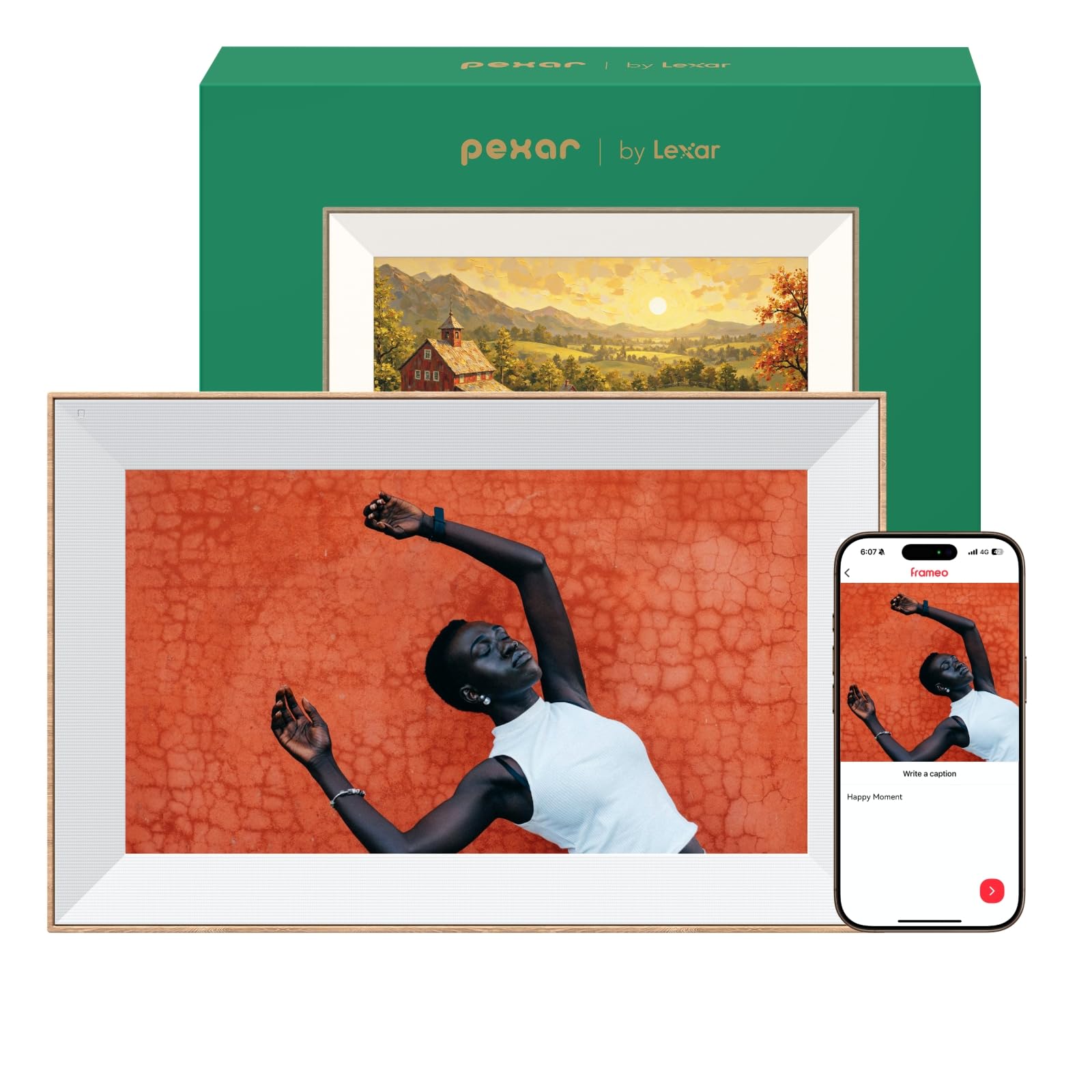
The Pexar Starlight, powered by Lexar, is the most visually striking frame in this lineup. Its 15.6-inch IPS anti-glare display is paired with a built-in gallery light that backlights your photos from within the frame, creating a warm, dimensional effect that mimics a real wall-mounted art piece. The 1920×1080 resolution and auto-brightness adjustment ensure the image stays vivid whether the room is dim or flooded with afternoon sun.
With 64 GB of internal storage, this frame holds over 80,000 photos at a standard file size before you even consider expandable SD or USB options. The one-minute initial setup is genuinely fast, and the companion app allows you to send images to multiple Pexar frames simultaneously. Privacy compliance (GDPR, CCPA, PSTI) adds peace of mind for families concerned about where their photos live.
A small but notable concern is OS stability — a few owners report the frame crashing or restarting when navigating through albums, suggesting the hardware may be slightly underpowered for the slick interface. Still, for image quality and design, this frame sits in a class of its own.
Why it’s great
- Gallery backlighting adds depth unavailable on any other frame
- Anti-glare IPS screen reduces reflections from all angles
- 64 GB onboard storage with SD/USB expandability avoids cloud dependency
Good to know
- Some users report OS crashes during album navigation
- Premium price point vs. mid-range competition
2. Skylight Digital Picture Frame 15 Inch
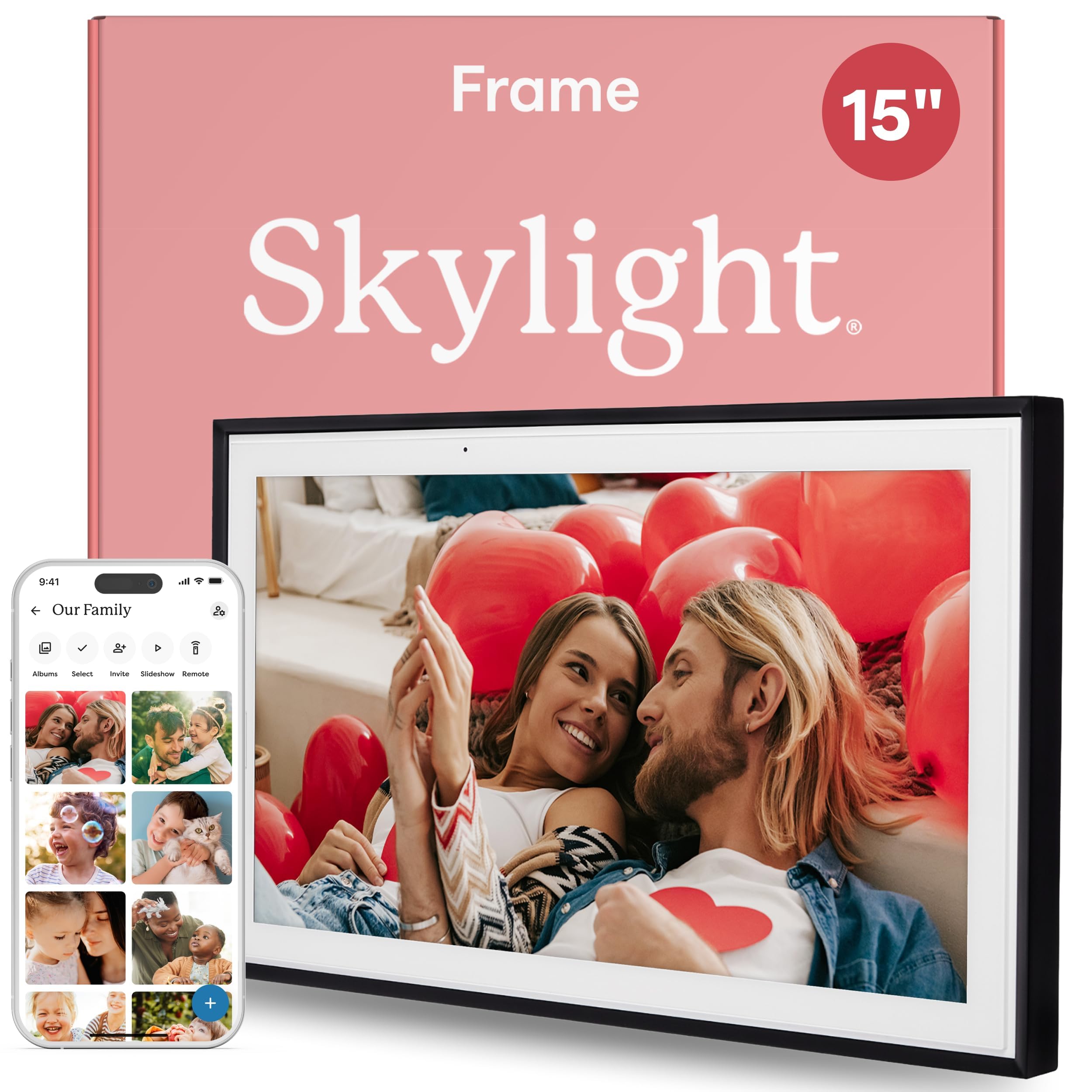
Skylight dominates the “gift for grandma” category for a reason. The setup is genuinely plug-and-play: connect to WiFi, receive a unique email address, and anyone can send photos directly to the frame without downloading an app. This eliminates the friction of teaching a non-tech-savvy user how to navigate app stores and account creation. The 15-inch display runs at 1280×800 resolution — lower than the Full HD panels on most competitors, but acceptable for the use case where recipients view photos from a distance.
Gift Mode is the standout feature here — you can preload photos onto the frame before the recipient unboxes it, making it a ready-to-enjoy present that feels personal from the moment it’s turned on. The frame also works offline for viewing existing photos, though WiFi is required to receive new ones. Cloud-based storage means no SD cards to manage, and the minimalist black design blends into most home aesthetics without competing for attention.
The trade-off comes in internal storage. At only 2 GB of onboard memory, you’re reliant on Skylight’s cloud service to rotate photos in and out. There’s no expandable storage option, and the cloud service is tied to the frame — if you ever stop using it, your photos don’t have a local fallback beyond what’s currently stored. For a family that sends a steady stream of new photos, this system works beautifully. For someone who wants a standalone archive, look elsewhere.
Why it’s great
- No app required for senders — email or app upload works for anyone
- Gift Mode lets you preload photos before the recipient unboxes
- Offline mode plays existing photos without WiFi
Good to know
- Only 2 GB internal storage — cloud-dependent for new photos
- 1280×800 resolution is below the 1080p standard of competitors
3. KODAK 15.6 Inch WiFi Digital Picture Frame
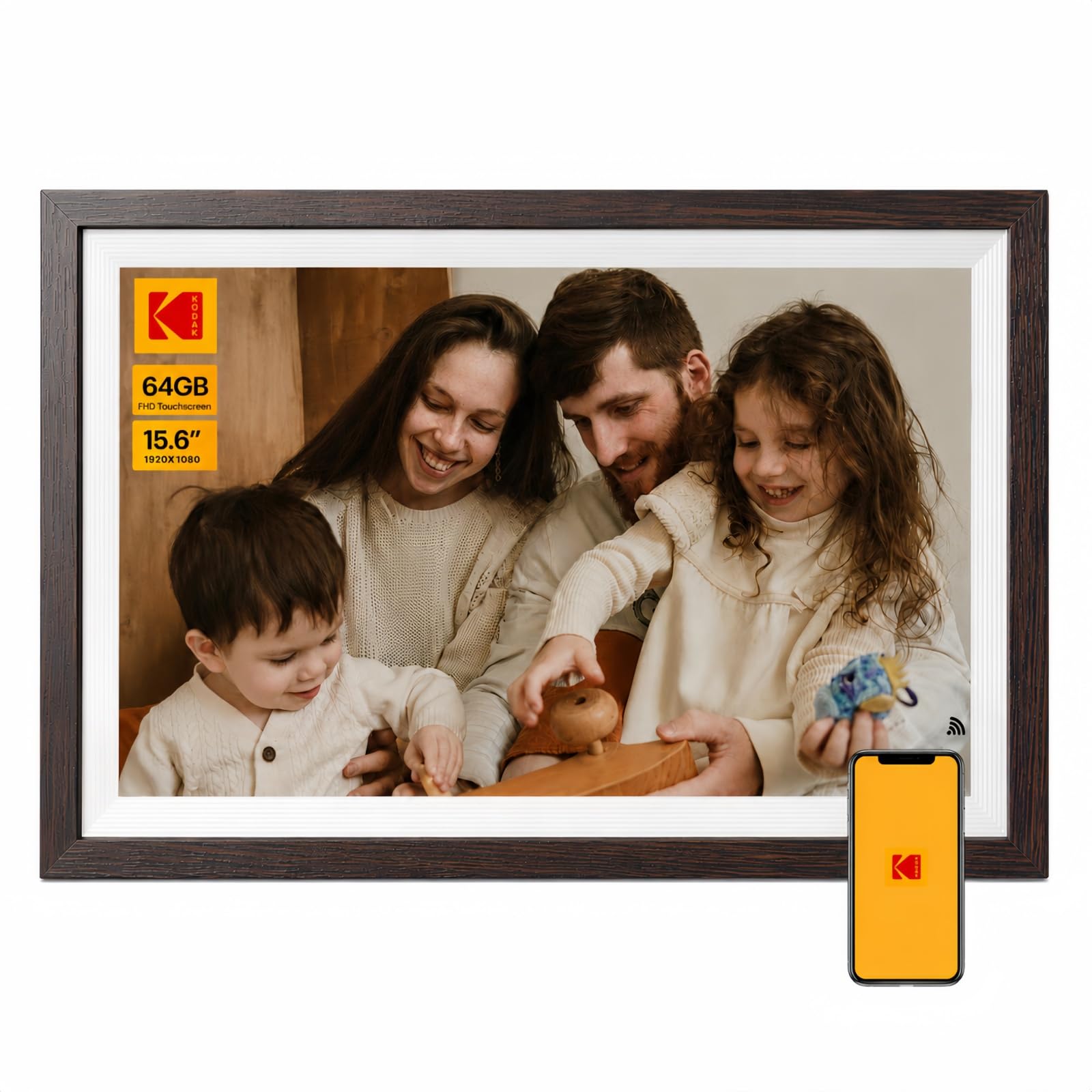
KODAK leverages its brand heritage with a 15.6-inch frame that surrounds your photos in an MDF wood-style border. It’s one of the few frames in this category that actively tries to look like furniture rather than a black plastic tablet. The 1920×1080 IPS touchscreen delivers crisp, saturated photos, and the RK3326S quad-core processor keeps the interface responsive during slideshows and album navigation.
The app supports batch uploads of up to 120 photos at once, which is significantly higher than the 10-photo limit on many Frameo-based frames. You can also email photos directly to the frame or transfer via USB/SD card for offline use. AI-assisted photo creation before upload is a nice bonus, letting you crop or enhance images on your phone before they arrive on the frame. The 3-day weather widget and programmable sleep/wake timer round out the practical daily features.
A notable complaint centers on the app. Some users report the app misspells “KODAK” in the store listing and is developed by a third-party in China, leading to account creation failures on certain iPhone models. This suggests the app QA is inconsistent — if you’re buying for someone who needs flawless app reliability, test the setup yourself first. KODAK offers a 12-month warranty, which provides some recourse.
Why it’s great
- Wood-style frame elevates the aesthetic for living room placement
- Batch upload 120 photos at once — beats every other app in speed
- 64 GB internal storage + AI photo editing before transfer
Good to know
- App quality and account creation issues reported on iOS
- Cloud features may require third-party app from Chinese developer
4. KPKUE Smart WiFi Digital Picture Frame 15.6
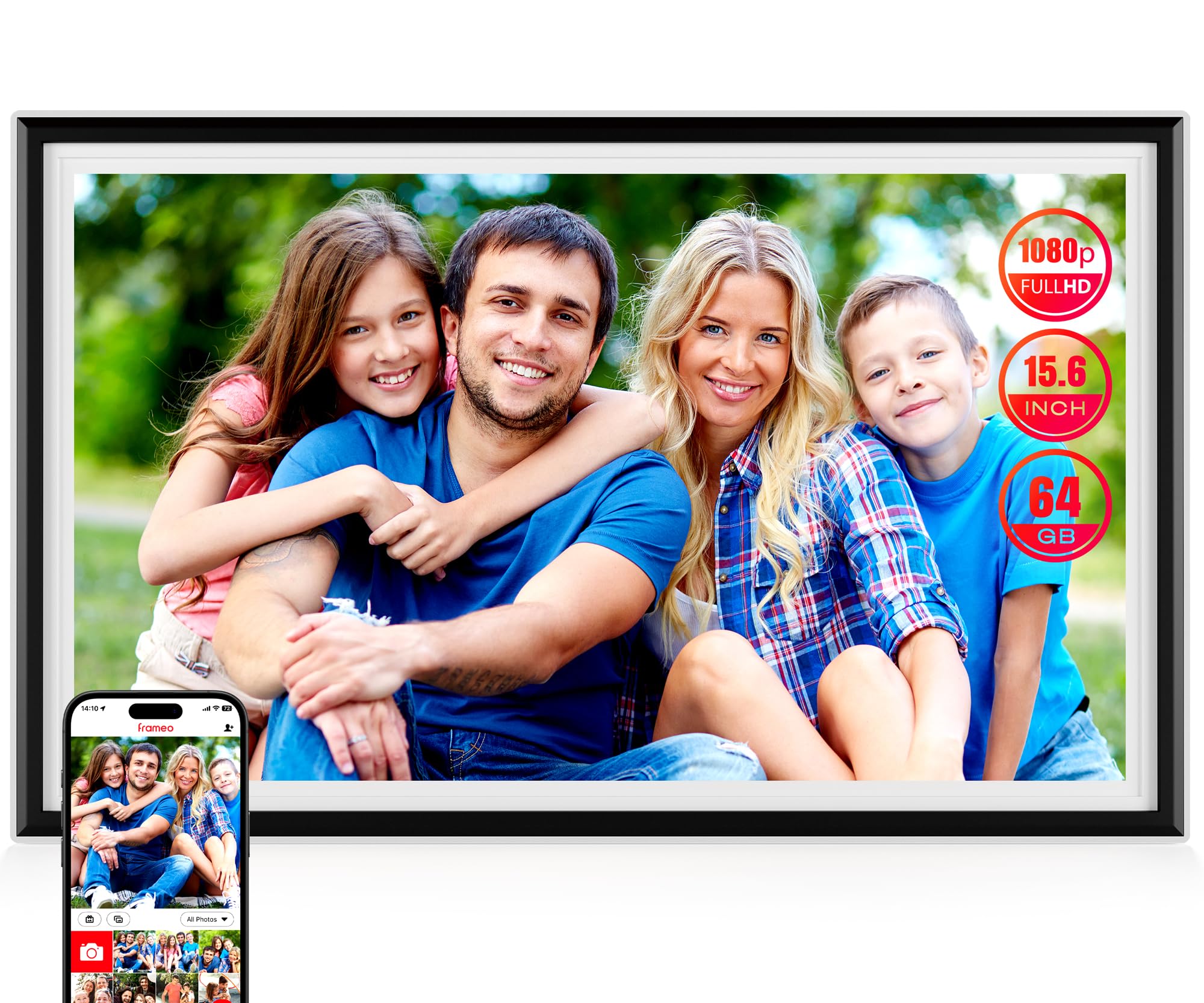
The KPKUE frame prioritizes storage and organization in a way most competitors overlook. With 64 GB onboard (about 57 GB usable after the system partition) plus expansion up to 128 GB via USB or SD card, you can load this frame with tens of thousands of photos and not think about memory again. The ability to organize photos into custom albums — and even create auto-collages — makes it the best option for families who want to separate vacations from everyday snapshots.
The 15.6-inch Full HD IPS touchscreen is bright and responsive, and the removable stand and wall-mount anchors give flexibility in placement. A headphone jack and dual speakers allow audio playback for videos, and the Frameo app handles the remote sharing. The smart sleep mode and live widgets (time, weather, temperature) keep the frame useful even when it’s not cycling through photos.
On the downside, setup takes a little more effort than the plug-and-play Skylight. The Frameo app works well but has a 10-photo upload limit per batch unless you use the album management system. The frame is also plastic rather than wood, which might feel less premium than the KODAK or Pexar if you’re placing it in a traditional living room.
Why it’s great
- 64 GB internal + expandable storage holds well over 20,000 photos
- Custom album creation and auto-collage feature for organization
- Headphone jack and dual speakers support video audio playback
Good to know
- Plastic frame may not suit traditional home décor aesthetics
- Frameo batch uploads capped at 10 photos per send
5. Humblestead 15.6 Inch Large Digital Photo Frame
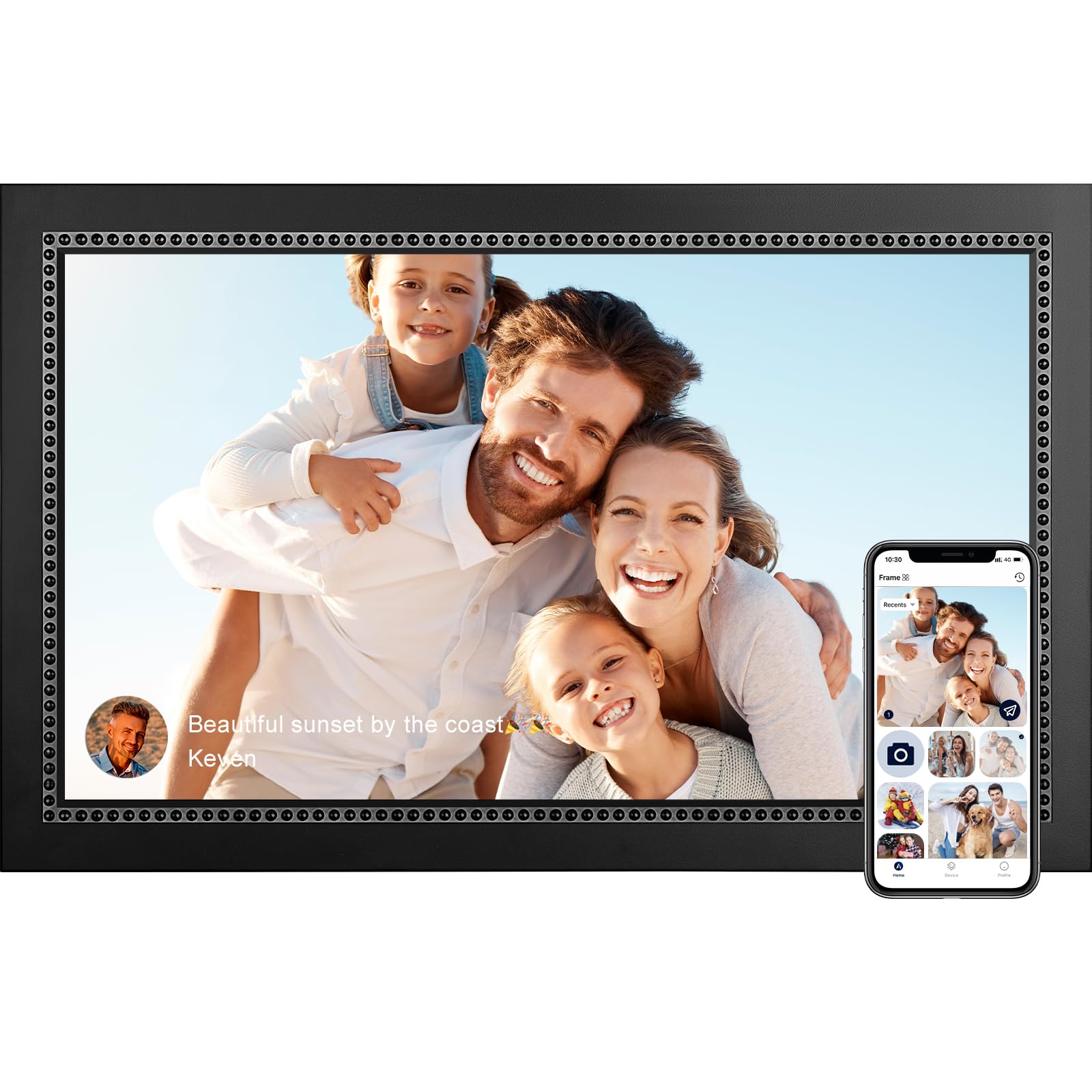
Humblestead equips its 15.6-inch frame with WiFi 6, which allows batch transfers of up to 50 photos at a time when both the phone and frame share the same network. This is the fastest local transfer speed of any frame in this roundup — if you have a WiFi 6 router, you can dump an entire vacation album onto the frame in under a minute. The 1920×1080 IPS touchscreen matches the category standard, and the wood-frame aesthetic looks more premium than the price suggests.
The 64 GB internal storage (listed as 32 GB in some specs, but user capacity is effectively 64 GB for photo storage) with SD card expandability means you won’t run out of room. The Aimor app handles remote sharing, and the frame supports photo captions, which adds context to each image. The 360-day warranty is longer than most competitors offer, which builds confidence in the purchase.
Some owners report the frame occasionally freezes on a single photo after extended use, requiring a manual power cycle to resume the slideshow. This appears to be a firmware issue that the manufacturer may address in updates, but it’s worth noting if you plan to use the frame continuously in a high-traffic area.
Why it’s great
- WiFi 6 support enables 50-photo batch transfers on local network
- Wood-style frame looks high-end for the mid-range price point
- 360-day warranty provides extended coverage
Good to know
- Occasional freezing during slideshow requires manual reset
- Caption and app localization available in multiple languages
6. ARZOPA 15.6″ Large Digital Picture Frame
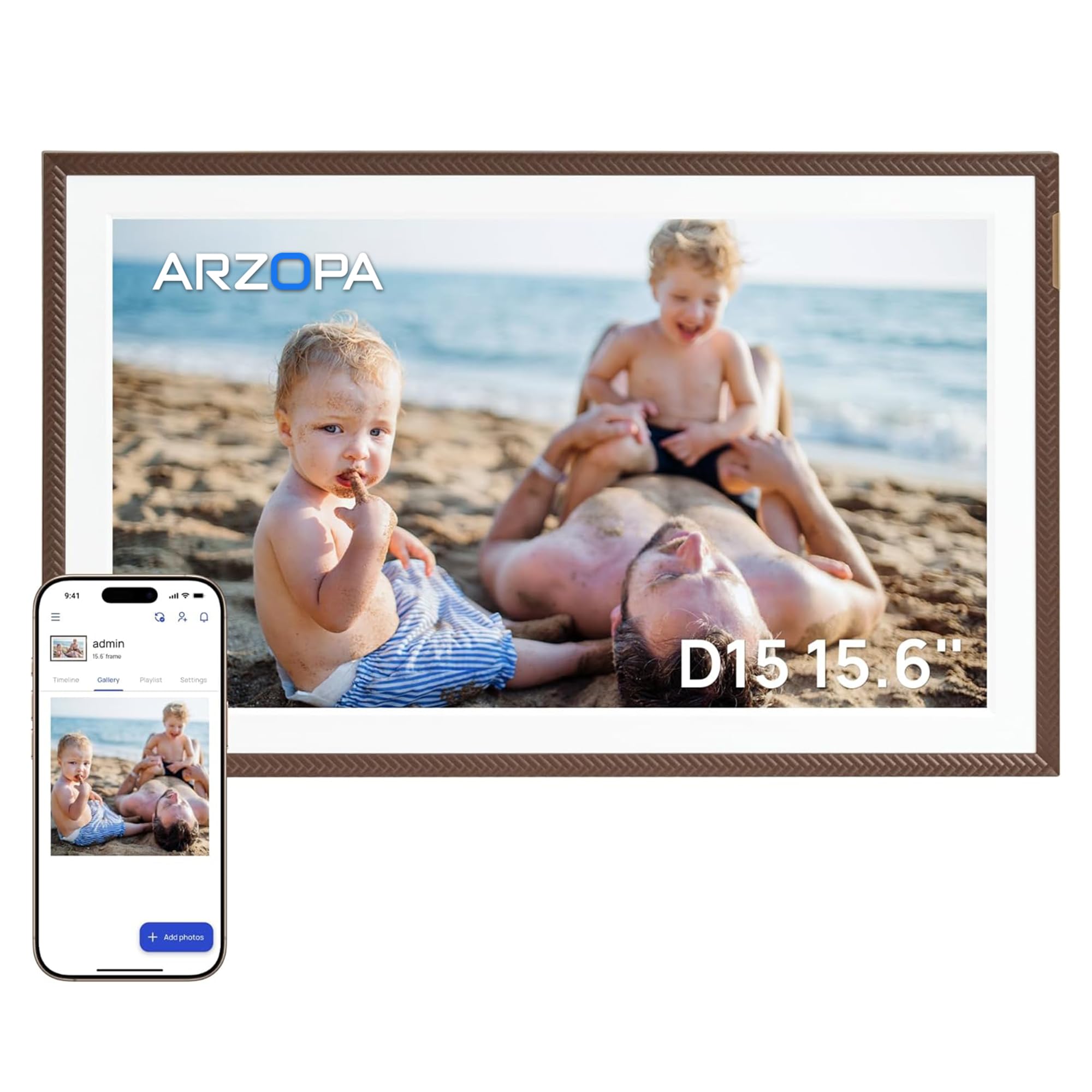
ARZOPA’s entry focuses on removing the friction points that plague digital frame ownership: cloud storage limits and expensive subscriptions. The frame comes with truly unlimited free cloud storage through the ARZOPA app, with no monthly or yearly fees. This is rare in the category — most brands either cap your cloud storage or push you to paid tiers after a trial period. The 32 GB internal storage is sufficient for offline playback, and the SD card slot expands up to 128 GB.
The 15.6-inch IPS touchscreen includes anti-glare technology and manual brightness adjustment for day/night viewing. The Elegant Brown frame color is a nice departure from the usual black or white options, and the smart sleep mode saves energy by auto-scheduling downtime. The app supports unlimited family members with “like” and “comment” features that turn the frame into a shared social space for the household.
The app itself is described as “moody” by some users, occasionally requiring phone reboots to reconnect. This seems more common on older iPhone models, but it’s a potential source of frustration for less tech-comfortable owners. The plastic frame material feels lighter than the KODAK or Humblestead wood options, which may matter if the frame sits in a formal living area.
Why it’s great
- Unlimited free cloud storage — no subscription trap
- Anti-glare IPS touchscreen for bright room placement
- 32 GB internal + 128 GB SD expandable storage
Good to know
- App may require occasional phone reboot for stable connection
- Plastic frame feels less premium than wood alternatives
7. ApoloSign Digital Picture Frame Powered by Nixplay

ApoloSign licenses the Nixplay app ecosystem, which is one of the most mature and stable platforms for digital photo frames. The Nixplay app offers free cloud storage, secure sharing via GDPR- and CCPA-compliant servers, and the ability to manage multiple frames from a single account. The standout hardware feature is Nixplay SenseMe — a motion sensor that wakes the frame when someone enters the room and puts it to sleep when the room is empty, saving power and reducing screen burn-in.
The 15.6-inch IPS touchscreen runs at 1920×1080 with a 178-degree viewing angle, making it suitable for wall mounting in high-traffic areas. The auto-rotate function adjusts content orientation when you flip the frame between portrait and landscape. The frame also works with Amazon Alexa, allowing voice commands to pull up specific playlists.
The main catch is that Nixplay’s advanced features — such as unlimited video length and extended cloud storage — require a subscription after the initial trial. If you’re happy with basic photo sharing and the included cloud storage, the free tier is adequate, but power users may feel squeezed. The 32 GB internal storage is also lower than the 64 GB options from KPKUE and KODAK.
Why it’s great
- Nixplay SenseMe motion sensor conserves power automatically
- Mature, stable app with free cloud storage and multi-frame support
- Amazon Alexa integration for voice-controlled playlists
Good to know
- Advanced cloud features require paid subscription after trial
- 32 GB storage is half the capacity of some competitors
8. FLYRUIT 15.6 Inch Frameo Digital Photo Frame

FLYRUIT takes the standard Frameo formula and adds a wood frame that looks more homey than the typical black plastic. The 15.6-inch Full HD IPS touchscreen is on par with the category standard, and the 32 GB internal storage with SD/USB expandability covers basic storage needs. The Frameo app handles instant photo and video sharing, and the “React” feature lets family members send emojis back to the sender, creating a two-way interaction that feels more personal than a one-way broadcast.
A recently added feature is calendar sync, which allows the frame to display upcoming events from your Apple or Google calendar alongside your photos. This turns the frame into a hybrid photo display and family dashboard, which is genuinely useful for kitchen counter placement. The programmable on/off timer reduces power consumption and prevents the screen from glowing all night. The wood frame material is a cut above the plastic competition at the same price point.
The 10-photo batch upload limit in the free Frameo app is the main bottleneck — sending a large album means multiple upload rounds. The short power cord (about 5 feet) limits mounting height if you’re wall-mounting without a nearby outlet. Some users also note that the visible cord looks tacky when the frame is hung on a wall, so plan for cord management.
Why it’s great
- Calendar sync turns the frame into a family information hub
- Wood frame material elevates the look over plastic alternatives
- Two-way “React” emoji feature keeps family engaged
Good to know
- 10-photo batch limit on free Frameo app slows large album transfers
- Short power cord requires careful outlet planning for wall mounts
9. FRAMEO 15.6 Inch Large Digital Photo Frame
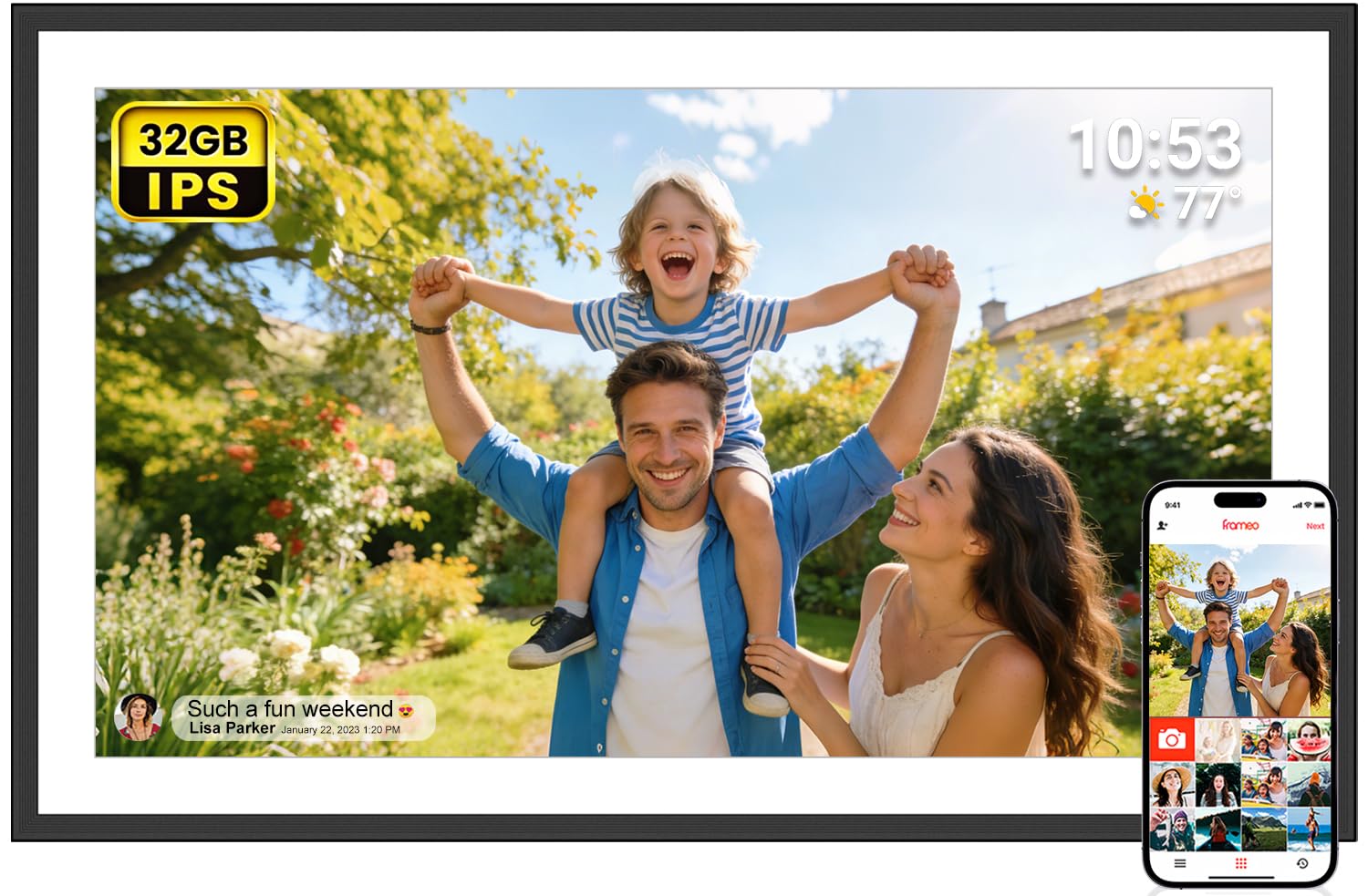
The FRAMEO branded frame is the most budget-conscious entry in this list, but it still delivers a 15.6-inch IPS Full HD display that matches the resolution of frames costing significantly more. The 16:10 aspect ratio is slightly taller than the standard 16:9, which means portrait-oriented smartphone photos fit with less letterboxing. The Frameo app ecosystem handles the instant sharing, and the 32 GB storage is enough for thousands of photos.
Setup is straightforward — the Frameo app is widely used and familiar to anyone who has owned a digital frame in the last few years. The auto-rotate function works smoothly, and the frame can be wall-mounted or placed on a desk. Non-WiFi transfer via SD card, USB drive, or USB-C cable makes it accessible for seniors who don’t use smartphones. The packaging is elegant and gift-ready.
The trade-offs are typical of the budget tier. The frame material is plastic, and the included stand feels less sturdy than the metal or wood options on higher-end models. The 10-photo batch upload limit is present here as well, and some older firmware versions had WiFi connection dropouts that were later patched. For the price, though, this frame delivers the core experience without major compromises.
Why it’s great
- 16:10 aspect ratio reduces letterboxing on vertical smartphone photos
- Non-WiFi transfer via SD/USB works for non-smartphone users
- Full HD IPS display at the lowest entry price in the category
Good to know
- Plastic frame and stand feel less durable than wood options
- 10-photo batch limit on Frameo app slows album transfers
FAQ
Why is 1920×1080 resolution important for a 15.6-inch frame?
Can I use a 15-inch digital photo frame without WiFi?
How many photos can a 64 GB frame hold?
Final Thoughts: The Verdict
For most users, the best 15 inch digital photo frame winner is the Pexar Starlight because its gallery backlighting and anti-glare IPS screen deliver the most beautiful photo presentation in the category, paired with 64 GB of local storage that avoids any subscription reliance. If you want a frame that doubles as a family calendar and works for elderly non-tech users, grab the Skylight 15-Inch. And for the best balance of storage, speed, and price, nothing beats the Humblestead 15.6-Inch with its WiFi 6 transfer speeds and wood-frame look.