
Our readers keep the lights on and the weekend projects moving. As an Amazon Associate, I earn from qualifying purchases.
The leap from a standard 16:9 display to a 49-inch ultrawide is not merely an upgrade—it is a fundamental shift in how you interact with your digital world. That sprawling, curved canvas eliminates the bezel gap between dual monitors, wrapping your peripheral vision in a seamless 32:9 panorama. For gamers, this means seeing enemies before they enter your traditional frame; for professionals, it means a timeline, spreadsheet, or code editor that stretches across your entire desk without a single break.
I’m Rikta — the co-founder and writer behind FitlyFast. I have spent countless hours cross-referencing panel technologies, refresh rate thresholds, color gamut coverage, and connectivity ecosystems to parse the genuine performance differences that define this specialized monitor category.
Whether you are chasing the silky motion clarity of a high-refresh-rate OLED or the sheer value of a DQHD VA panel, this guide dissects the market to help you identify the best 49 inch gaming monitor for your specific setup and budget.
How To Choose The Best 49 Inch Gaming Monitor
Selecting a 49-inch monitor is a long-term investment in your visual experience. The wrong choice can mean wasted desk space and a distracting panel. Here are the core specifications that define the category.
Resolution and Pixel Density
The primary fork in this category is between Dual QHD (DQHD) at 5120×1440 and Dual Full HD (DFHD) at 3840×1080. DQHD provides noticeably sharper text and finer image detail, acting like two 27-inch 1440p monitors side-by-side. DFHD is more forgiving on GPU resources but sacrifices pixel density, making text appear less crisp, particularly at close viewing distances. For gaming, the extra resolution of DQHD offers more screen real estate for HUD elements.
Panel Type: VA vs. OLED vs. Nano IPS
VA panels in this size deliver a high native contrast ratio (3000:1), offering deep blacks and good value but with slower pixel response times than OLED. OLED panels, like the QD-OLED, produce true black levels with infinite contrast, near-instant response times, and vibrant colors, but come at a premium and require burn-in management. Nano IPS offers superior color accuracy and wide viewing angles but has a lower contrast ratio (1000:1), which can make dark scenes look washed out.
Refresh Rate and Adaptive Sync
Refresh rates in the 49-inch market start at 120Hz and climb to 240Hz. A higher refresh rate translates to smoother motion, a critical advantage in fast-paced shooters and racing titles. Adaptive Sync technology (FreeSync Premium Pro or G-Sync Compatible) eliminates screen tearing by syncing the monitor’s refresh rate to your GPU’s frame output. Ensure your graphics card is powerful enough to drive the monitor’s native resolution at your target frame rate.
Quick Comparison
On smaller screens, swipe sideways to see the full table.
| Model | Category | Best For | Key Spec | Amazon |
|---|---|---|---|---|
| Samsung Odyssey G9 2024 | Premium VA | Competitive & High-Brightness HDR | 240Hz / 1000 cd/m² / 1000R | Amazon |
| LG 49WQ95C-W | Nano IPS | Professional Color Work & Setup | 144Hz / DCI-P3 98% / USB-C 90W | Amazon |
| MSI MPG 491CQP | QD-OLED | Color-Critical Gaming & Media | 144Hz / 0.03ms / Delta E≤2 | Amazon |
| Samsung Odyssey OLED G9 | QD-OLED | Deep Black Performance | 144Hz / 0.03ms / G-Sync | Amazon |
| INNOCN 49Q1S | OLED | High-FPS Gaming & USB-C Hub | 240Hz / 0.03ms / USB-C 90W | Amazon |
| KTC H49S66 | Mid-Range VA | Productivity & Multi-Device | 180Hz / 90W Type-C / KVM | Amazon |
| ASUS ROG Strix XG49VQ | Entry VA | Mid-Range GPU Gaming | 144Hz / 3840×1080 / FreeSync 2 | Amazon |
| INNOCN 49C1G | Entry VA | Budget Productivity | 144Hz / 3840×1080 / USB-C 65W | Amazon |
| CRUA 49″ | Budget VA | Entry-Level Ultrawide | 165Hz / DQHD / 1500R | Amazon |
| ZZA 49″ | Budget VA | Value DQHD Experience | 165Hz / DQHD / 1500R | Amazon |
| Gawfolk 49″ | Budget VA | Budget Immersion | 120Hz / DQHD / 1500R | Amazon |
In‑Depth Reviews
1. Samsung Odyssey G9 2024 (LS49CG954ENXZA)

The 2024 Samsung Odyssey G9 is a statement piece that delivers the highest peak brightness in this collection. Its 1000 cd/m² rating and VESA DisplayHDR 1000 certification make it the top choice for HDR gaming, where explosions and sunlight effects have genuine punch.
With a 240Hz refresh rate and 1ms GtG response time, motion clarity is exceptional in fast-paced shooters and racing sims. The VA panel delivers a 1,000,000:1 contrast ratio, producing deep blacks that approach OLED territory without the same burn-in risk. The added CoreSync lighting system projects colors onto your wall behind the monitor, extending the immersive glow beyond the screen itself.
This monitor is an excellent companion for a high-end GPU like an RTX 4080 or RX 7900 XTX, but the aggressive curve may not be ideal for shared workspace setups. Some user reports highlight inconsistent Samsung warranty support, so purchasing through a retailer with a solid return policy is advisable.
Why it’s great
- Industry-leading 1000-nit peak brightness for stunning HDR highlights
- 240Hz refresh rate with FreeSync Premium Pro ensures buttery-smooth gameplay
- 1000R curve provides the deepest immersion for a 49-inch screen
Good to know
- VA panel, while excellent for contrast, does not match OLED response times
- Aggressive curve is less suitable for professional color-critical work with multiple viewers
- Samsung’s direct warranty service has received mixed feedback from users
2. LG 49WQ95C-W

The LG 49WQ95C-W is a unique proposition in the 49-inch space due to its Nano IPS panel. Unlike most competitors that use VA or OLED technology, this monitor prioritizes wide viewing angles and excellent color accuracy out of the box. With DCI-P3 98% coverage and a 400 cd/m² brightness, it is a top-tier choice for video editors and photo retouchers who require consistent color across the entire wide screen.
Its connectivity suite is the most versatile in this roundup, featuring two HDMI 2.1 ports, a DisplayPort, and a USB-C connection delivering 90W of power delivery. The built-in KVM switch allows you to control a desktop PC and a laptop with a single keyboard and mouse, a massive convenience for hybrid workstations. The 144Hz refresh rate and G-Sync compatibility ensure gaming remains smooth, although the lower 1000:1 contrast ratio means blacks appear gray in a dim room.
The 3800R curvature is very mild, which makes the screen feel nearly flat—this helps in reducing geometric distortion for color work but reduces the peripheral wrap effect that gamers often seek. The white finish and slim bezels also give it a distinct, less aggressive aesthetic compared to the black-and-RGB gaming standard.
Why it’s great
- Superb factory-calibrated color accuracy (DCI-P3 98%) for creative professionals
- Built-in KVM switch and 90W USB-C power delivery simplify a multi-device desk
- G-Sync and FreeSync Premium Pro compatibility for tear-free gaming
Good to know
- Modest 1000:1 contrast ratio results in less of the deep inky blacks VA or OLED panels offer
- The gentle 3800R curve provides minimal peripheral immersion
- USB-C sleep/wake behavior can be finicky according to some long-term users
3. MSI MPG 491CQP QD-OLED

The MSI MPG 491CQP marks a significant entry into the QD-OLED super-ultrawide market, offering a compelling alternative to Samsung’s own offerings. It delivers the hallmark OLED advantages: true black levels, infinite contrast, and a near-instantaneous 0.03ms GtG response time. The QD (Quantum Dot) layer enhances color volume, achieving a Delta E≤2 straight from the factory, making it excellent for both gaming and color-grading work.
MSI has included its OLED Care 2.0 suite, which includes pixel shift, static screen detection, and a taskbar detection feature to mitigate burn-in risk. The included stand offers full height, tilt, and swivel adjustments, which is a step up from the non-adjustable stands on many budget models. The 144Hz refresh rate is standard for this tier, and FreeSync Premium Pro keeps motion smooth.
One consideration is its lower peak brightness (250 nits typical) compared to the high-end Samsung VA panels, which means HDR brightness is less impactful, though the contrast is far superior. Some users have reported needing a powerful GPU, as driving AAA titles at 5120×1440 resolution is demanding.
Why it’s great
- Infinite contrast ratio with perfect blacks for immersive HDR gaming
- Factory-calibrated Delta E≤2 color accuracy for professional use
- Comprehensive OLED burn-in prevention features (MSI OLED Care 2.0)
Good to know
- Peak brightness is lower than high-end VA panels, limiting HDR pop
- Requires a high-end GPU to hit 144Hz at native DQHD resolution
- Warranty and support experiences have been mixed, with some repair costs noted
4. Samsung Odyssey OLED G9 (G91SD)

The Samsung Odyssey OLED G9 is the 2024 refresh of Samsung’s flagship OLED super-ultrawide. It leverages the same QD-OLED technology that delivers spectacular color vibrancy and absolute black levels. The 0.03ms response time is instantaneous, eliminating any ghosting or motion blur. It also includes G-Sync compatibility in addition to FreeSync Premium Pro, offering maximum adaptive sync flexibility for NVIDIA and AMD GPU owners alike.
Samsung’s Thermal Modulation System intelligently controls brightness to manage heat, and the Logo & Taskbar Detection feature automatically dims static elements to prevent burn-in. The ergonomic stand allows for tilt, swivel, and height adjustments. The aluminum silver finish gives it a premium, less overtly “gamer” aesthetic that fits well in a professional environment.
Be aware that the G91SD model has only a single DisplayPort input, and achieving full 144Hz over HDMI can be inconsistent with some devices. The pixel shifting feature, essential for OLED longevity, can be noticeable on desktop backgrounds. Some users have reported early failures, but Samsung’s on-site repair warranty has been praised when it functions correctly.
Why it’s great
- Stunning QD-OLED picture with perfect blacks and vibrant colors
- G-Sync Compatible and FreeSync Premium Pro for universal tear-free gaming
- Includes advanced OLED burn-in prevention and a 3-year warranty
Good to know
- Only one DisplayPort input limits connectivity options
- Pixel shifting can be slightly distracting during desktop use
- Customer service for warranty claims has been inconsistent
5. INNOCN 49Q1S OLED

The INNOCN 49Q1S is a high-performance OLED monitor that undercuts the price of Samsung and MSI while offering a higher refresh rate at 240Hz. This makes it the ultimate pick for competitive gamers who want OLED’s 0.03ms response time combined with the smoothest possible motion clarity. The 5120×1440 resolution provides the same sharpness as the competition, and the 1,000,000:1 contrast ratio delivers the inky blacks that make HDR content look incredible.
Its connectivity is a standout feature, including a USB-C port with 90W power delivery, two DisplayPort 1.4 inputs, and a single HDMI 2.1 port. This allows for a clean, single-cable connection to a high-end laptop. It also features an internal USB hub and an RJ45 Ethernet port, making it a true dock replacement for a streamlined desk setup. The 1800R curve offers a balanced level of immersion without the extreme wrap of the 1000R panels.
The glossy screen finish enhances perceived contrast and color saturation, but it can reflect overhead lights and windows. Some user reports have mentioned the monitor becoming unresponsive after a few months, which is a risk factor to consider given the brand’s less established service network compared to LG or Samsung.
Why it’s great
- 240Hz refresh rate with OLED response times for elite motion clarity
- USB-C 90W PD with RJ45 acts as a complete docking station
- Excellent HDR performance with true blacks and vibrant colors
Good to know
- Glossy screen finish is prone to reflections in bright rooms
- Reliability reports are mixed, with some units failing early
- Warranty and customer support are less established than major brands
6. KTC H49S66
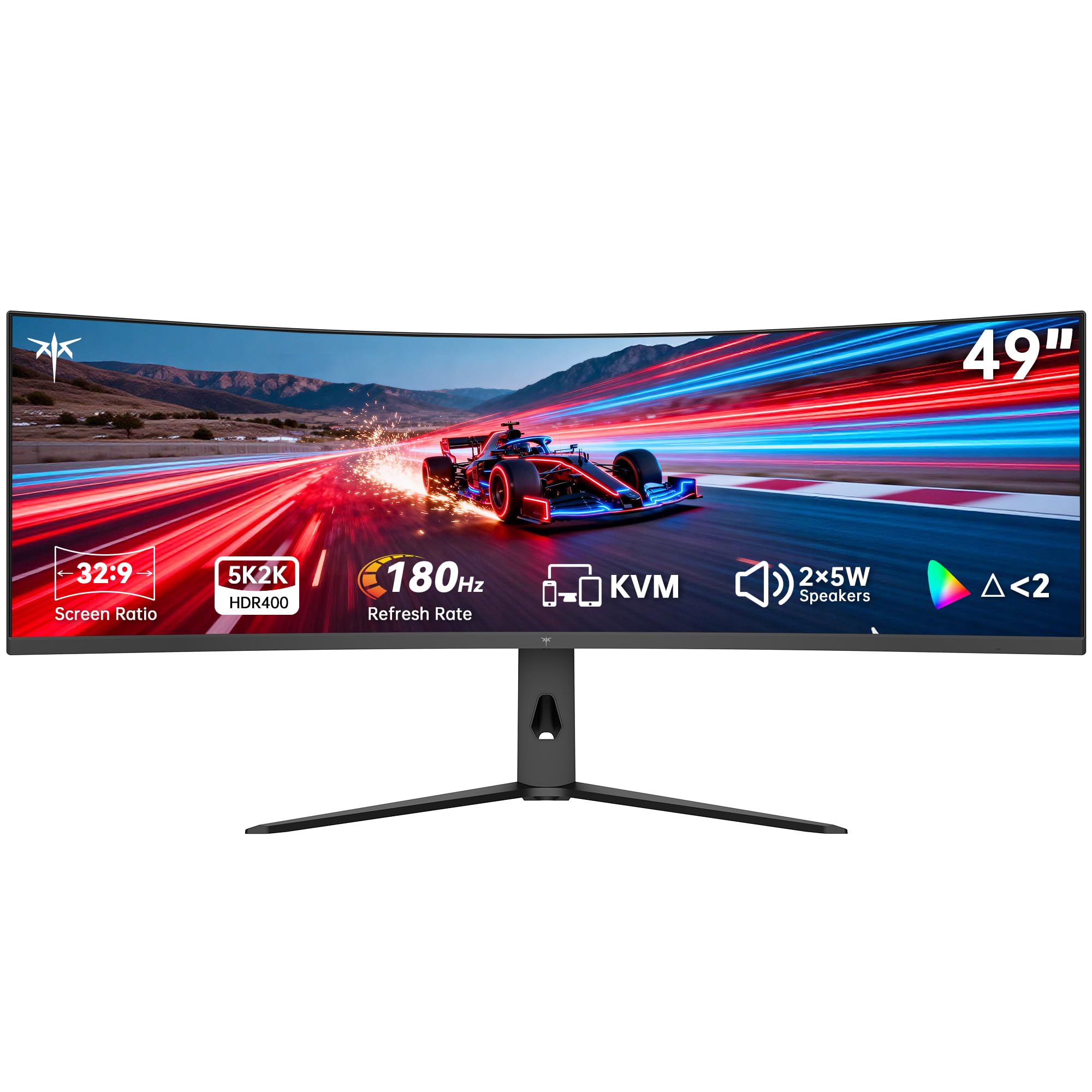
The KTC H49S66 is a mid-range contender that punches well above its price bracket by offering a 180Hz refresh rate and a comprehensive set of features. The 180Hz is a noticeable step up from the standard 144Hz and 120Hz offerings, providing smoother motion for competitive play. The VA panel provides a 3000:1 contrast ratio and 400 cd/m² brightness, making it solid for both HDR content and general productivity.
What truly sets the KTC apart is the inclusion of a built-in KVM switch and a USB-C port with 90W power delivery. This allows you to switch seamlessly between a gaming PC and a work laptop using the same keyboard, mouse, and monitor—a feature usually reserved for more expensive models like the LG 49WQ95C. It also includes dual 5W speakers, which are adequate for system sounds and video calls, reducing desktop clutter.
The 1000R curve matches the curvature of Samsung’s premium Odyssey G9, offering the same deep immersion for a fraction of the cost. The build quality is generally good, though the brand is less known than the major players, which could impact long-term support. The stand offers tilt, swivel, and height adjustments, a welcome ergonomic feature at this price tier.
Why it’s great
- 180Hz refresh rate and 1000R curve for immersive, smooth gaming
- Built-in KVM switch and 90W USB-C power delivery for dual-PC setups
- Dual 5W speakers and excellent HDR 400 brightness
Good to know
- Brand reputation and long-term support are less established
- VA panel, while good for contrast, has slower pixel response than OLED
- Some users report poor viewing angles typical of VA technology
7. ASUS ROG Strix XG49VQ

The ASUS ROG Strix XG49VQ is a veteran of the 49-inch market, and its value proposition lies in its lower resolution of 3840×1080. This Dual FHD resolution is significantly easier to drive, meaning a mid-range GPU like an RTX 3070 or RX 6700 XT can achieve high frame rates without breaking a sweat. This makes it a practical choice for gamers who want the immersive ultrawide experience without needing to invest in a flagship graphics card.
It features a 144Hz refresh rate, FreeSync 2 HDR support, and a 1800R curve. The VA panel provides a decent contrast ratio, and ASUS includes its GamePlus and GameVisual overlays for enhancing gameplay. The stand offers a full range of ergonomic adjustments, including height, swivel, and tilt, which is uncommon for monitors at this price point.
The main trade-off is pixel density. At 3840×1080 spread across 49 inches, the pixel-per-inch count is low, resulting in less sharp text and visible pixel structure. The HDR 400 certification is the entry level and lacks the impact of the more expensive models. Some users note that G-Sync compatibility can cause issues, and the plastic build feels less premium than the competition.
Why it’s great
- Low 3840×1080 resolution is easy for mid-range GPUs to drive at high FPS
- FreeSync 2 HDR provides a smooth, tear-free gaming experience
- Full ergonomic stand with height, swivel, and tilt adjustments
Good to know
- Low pixel density makes text and fine details appear less sharp
- Build quality uses more plastic than premium counterparts
- HDR performance is entry-level and lacks punch
8. INNOCN 49C1G

The INNOCN 49C1G is a 49-inch monitor that targets the user who needs a massive canvas for productivity but also wants the ability to game. Like the ASUS, it features a 3840×1080 resolution, which is a compromise for sharpness but a benefit for performance. The 1800R curve is gentle enough to not distort straight lines for spreadsheet work, and the included USB-C port with 65W power delivery makes it a viable hub for a modern laptop.
It offers a strong value proposition with its comprehensive connectivity suite, which includes an RJ45 Ethernet port, a USB hub, HDMI 2.1, and DisplayPort. The built-in speakers are better than average for monitor audio, capable of handling video calls and background media without an external speaker. The PIP/PBP support is robust, allowing you to display two separate inputs side-by-side in their native resolution.
The main drawback is the same as the ASUS: the 3840×1080 resolution results in visible pixels, which can be bothersome for tasks requiring high-detail text. The stand offers tilt and height adjustments but lacks a swivel feature, which can be a limitation in multi-monitor setups. Some users also report that the image clarity requires manual adjustment of sharpness and clarity settings.
Why it’s great
- Great connectivity with USB-C 65W, RJ45, and a USB hub
- Affordable entry point into the 49-inch ultrawide ecosystem
- Good for dual-PC setups with robust PIP/PBP support
Good to know
- Low 3840×1080 resolution leads to less crisp text
- Stand lacks a swivel adjustment for fine-tuning viewing angle
- Image quality may require manual adjustment out of the box
9. CRUA 49″ Curved Gaming Monitor
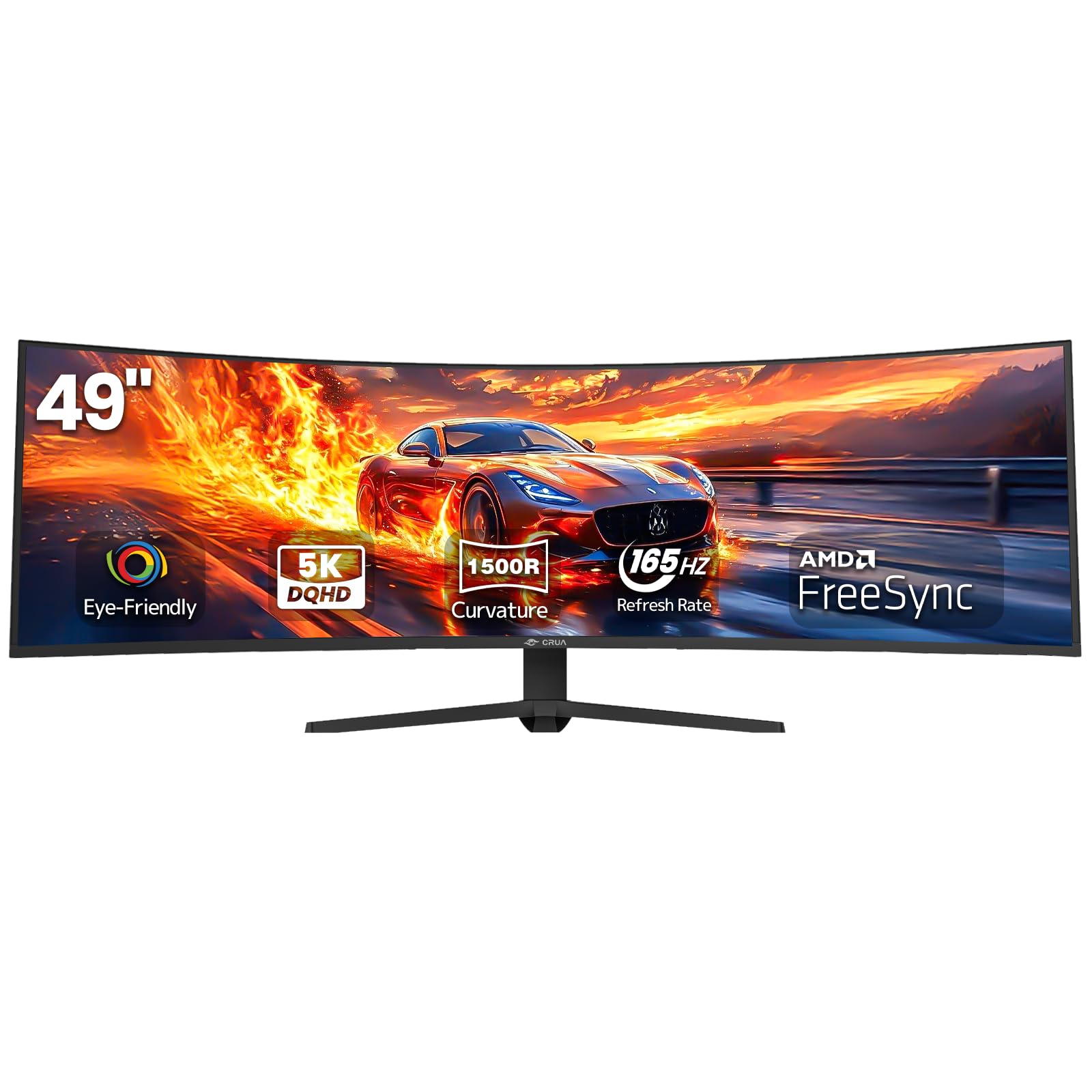
The CRUA 49-inch monitor is a prime example of the budget-friendly DQHD movement. It offers the sharp 5120×1440 resolution that is the sweet spot for this category, combined with a 165Hz refresh rate—higher than many entry-level 120Hz options. The VA panel provides a standard 3000:1 contrast ratio and 330 cd/m² brightness, which is adequate for well-lit rooms and standard HDR content.
This monitor is a fantastic entry point for users who want true ultrawide productivity without the premium price. The additional vertical pixels from DQHD make a significant difference for coding, video editing, and spreadsheet work, offering more lines of text visible at once. The 1500R curve offers a comfortable wrap that aids immersion without being as aggressive as the 1000R panels.
The build quality is basic, with a stand that offers height adjustment but may lack smoothness compared to more expensive models. The VESA mount pattern is 80x80mm, which is non-standard and may require an adapter plate for standard 100x100mm monitor arms. The on-screen display (OSD) controls are simple but functional.
Why it’s great
- Offers native DQHD (5120×1440) resolution at a very accessible price point
- 165Hz refresh rate is a step above the standard 120Hz for smoother motion
- Balanced 1500R curve for both gaming immersion and productivity use
Good to know
- Stand uses a non-standard 80x80mm VESA mount pattern
- Build quality and OSD are functional but lack polish
- Lacks built-in speakers or advanced features like a KVM switch
10. ZZA 49″ Curved Gaming Monitor
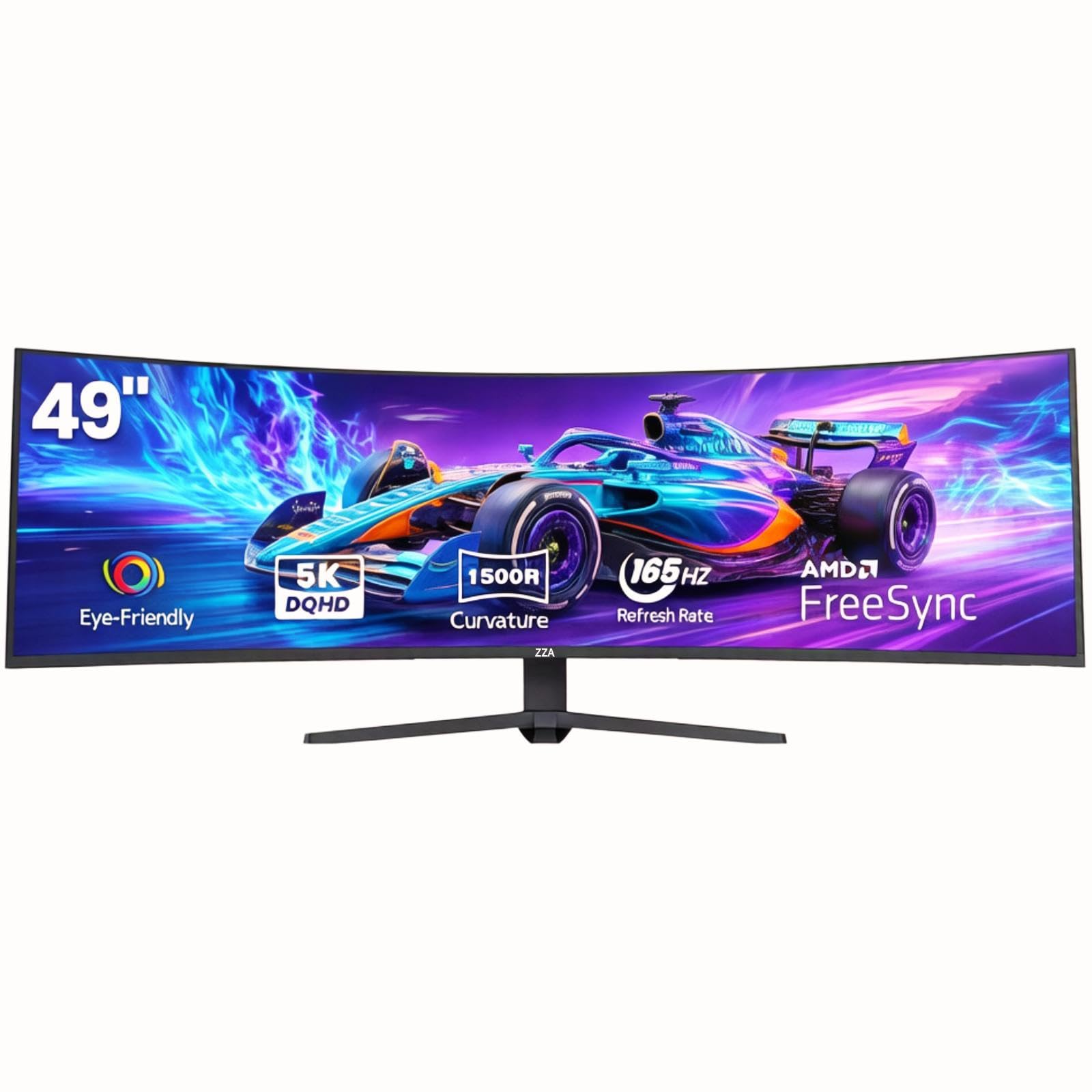
The ZZA 49-inch monitor is a direct competitor to the CRUA, offering a nearly identical specification for a similar price. It provides the same 5120×1440 DQHD resolution, a 165Hz refresh rate, and a VA panel with 120% sRGB coverage. This monitor is a strong choice for the budget-conscious gamer who prioritizes resolution and refresh rate over premium panel technology or brand pedigree.
Users who purchased it for productivity tasks like music and video editing have reported significant workflow improvements due to the increased screen real estate. The matte, low-reflection screen coating helps maintain visibility in rooms with ambient lighting. The connectivity is standard for the tier, with HDMI 2.1 and DisplayPort 1.4, but notably lacks any built-in speakers.
The primary concerns revolve around quality control and support. Several user reports indicate the monitor can arrive with defects, such as invisible portions of the display or non-functional HDR. The brand’s support is described as unresponsive, with a lack of a proper website or driver support. This makes purchasing from a retailer with a generous return policy a necessary precaution.
Why it’s great
- True DQHD (5120×1440) resolution with a 165Hz refresh rate at a low price
- Matte screen coating minimizes reflections in bright environments
- Solid color reproduction with 120% sRGB coverage
Good to know
- Quality control issues and dead pixels have been reported by some users
- Brand support is virtually non-existent, with no drivers or proper website
- No built-in speakers; external audio is required
11. Gawfolk 49″ Curved Gaming Monitor
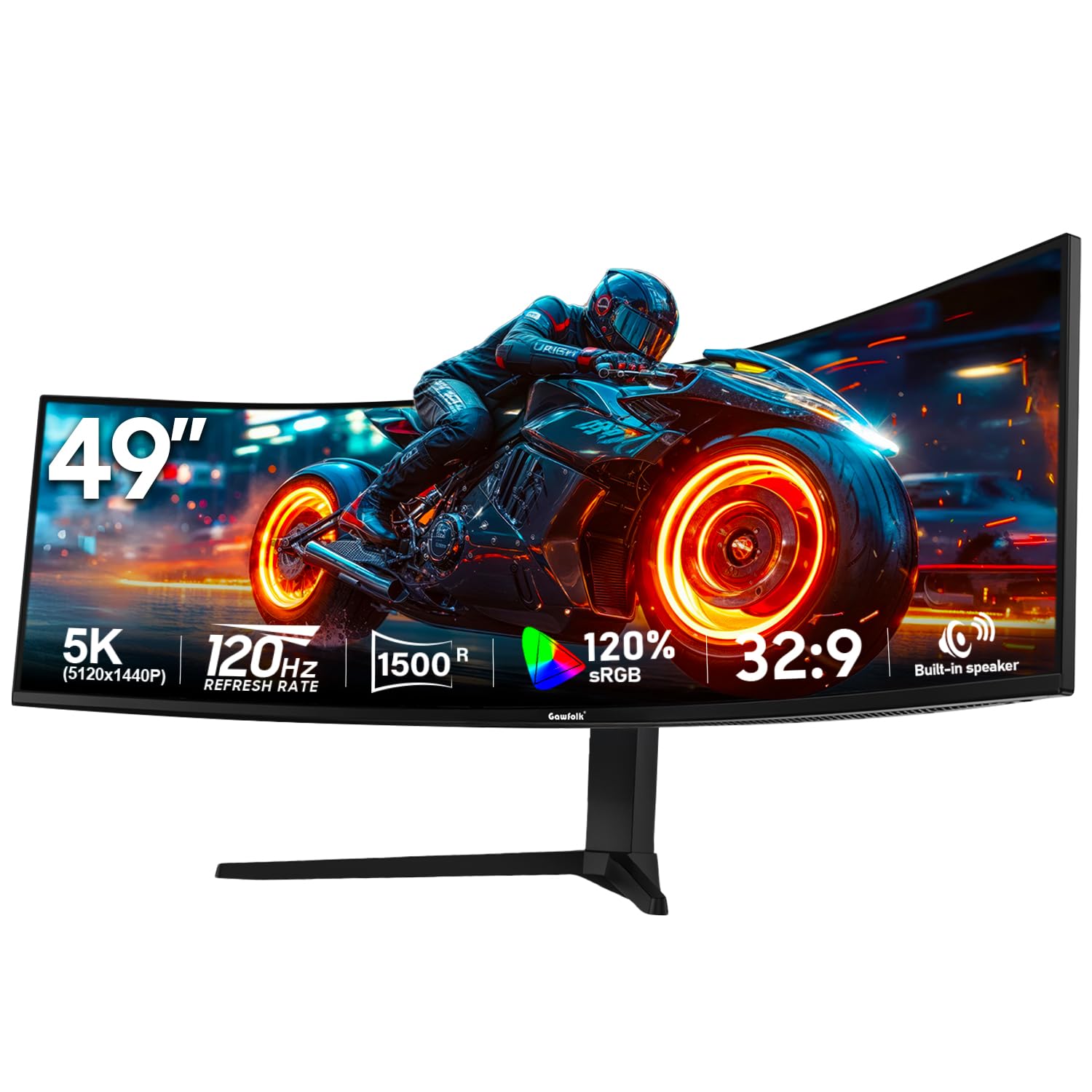
The Gawfolk 49-inch monitor is the most affordable model in this roundup that still offers a DQHD 5120×1440 resolution. It targets the user who absolutely needs the vertical resolution for work or wants the widest possible screen for the lowest investment. The 120Hz refresh rate is a step down from the 144Hz and 165Hz competition, but it still provides a significant improvement over a standard 60Hz office monitor.
Its feature set is surprisingly robust for the price, including built-in 5W speakers, RGB lighting, and a full swivel and pivot stand. It supports Picture-in-Picture (PIP) and Picture-by-Picture (PBP) modes, making it functional for connecting both a work laptop and a gaming PC. The 1500R curve provides a good level of immersion, and the 3000:1 contrast ratio from the VA panel delivers decent dark scenes.
Performance is strictly entry-level. The 120Hz limit means it is less suited for competitive esports, where higher frame rates are critical. The 85% NTSC color gamut is lower than competitors, leading to less vibrant colors. As with other budget brands, the support infrastructure is minimal, so a good return policy is essential.
Why it’s great
- Lowest-cost entry point for the DQHD (5120×1440) resolution
- Includes built-in 5W speakers and RGB lighting for added value
- Full ergonomic stand with swivel, pivot, and tilt adjustments
Good to know
- 120Hz refresh rate is the lowest among the DQHD options reviewed
- Color gamut (85% NTSC) is narrower than the competition
- Brand support and long-term reliability are unproven
FAQ
Will a 49-inch monitor fit on my standard desk?
What GPU do I need to run a DQHD 49-inch monitor for gaming?
Is OLED or VA better for a 49-inch gaming monitor?
Final Thoughts: The Verdict
For most users, the best 49 inch gaming monitor winner is the Samsung Odyssey G9 2024 because it offers the best balance of high brightness, a 240Hz refresh rate, and a highly immersive 1000R curve at a premium but justifiable price. If you want true HDR with perfect black levels, grab the MSI MPG 491CQP QD-OLED. And for the best feature-to-price ratio for a multi-device workstation, nothing beats the KTC H49S66.