
Our readers keep the lights on and the weekend projects moving. As an Amazon Associate, I earn from qualifying purchases.
You want a 65-inch TV that makes your games look smooth and feel instant, without blurry motion or that annoying delay between pressing a button and seeing it on screen. A proper gaming TV needs a fast refresh rate (how often the picture updates per second), a variable refresh rate (VRR, which matches the TV’s speed to your console to stop screen tearing), and low input lag so your button presses feel instant. These five models deliver on those specs without the marketing fluff.
I’m Rikta — the co-founder and writer behind FitlyFast. This guide is built by comparing the manufacturers’ published specifications and the patterns across verified customer reviews, so you get each pick’s real strengths and trade-offs instead of marketing spin.
You need a display that keeps up with fast-paced shooters, open-world epics, or split-screen co-op. These are the current standouts in the 65 inch tv for gaming category, ranked by how they perform when the action gets intense.
How To Choose The Best 65 Inch TV For Gaming
Picking a gaming TV means focusing on four key specs that directly affect how your games look and feel. Ignore marketing claims about “effective motion rate” and look at the raw numbers instead.
Native Refresh Rate & VRR
The refresh rate (measured in Hertz, or Hz) is how many times per second the picture updates. A standard TV runs at 60Hz. For gaming, you want 120Hz or higher — 144Hz is the sweet spot for current consoles and mid-range PCs. Pair that with Variable Refresh Rate (VRR, which lets the TV match its refresh rate to your console’s output to stop screen tearing) and you get motion that stays buttery smooth even when frame rates drop.
HDMI 2.1 Ports
HDMI 2.1 is the port standard that can carry a 4K signal at 120Hz or 144Hz. Older HDMI 2.0 ports cap out at 4K 60Hz. Check how many HDMI 2.1 ports a TV has — you need at least two if you plan to plug in a PS5 and an Xbox Series X, or a console and a gaming PC, at the same time.
Panel Type and Backlight
Mini-LED TVs use thousands of tiny backlights behind the screen to dim dark areas and brighten highlights independently. This gives you deep blacks and high contrast in games like Cyberpunk 2077 or Elden Ring without the burn-in risk of OLED. OLED has perfect blacks, but Mini-LED offers higher peak brightness and no risk of image retention — a safer choice for long gaming sessions with static HUD elements.
Audio and Smart Platform
Good built-in sound matters because a separate soundbar adds cost and clutter. Look for Dolby Atmos support (a surround-sound technology that makes audio feel like it’s coming from all around you) and a woofer for bass. The smart TV platform (Fire TV, Google TV) determines how fast the interface loads and how easy it is to find apps — you want one that doesn’t lag when you switch between Netflix and your game input.
Quick Comparison
On smaller screens, swipe sideways to see the full table.
| Model | Category | Best For | Key Spec | Amazon |
|---|---|---|---|---|
| Toshiba Z670R | Mini-LED | Overall gaming balance | Native 144Hz, Mini-LED, Dolby Vision IQ | Amazon |
| iFFALCON 65U85 | Mini-LED | Console multiplayer setups | 4x HDMI 2.1, 144Hz, FreeSync Premium Pro | Amazon |
| Hisense U7G | Mini-LED | High frame-rate gaming | Native 165Hz, VRR up to 330Hz | Amazon |
| Sony BRAVIA 3 II | LED | PS5 integration | XR Processor AI, 120Hz, Anti-Glare | Amazon |
| TCL QM8K | Mini-LED QLED | Bright-room gaming | QD-Mini LED, 144Hz, 288Hz VRR | Amazon |
In‑Depth Reviews
1. Toshiba 65″ Class Z670R Series Mini-LED 4K UHD Smart Fire TV (65Z670R)

The Toshiba Z670R earns the top spot because it pairs a native 144Hz Mini-LED panel with full-array local dimming (a backlight system that darkens specific zones independently) for deep blacks in shadowy games and crisp motion in fast shooters. It is the best pick if you also watch a lot of HDR movies, since it supports Dolby Vision IQ and HDR10+ right out of the box.
The REGZA Engine ZRi Gen3 AI processor (a chip designed in Japan that optimizes picture and sound scene-by-scene) keeps color and contrast accurate even in mixed lighting. Buyers report that the Fire TV interface boots in roughly two seconds, making it feel snappy from the moment you press the power button. The 144Hz panel pairs with AMD FreeSync Premium and VRR (Variable Refresh Rate, which matches the TV’s refresh rate to your console to stop screen tearing) for responsive, tear-free gameplay on PS5 and Xbox Series X.
The catch is that this is a 2026 model with a price that sits slightly above entry-level mid-range, and the built-in sound, while better than basic TVs, still doesn’t match a dedicated soundbar for bass-heavy game audio. If you want one screen that excels at both movie watching and competitive gaming without compromise, this is the one to buy.
Why it’s great
- Native 144Hz refresh rate with AMD FreeSync Premium for tear-free gaming
- Mini-LED with full-array local dimming delivers excellent contrast in dark game scenes
- Dolby Vision IQ adapts brightness and color to your room’s lighting automatically
Good to know
- Internal speakers lack deep bass; a soundbar is a worthwhile add-on
- Fire TV interface may show ads on the home screen that some find distracting
2. iFFALCON 65″ 4K MiniLED Smart TV (65U85)
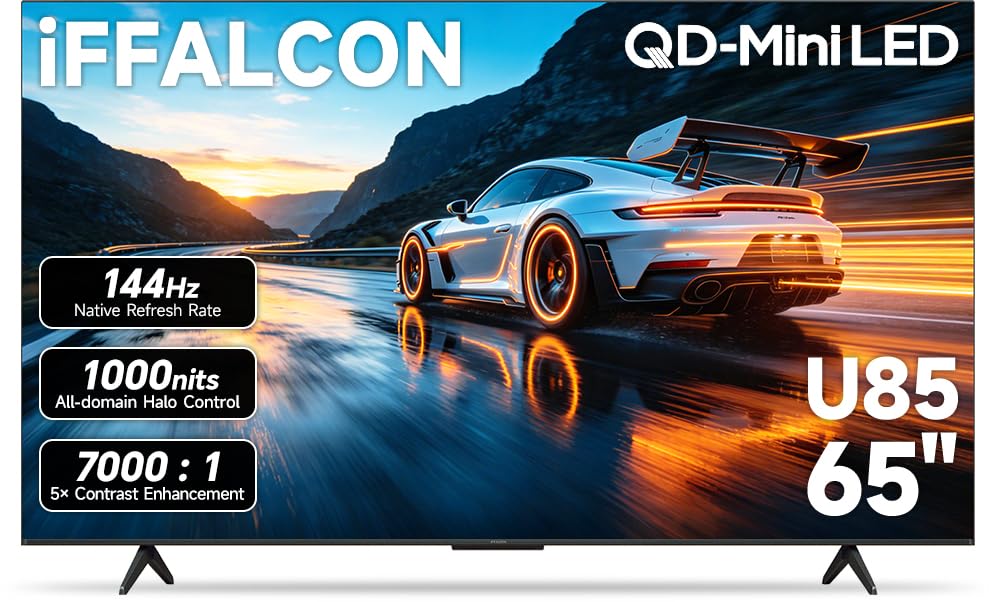
The iFFALCON beats the top pick on connectivity — it packs four HDMI 2.1 ports compared to the Toshiba’s fewer high-bandwidth inputs, so you can keep a PS5, Xbox Series X, gaming PC, and soundbar all plugged in at full speed. It also supports FreeSync Premium Pro (the highest tier of AMD’s anti-tearing tech) for smoother motion on supported titles.
With a 7,000:1 contrast ratio and up to 1,000 nits peak brightness, this Mini-LED panel makes HDR games like Cyberpunk 2077 look vivid even in a bright room. The 2.1-channel 50W audio system (two 15W tweeters plus a 20W woofer) delivers Dolby Atmos and DTS Virtual:X — buyers describe the sound as having a “big subwoofer built in,” which saves you from needing a separate speaker for casual gaming.
Choose the iFFALCON over the top pick if you own multiple consoles and want to switch between them without unplugging cables. The only real downside is that the UI, while fast according to reviewers, isn’t quite as polished as the Fire TV interface on the Toshiba.
Where it shines
- Four HDMI 2.1 ports allow simultaneous connection of multiple consoles and a soundbar
- FreeSync Premium Pro support reduces screen tearing and input lag on compatible games
- Built-in 50W 2.1-channel audio with Dolby Atmos reduces the need for a separate soundbar
Worth noting
- Google TV interface, while smooth, can feel less intuitive than Fire TV for some users
- A small number of buyers reported flickering issues that required returns
3. Hisense 65″ U7 Mini-LED ULED 4K UHD Smart Google TV (65U7SG)
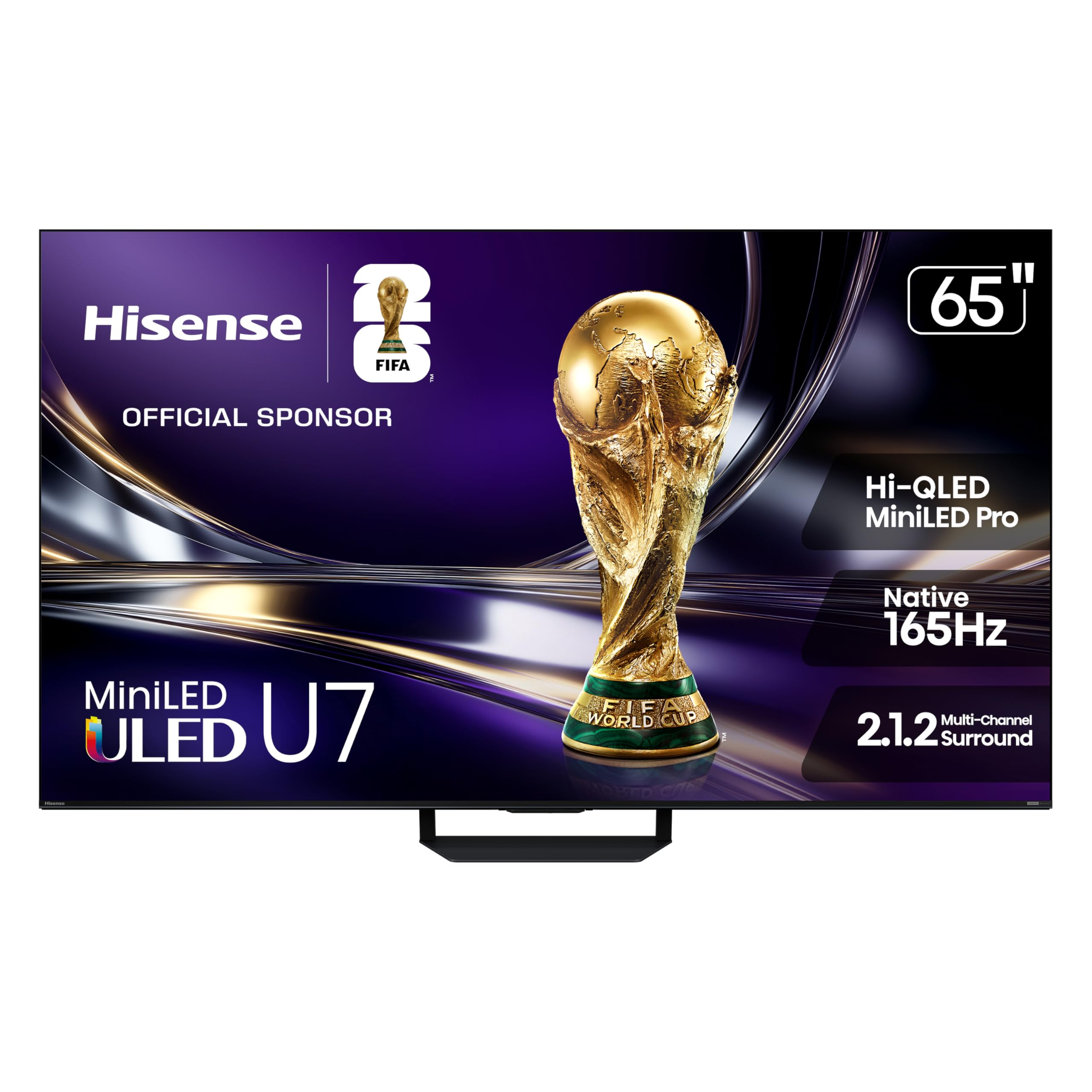
If you game in a bright living room with windows or overhead lights, the Hisense U7G keeps the picture crisp because its anti-reflection layer and dual-layer screen treatment stop glare even when sunlight hits the panel. The native 165Hz refresh rate is 20Hz faster than the Toshiba and iFFALCON, meaning motion stays slightly smoother on a high-end gaming PC that can push those frames.
Hisense rates this TV with up to 3,000 local dimming zones and 3,000 nits peak brightness (the brightest on this list), so explosions and sunlight in open-world games look intensely vivid while dark corners stay black. Owners mention the built-in sound is decent for a flat-screen but recommend a soundbar for fuller audio. The Hi-View AI Engine Pro processor adjusts color and contrast in real-time as you play, which helps HDR content look more natural without you tweaking settings.
The standout spec here is the variable refresh rate that can reach up to 330Hz — a figure only useful with a very powerful PC, but it future-proofs the TV for the next generation of consoles or graphics cards.
What stands out
- Native 165Hz refresh rate is the highest on this list, reducing motion blur further
- Anti-reflection screen with dual-layer treatment keeps glare at bay in bright rooms
- Up to 3,000 nits peak brightness makes HDR highlights in games pop remarkably
The trade-offs
- Peak brightness and dimming zone count are theoretical maximums; real-world performance varies by content
- Built-in sound, while decent, still benefits from a dedicated external soundbar
4. Sony BRAVIA 3 II 65 Inch 4K HDR LED Smart Google TV (K-65XR30M2)
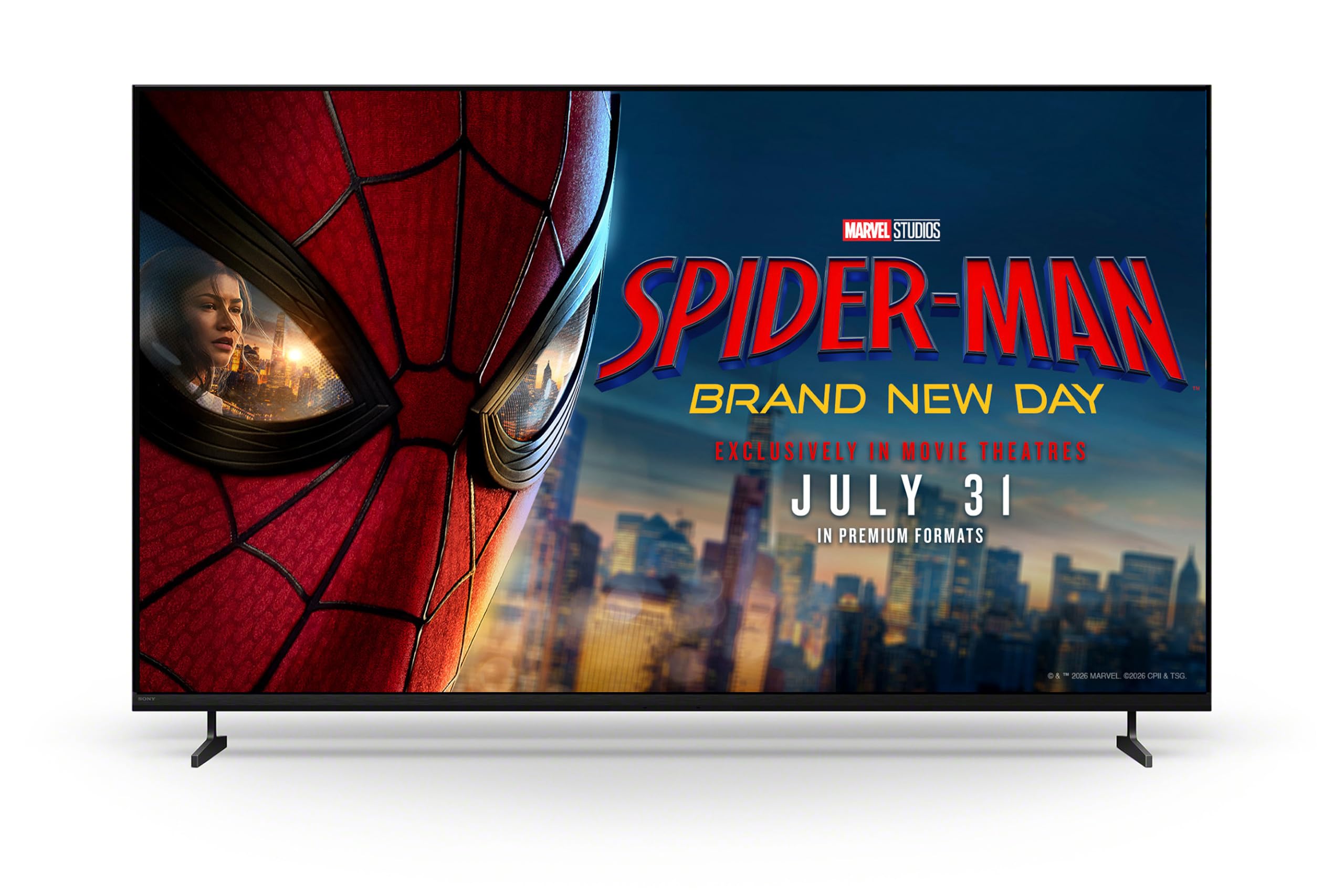
The single number that matters most in this category is 120Hz, and the Sony BRAVIA 3 II scores a 120Hz panel — falling behind the 144Hz and 165Hz competition on paper, but Sony’s XR Processor with AI scene recognition (a chip that analyzes every frame and enhances detail and color in real time) makes motion look cleaner than the raw number suggests.
If you own a PlayStation 5, the Sony BRAVIA 3 II is the only TV here that talks directly to your console. Exclusive features like Auto HDR Tone Mapping and Auto Genre Picture Mode mean the TV recognizes when you launch a game and instantly adjusts picture settings for low input lag and optimal brightness — no menu diving required. The anti-glare screen is especially good in living rooms with windows, and the XR Triluminos Pro color engine reproduces over a billion shades for natural-looking skin tones and foliage. Customers note the volume at level 5 is already loud enough for normal viewing, with level 6 being overwhelming, so you get clear dialogue without pushing the speakers.
The downside is simple: you pay a premium for Sony’s processing magic and PS5 integration, but the LED panel doesn’t match the contrast and brightness of the Mini-LED competitors — making it the right choice only if you prize seamless console integration and realistic color over raw specs, which is a price-to-value read that favors dedicated PlayStation gamers over spec chasers.
The upsides
- Exclusive PS5 features like Auto HDR Tone Mapping adjust settings automatically
- XR Processor with AI scene recognition enhances detail and reduces noise in real time
- Anti-glare screen minimizes reflections from windows and ambient light
Keep in mind
- 120Hz refresh rate is lower than competing 144Hz and 165Hz Mini-LED TVs at similar prices
- LED backlight cannot match Mini-LED or OLED for contrast in dark-room gaming
5. TCL 65 Inch Class QM8K Series Mini LED QLED 4K HDR (65QM8K)
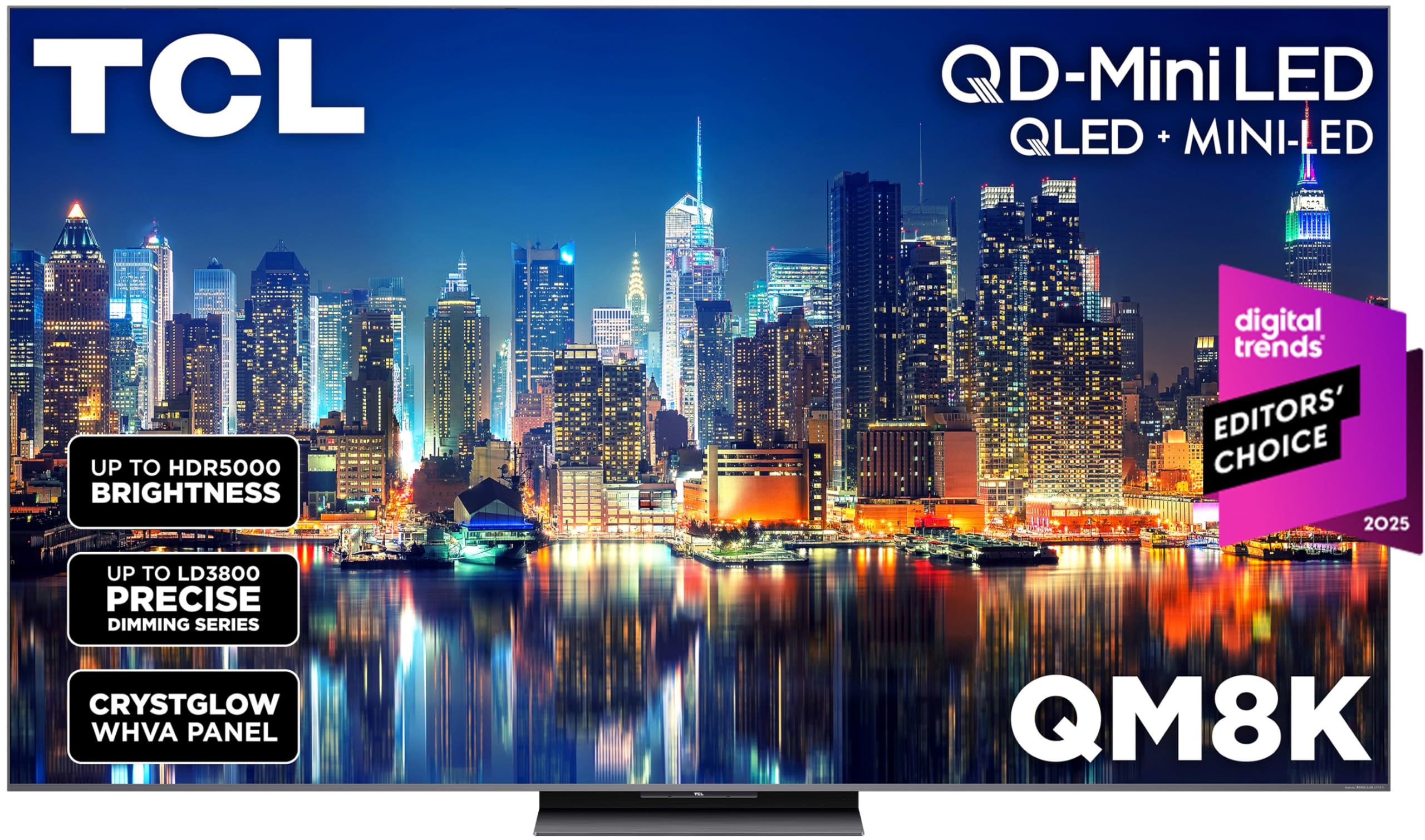
The TCL QM8K is the most expensive TV on this list, but you get a QD-Mini LED panel (Quantum Dot Mini-LED, which uses tiny light-emitting crystals to produce purer reds and greens) that delivers the best color volume and brightness control among these five. Reviewers point out it beats mid-range OLEDs in brightness while avoiding burn-in, making it a durable choice for long gaming sessions with static HUDs.
The TCL Halo Control System manages thousands of Mini-LED zones with a bi-directional 23-bit backlight controller (a chip that can dim or brighten each zone very precisely) to minimize blooming — that halo of light around bright objects on dark backgrounds. At 60% brightness, shoppers say it already outshines competing TVs at their maximum setting. The Game Accelerator 288 feature pushes the variable refresh rate up to 288Hz at 1440p, which PC gamers with Nvidia or AMD graphics cards will appreciate for ultra-smooth motion in competitive titles.
The one reason to choose the QM8K over the rest is if you need excellent bright-room performance and deep blacks simultaneously. The anti-reflective WHVA panel keeps the picture vibrant even with afternoon sun hitting the screen, and the built-in audio is surprisingly strong for a slim set — making it the perfect budget buyer for gamers who want premium brightness and durability without OLED burn-in risk.
Why we’d pick it
- QD-Mini LED panel delivers rich, saturated colors and high brightness with minimal blooming
- Game Accelerator 288 provides up to 288Hz VRR at 1440p for competitive PC gaming
- Anti-reflective WHVA panel maintains picture clarity in bright, sunlit rooms
A few caveats
- Higher price point than the Toshiba and iFFALCON; best for buyers who prioritize brightness and color
- Some streaming apps (notably Hulu) have reported slow menu performance and sync issues
Understanding the Specs
Refresh Rate (Hz)
This is how many times per second the TV redraws the whole image. A standard TV does 60 times per second (60Hz). Gaming TVs do 120Hz, 144Hz, or even 165Hz. The higher the number, the smoother motion looks when you spin the camera quickly in a shooter or race through a city. Your console or PC also needs to output at that speed to see the benefit — a PS5 can do 120Hz in many games, while a high-end PC can push 144Hz or more.
Variable Refresh Rate (VRR)
VRR lets the TV adjust its refresh rate on the fly to match the frame rate coming from your console or PC. Without VRR, if your game drops from 60 frames per second to 45, the TV stays at 60Hz and you see a stutter or a horizontal tear across the screen. With VRR, the TV drops to 45Hz too, so motion stays smooth. FreeSync (AMD’s version) and HDMI Forum VRR are the two common standards — both do the same job.
HDMI 2.1
The HDMI port standard determines how much data can travel between your console and the TV. HDMI 2.1 can carry a 4K picture at 144Hz with HDR color data intact. Older HDMI 2.0 is limited to 4K at 60Hz or 1440p at 120Hz. If you plug a PS5 or Xbox Series X into an HDMI 2.0 port, you lose smooth motion and may have to drop the resolution to get higher frame rates. Always check how many ports on the TV are HDMI 2.1 — you want at least two for multi-console setups.
Mini-LED vs LED vs OLED
Mini-LED uses thousands of tiny light-emitting diodes behind the screen, grouped into zones that can dim individually. This gives you deep blacks in dark scenes while keeping bright objects punchy, without the risk of burn-in that OLED has. Standard LED uses fewer, larger backlights and cannot control contrast as precisely. OLED turns each pixel on or off individually for perfect black levels, but it costs more, is less bright in sunny rooms, and can suffer permanent image retention if a static HUD is left onscreen for hundreds of hours — a real concern for gamers.
FAQ
Do I need a 144Hz TV if my PS5 only supports up to 120Hz?
What is the difference between native refresh rate and motion rate or effective refresh rate?
Should I worry about burn-in on a Mini-LED gaming TV?
How many HDMI 2.1 ports do I need for a multi-console setup?
Is a soundbar necessary for a good gaming audio experience?
Final Thoughts: The Verdict
When it comes down to it, the 65 inch tv for gaming winner is the Toshiba Z670R because it combines a native 144Hz Mini-LED panel, Dolby Vision IQ support, and fast Fire TV boot times at a price that undercuts many competitors with similar specs. If you want four HDMI 2.1 ports to plug in every console at once, grab the iFFALCON 65U85. And for bright-room gaming with the highest peak brightness and most vivid color volume, the standout is the TCL QM8K.