
Our readers keep the lights on and the weekend projects moving. As an Amazon Associate, I earn from qualifying purchases.
A cluttered desk with a tower, monitor, and a web of cables is the standard setup for millions, but it does not have to be that way. The modern all-in-one touch screen computer consolidates the entire PC into a single, elegant display, freeing up your workspace and adding a direct, intuitive way to interact with your content. Whether you are zooming in on a photo, swiping through documents, or navigating a map, the touch functionality brings a tablet-like fluidity to a full desktop OS.
I’m Rikta — the co-founder and writer behind FitlyFast. I’ve spent over 100 hours this quarter alone analyzing the specifications, build quality, and processor configurations of the latest all-in-one desktops, ensuring this guide reflects genuine value and performance for the serious buyer.
After evaluating 13 different models ranging from daily-driver workhorses to creative powerhouses, this deep-dive will cut through the marketing noise to reveal the right all in one touch screen computer for your specific needs.
How To Choose The Best All In One Touch Screen Computer
Choosing an all-in-one is more nuanced than selecting a standard desktop because every component is integrated into the display. You can’t swap out the motherboard or upgrade the graphics card easily, so getting the base configuration right is critical. Focus on the processor, memory, storage, and most importantly, the touch screen quality.
Processor and Graphics — The Engine
The processor determines how snappy your system feels. For general productivity (web browsing, Office, streaming), a 12th Gen Intel Core i5 or a current AMD Ryzen 5 is the smart baseline. For creative work like photo editing, video rendering, or running multiple virtual machines, step up to an Intel Core i7/i9 or the Apple M4 chip. The M4, in particular, delivers phenomenal single-core performance and efficiency that standard x86 chips struggle to match. Integrated graphics (Intel UHD, Iris Xe, or AMD Radeon) handle daily tasks but are not built for AAA gaming. The Dell Inspiron 7710 is a rare exception in this category, offering a dedicated NVIDIA GeForce MX550 GPU.
Memory and Storage — The Workspace
16GB of RAM is the sweet spot for smooth multitasking in 2024 and beyond. 8GB will feel cramped if you keep more than a few browser tabs open. 32GB or more is for professionals running heavy databases, video editing suites, or virtual machines. For storage, a 512GB SSD is a good start, but a 1TB NVMe SSD is the gold standard for holding your entire library without external drives. Most AIOs use soldered or non-standard RAM, so upgrading later is difficult or impossible — buy what you need now.
Touch Display Quality
Not all touch screens are created equal. Look for IPS or Retina panels for wide viewing angles and accurate colors. The 27-inch 4.5K Retina display on the Apple iMac is the class leader with 500 nits of brightness and support for one billion colors. On the Windows side, a 27-inch FHD IPS anti-glare touch screen is the most common and practical configuration. Anti-glare coating is a must if you work near a window or under bright lights. Also, consider the webcam and speaker quality — you’ll use them every day for video calls, and a 5MP camera with noise reduction (like on the Acer Aspire C27) makes a real difference.
Quick Comparison
On smaller screens, swipe sideways to see the full table.
| Model | Category | Best For | Key Spec | Amazon |
|---|---|---|---|---|
| ASUS V470VA-MS504T | Premium Windows | Best Overall Performance | 16GB DDR5 / 1TB SSD / Wi-Fi 6E | Amazon |
| Apple iMac M4 (10-core) | Premium Apple | Creative Professionals | 24GB Unified / 512GB / 4.5K Retina | Amazon |
| HP All-in-One 27″ (Ultra 7) | High-End Windows | Extreme Multitasking | 64GB DDR5 / 2TB SSD / Height Adj. | Amazon |
| Apple iMac M4 (8-core) | Premium Apple | Apple Ecosystem Entry | 16GB Unified / 256GB / 4.5K Retina | Amazon |
| Dell Inspiron 7710 | Performance Win | Light Gaming/Creative | 32GB DDR4 / 1TB SSD / MX550 GPU | Amazon |
| HP 27″ Touch (Ryzen 5) | Mid-Range | Versatile Home Office | 16GB DDR5 / 1TB SSD / AMD Radeon | Amazon |
| Dell 27 EC27250 | Mid-Range | Family/Home Office | 16GB DDR5 / 512GB / 5MP Camera | Amazon |
| HP 24″ Touch (Intel N100) | Entry-Level | Students / Basic Use | 16GB DDR4 / 1TB SSD / 23.8″ Touch | Amazon |
| Acer Aspire C27-1700 | Mid-Range | Everyday Productivity | 16GB DDR4 / 512GB / i5-1235U | Amazon |
| Lenovo ThinkCentre 27″ | Business Pro | Professional & Office | 16GB DDR5 / 512GB / 100Hz Panel | Amazon |
| Lenovo IdeaCentre 24″ | Value Pick | Reliable Everyday Use | 16GB DDR4 / 1TB SSD / i3-N305 | Amazon |
| HP 27″ Touch (Ryzen 5 White) | Mid-Range | Touch-First Home Office | 16GB / 1TB SSD / Touch + Hub | Amazon |
| Lenovo 24″ AIO (i3-N305) | Value Pick | Budget-Conscious Buyers | 16GB DDR4 / 1TB SSD / i3-N305 | Amazon |
In‑Depth Reviews
1. ASUS V470VA-MS504T

The ASUS V470VA strikes the hardest balance of performance and value in this roundup. It pairs a capable Intel Core i5-13420H (8 cores up to 4.6 GHz) with 16GB of fast DDR5 RAM and a spacious 1TB PCIe SSD, a configuration that handles heavy browser workloads, Office suites, and photo editing without breaking a sweat. The 27-inch Full HD anti-glare touch display is responsive and the 1080p camera with AI noise cancellation makes you look and sound great on video calls, a detail often overlooked in this category.
Connectivity is future-proof with Wi-Fi 6E and Bluetooth 5.3, and the side and back I/O offer a full complement of USB-A, USB-C, and HDMI ports. The Dolby Atmos speakers produce richer sound than you typically get from an AIO, and the pop-up webcam adds a layer of privacy. The wired keyboard and mouse are basic but work fine out of the box. Some users note the lack of height adjustment as a minor ergonomic limitation.
For the vast majority of users who want a fast, reliable, and visually clean workstation, this ASUS model delivers the best combination of modern specs, excellent screen quality, and build integrity at a price that undercuts many similarly-equipped competitors.
Why it’s great
- Fast DDR5 RAM and 1TB storage
- Wi-Fi 6E & Bluetooth 5.3
- AI noise-canceling mic
- Dolby Atmos speakers
Good to know
- No height-adjustable stand
- Includes some pre-installed software (bloatware)
- Integrated graphics only
2. Apple iMac M4 (10-core CPU/10-core GPU)

Apple’s M4 iMac doesn’t just perform — it redefines what an all-in-one can do. The 10-core CPU and 10-core GPU version is a monster for creative workflows, editing 4K video timelines, running multi-track audio sessions, or rendering 3D models without the fan ever becoming audible. The 24GB of unified memory acts as both RAM and VRAM, allowing the system to allocate resources dynamically, which is a massive advantage over traditional Windows architectures where the CPU and GPU compete for separate pools.
The 24-inch 4.5K Retina display is the clear winner here, with 500 nits of brightness, P3 wide color, and support for one billion colors. Photographers and designers will immediately see the difference in color accuracy and sharpness. The six-speaker system with Spatial Audio is genuinely impressive for an AIO, and the 12MP Center Stage camera automatically keeps you framed during video calls — a simple but transformative feature for remote work.
It is, of course, an Apple product, so the ecosystem lock-in is real. No touch screen, a limited port selection (Thunderbolt 4 only), and the accessory situation (Magic Mouse with bottom charging port) are downsides. But if you want the fastest, most efficient, and most beautiful desktop for creative professional work, this is the one to beat.
Why it’s great
- Class-leading M4 performance
- Stunning 4.5K Retina display
- 24GB unified memory
- Six-speaker Spatial Audio
Good to know
- No touch screen
- Limited to Thunderbolt 4 ports only
- Apple ecosystem lock-in
- Magic Mouse has awkward charging design
3. HP All-in-One 27″ (Intel Core Ultra 7)

If you live in the Windows ecosystem and demand absolute top-tier specs, this HP model is a land-grab. It comes with an Intel Core Ultra 7 processor (12 cores, including efficiency and performance cores), a massive 64GB of DDR5 RAM, and a 2TB SSD. This is a configuration that will not feel slow for years. It is built for the user who runs heavy data analysis, virtual machines, or large-scale software compilation alongside a dozen applications.
The 27-inch FHD IPS touchscreen is bright and responsive, and the height-adjustable stand is a rare feature in the AIO market that makes a huge ergonomic difference for long working hours. The HP True Vision FHD IR camera enables quick Windows Hello logins, and the built-in Alexa integration and Zoom certification make it a serious contender for the executive desktop.
The main considerations are the price and the keyboard. The included keyboard lacks a dedicated F-row, which some power users find frustrating (though the seller may swap it). The speakers are adequate but not as immersive as the iMac’s. For the Windows professional who needs maximum RAM and storage today, this is the premium workhorse.
Why it’s great
- 64GB DDR5 RAM — exceptional multitasking
- 2TB SSD storage
- Height-adjustable stand
- Windows Hello IR camera
Good to know
- Keyboard lacks dedicated F-keys
- Speakers are adequate, not premium
- Premium price point
4. Apple iMac M4 (8-core CPU/8-core GPU)

The base M4 iMac is the perfect entry point into the Apple desktop ecosystem. It offers the same gorgeous 24-inch 4.5K Retina display and iconic, thin design as its more expensive sibling, just with a slightly less powerful chip (8-core CPU/8-core GPU vs 10-core/10-core) and a smaller 256GB SSD. For most daily tasks — web browsing, email, streaming, and light productivity — this machine is still blindingly fast and silent.
The 16GB of unified memory is the new standard, and it handles macOS with ease, keeping multiple apps in memory without swapping. The 12MP Center Stage camera and six-speaker audio system are identical to the premium model, ensuring a top-tier video conferencing experience. The fanless design means it is completely silent during normal operation, a luxury that no Windows AIO at this size can match.
The trade-off is the limited 256GB SSD, which will fill up quickly if you store a lot of local media or games. You will likely need an external drive or iCloud subscription. Also, no touch screen and the same port limitations as the 10-core model. It’s the ideal first Mac for someone who already uses an iPhone and iPad.
Why it’s great
- Stunning design and 4.5K display
- Fast M4 performance
- Silent, fanless operation
- Excellent camera and speakers
Good to know
- 256GB storage fills up quickly
- No touch screen
- Port selection limited to Thunderbolt 4
- Requires external storage for heavy users
5. Dell Inspiron 7710

The Dell Inspiron 7710 stands out because it is one of the few all-in-ones with a discrete graphics card — the NVIDIA GeForce MX550. This 2GB VRAM GPU makes a real difference for light gaming (esports titles, World of Warcraft) and accelerated photo/video editing, tasks that integrated graphics would struggle with. It is paired with a generous 32GB of DDR4 RAM and a 1TB SSD, creating a very capable creative workstation.
Its 27-inch FHD touchscreen is bright and responsive, and the narrow bezels give it a modern, sleek look. The integrated stand has a clever keyboard parking spot underneath, keeping the desk tidy. Dell’s reputation for reliability and the included onsite service add peace of mind for a multi-year investment. Users with vision limitations particularly appreciate the large, clear display.
The included keyboard and mouse are described as “cheap and tacky” by some owners, a common cost-saving measure that is easy to remedy. It also lacks a DVD drive, though external USB drives work fine. If you need more graphical horsepower than Intel UHD can provide but don’t want a gaming tower, this Dell is the smart compromise.
Why it’s great
- Discrete NVIDIA MX550 GPU
- 32GB RAM and 1TB SSD
- 27″ FHD touchscreen
- Onsite service warranty
Good to know
- Included keyboard/mouse are low quality
- No DVD drive
- Older DDR4 RAM (not DDR5)
6. HP 27″ Touch (AMD Ryzen 5, Win 11 Pro)

This HP model is a well-rounded mid-range option that does not compromise on the core specs. It runs on the AMD Ryzen 5 7520U, which provides solid multi-threaded performance, and couples it with 16GB of LPDDR5 RAM and a 1TB PCIe SSD. The 27-inch FHD IPS touchscreen with anti-glare coating and 99% sRGB coverage makes it a pleasure for media consumption and productivity.
The inclusion of Windows 11 Pro (instead of Home) is a significant value-add for small businesses and professionals who need BitLocker encryption or Remote Desktop features. The 1080p IR tilt privacy camera is excellent for Zoom calls, and the wireless keyboard and mouse keep the desk clean. One user specifically highlighted its 27-inch display as helpful for a visually impaired family member, noting the clear text and vibrant colors.
There is a reported variance in build quality, with one buyer experiencing a motherboard failure within six months. While this appears to be an outlier, it is worth noting. Also, some units did not ship with a power cord, an oversight to check upon delivery. For a mid-range AIO with a great screen and Windows 11 Pro, it remains a strong contender.
Why it’s great
- Windows 11 Pro built-in
- 27″ anti-glare FHD touchscreen
- 16GB DDR5 RAM
- 1080p IR security camera
Good to know
- Inconsistent quality control reports
- Some units missing power cord
- Limited port selection on some models
7. Dell 27 All-in-One (EC27250)

The Dell EC27250 is a polished, no-nonsense home office machine. It uses the Intel Core 5 120U processor, which is a solid mid-range chip for everyday tasks and multitasking. The 27-inch FHD IPS display with ComfortView Plus (hardware low blue light) is easy on the eyes during long sessions, and the 5MP+IR camera with HDR provides excellent video call clarity.
Dell’s innovative stand design is a standout feature — it allows you to park the wireless keyboard underneath the display, clearing desk space. The build quality feels premium, and the white color scheme fits a modern home aesthetic. The inclusion of Dell’s 1-year onsite service is a major perk, meaning a technician will come to you if something goes wrong. Users consistently praise its easy setup and sleek appearance.
The 512GB SSD is adequate for most users but is not as spacious as the 1TB drives common in similarly priced models. It lacks a touch screen, which is a disappointment for those specifically seeking tactile interaction. For a family or professional who wants a reliable, clutter-free, and serviceable desktop, this Dell is a very smart buy.
Why it’s great
- Innovative keyboard parking stand
- Excellent 5MP+IR HDR camera
- ComfortView Plus low blue light
- 1-year onsite service included
Good to know
- No touch screen
- 512GB storage may be limiting
- No dedicated GPU
8. HP 24″ Touch (Intel N100)

For budget-conscious buyers who absolutely want a touch screen, this HP 24-inch model is the most affordable entry point that still retains decent specs. The Intel N100 processor is an entry-level chip, but for basic tasks like web browsing, email, Netflix, and Office documents, it is surprisingly capable. The 16GB of DDR4 RAM ensures you can keep multiple tabs open without slowdown.
The 23.8-inch FHD IPS touchscreen is responsive and the anti-glare coating works well in bright rooms. The 720p privacy camera with a physical shutter is a nice touch for privacy. Setup is very easy — plug in, turn on, and you’re set. Users love the touchscreen responsiveness and the crisp, beautiful colors.
The processor is the bottleneck. It cannot handle heavy multitasking, video editing, or gaming. The integrated UHD graphics are strictly for media playback. The 1TB SSD is generous for this price tier. This is a perfect computer for a student, a senior, or as a secondary family computer where touch interaction is a priority, not a high-performance workhorse.
Why it’s great
- Affordable touch screen AIO
- 16GB RAM and 1TB SSD
- Physical privacy camera shutter
- Easy setup and great colors
Good to know
- Intel N100 is entry-level performance
- Not suitable for heavy multitasking
- 720p camera, not Full HD
9. Acer Aspire C27-1700-UA91

The Acer Aspire C27 is a classic, well-balanced all-in-one that prioritizes screen real estate and a clean design. Its 27-inch FHD IPS display with a 91% screen-to-body ratio makes it feel modern, and the BlueLightShield technology reduces eye strain. Powered by a 12th Gen Intel Core i5-1235U, it handles everyday productivity, streaming, and light photo editing smoothly.
The 5.0MP webcam with a physical cover and integrated stereo microphones are a solid combination for video conferencing. The included wireless keyboard and mouse are a welcome convenience. The chassis is slim and stylish, fitting easily into any home or office environment. Performance is rated as efficient and very smooth for general work, with some users even reporting it can run Roblox and lighter titles at full graphics settings.
The main drawback is the lack of a touch screen, despite being in a list of touch screen computers (this variant is non-touch). Also, the 512GB SSD is smaller than many competitors, and the speakers are described as mediocre. It is a solid choice if a 27-inch non-touch display is acceptable and you want a reliable, fast machine from a reputable brand.
Why it’s great
- Large 27″ FHD display with slim bezels
- 5.0MP webcam with privacy cover
- Wi-Fi 6 and Bluetooth 5.2
- Slim, space-saving design
Good to know
- This model is NOT a touch screen
- 512GB SSD is on the smaller side
- Speakers are average quality
10. Lenovo ThinkCentre 27″

The Lenovo ThinkCentre line is built for business, and this 27-inch model exudes professional build quality. It comes with a powerful Intel Core i5-13420H and 16GB of DDR5 RAM. The standout feature is its 100Hz refresh rate IPS display — noticeable smoother for scrolling through documents and web pages than standard 60Hz panels. It is a non-touch display, but the anti-glare coating and 300 nits of brightness make it usable in any lighting.
It runs Windows 11 Pro, which businesses and power users will appreciate. The port selection is superb, including USB-C 3.2, HDMI-in (for using the display with another source), and HDMI-out. The HDMI-in is a rare and valuable feature, letting you connect a game console or a second PC to use the 27-inch screen. User reviews highlight its fast boot, great video quality, and just how much desk space it saves.
The major red flag is the warranty. Several reviews mention that the seller activates the warranty under their own business, which voids the Lenovo manufacturer warranty. This has led to issues with repairs. Also, no touch screen. If you can verify the warranty situation, it is a fantastic business machine; otherwise, proceed with caution.
Why it’s great
- 100Hz smooth IPS display
- Windows 11 Pro
- HDMI-in port for external devices
- Fast i5-13420H processor
Good to know
- No touch screen
- Warranty activation issues with sellers
- No external monitor cable included
11. Lenovo IdeaCentre 24″ (i3-N305)
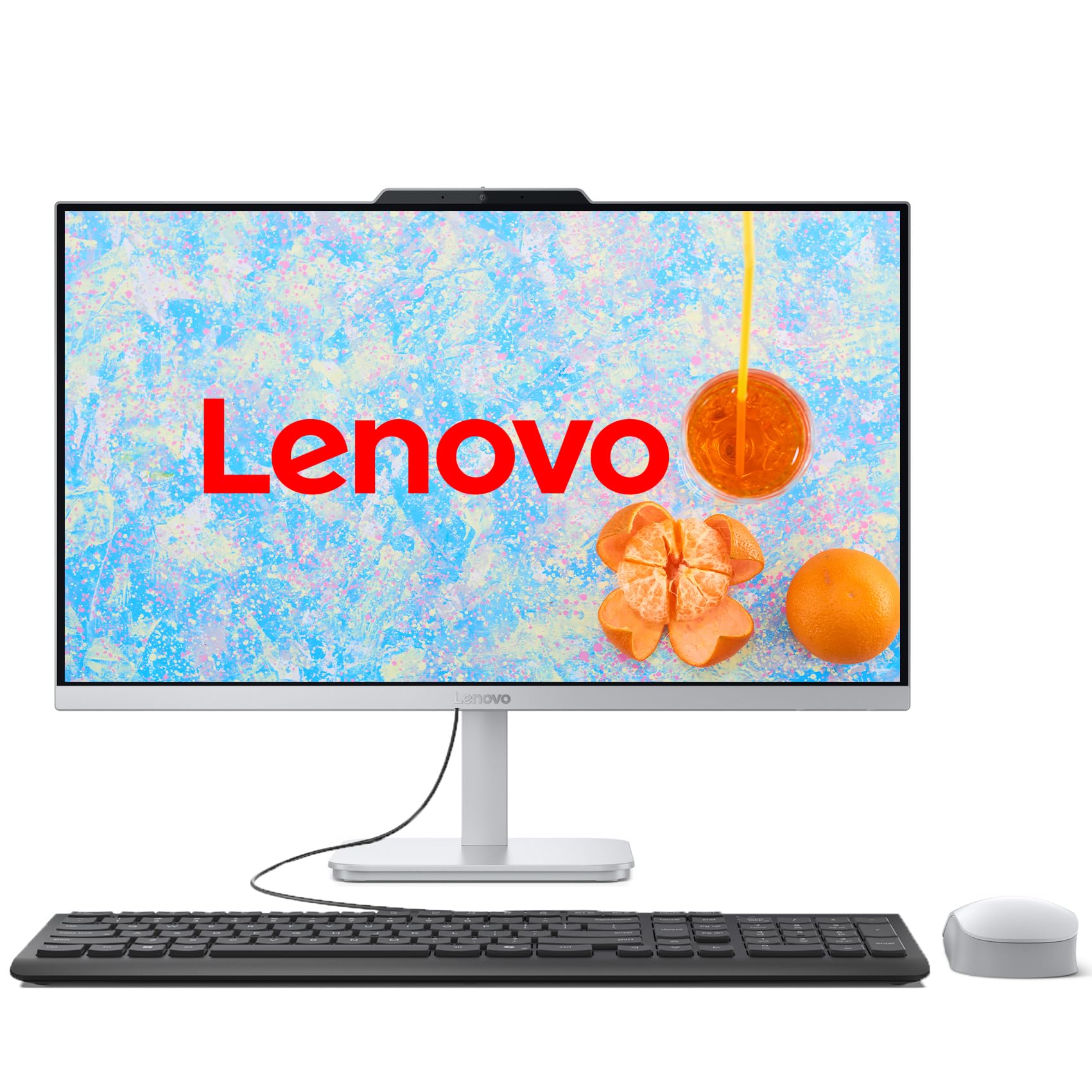
The Lenovo IdeaCentre 24″ is a reliable, no-frills daily driver that focuses on delivering a solid experience rather than flashy specs. It uses the Intel Core i3-N305, which is an 8-core processor that offers surprisingly good efficiency for everyday tasks. With 16GB of DDR4 RAM and a 1TB PCIe SSD, boot times are instant and there is plenty of space for documents and media.
The 23.8-inch FHD IPS display is bright (250 nits) and has good color accuracy (99% sRGB), making it suitable for photo viewing and office work. It is not a touch screen, but the anti-glare coating reduces fingerprints and glare. The included wired keyboard and mouse are completely functional, and the port selection (including multiple USB 3.2 Gen 2 ports) is adequate for most peripherals.
The non-touch display is a significant omission for a guide focused on touch screen computers. Users also note that the fan can be startlingly loud upon wake-up, though it quiets down quickly. It lacks the build refinement of a ThinkCentre. For a budget-friendly, fast, and reliable family computer where a touch screen is not a requirement, this is a solid option.
Why it’s great
- Fast boot and 1TB SSD storage
- Good 99% sRGB color display
- Reliable brand and build
- Good value for specs
Good to know
- No touch screen
- Fan can be loud on wake-up
- Not suitable for heavy gaming
12. HP 27″ Touch (Ryzen 5, White, with Hub)

This HP model is a strong option for those who want a large 27-inch touch screen in a stylish white chassis. It is powered by the AMD Ryzen 5 7520U, which is a 4-core/8-thread processor adequate for daily productivity, streaming, and light multitasking. The 16GB of RAM and 1TB SSD provide the storage and memory headroom most home users need.
The three-sided micro-edge FHD IPS touchscreen is the main selling point, offering an anti-glare finish that works well in bright rooms. The included PLUSERA 8-in-1 hub adds versatile connectivity. The pop-up privacy camera (720p) is a nice security feature, and the white aesthetic is visually appealing. Users praise its fast performance and the convenience of the touch screen for navigating Windows 11.
There are some critical caveats. One user reported that the touch screen did not work in web browsers (only offline), and the HP customer support process was a long, painful loop of AI chatbots. Another user reported an erratic wireless mouse. The Ryzen 5 7520U is a modest chip; do not expect high performance from it. For a touch-screen-first home office PC, it is a good value, but be prepared for potential software support hurdles.
Why it’s great
- 27″ FHD IPS touch screen
- Includes 8-in-1 USB hub
- Stylish white design
- Pop-up privacy camera
Good to know
- Positivity of touch screen software support
- Ryzen 5 7520U is modest performance
- Some mouse connectivity issues reported
13. Lenovo 24″ AIO (i3-N305)
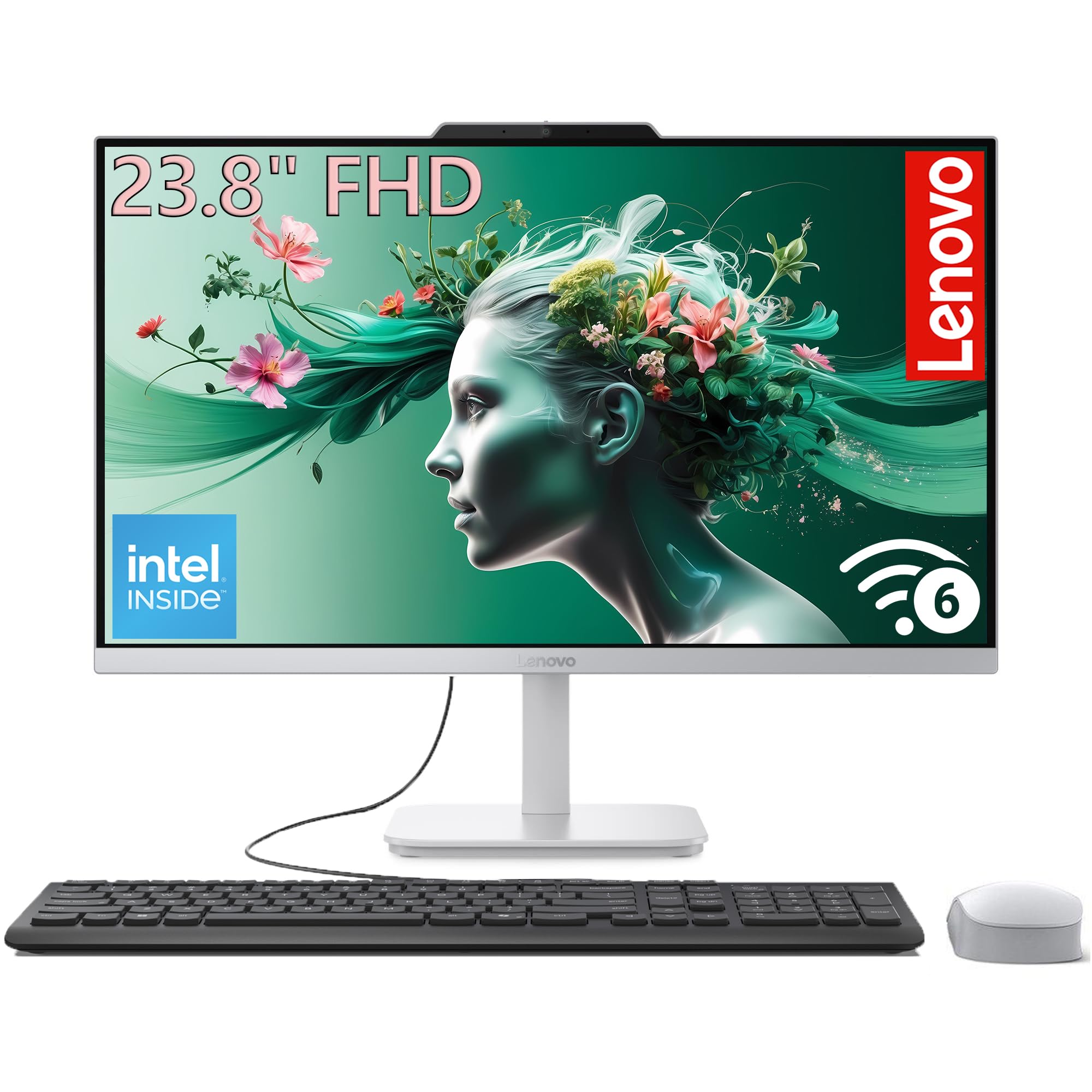
The Lenovo 24-inch AIO is the most budget-conscious option on this list, and it delivers exactly what one expects at this tier: reliable performance for essential tasks without frills. It uses the Intel Core i3-N305 (8 cores) and 16GB of DDR4 RAM, which results in snappy boot times and fluid navigation for web browsing, email, and Office work. The 1TB PCIe SSD is a generous inclusion at this price point.
The 23.8-inch FHD IPS display is clear and decently bright, with anti-glare coating that cuts down reflections. The three-sided borderless design gives it a modern look on a budget. It comes ready to use out of the box with a wired keyboard and mouse. Users upgrading from old PCs consistently praise its speed and the ease of transferring data.
There is no touch screen, which is the single biggest miss for this guide’s focus. Several reviews mention wishing it had touch. The build quality feels sturdy, and for the price, the storage and RAM are unbeatable. If your budget is tight and you absolutely need an all-in-one, this Lenovo is a smart, reliable choice, but you will have to forego touch interaction entirely.
Why it’s great
- Very budget-friendly AIO
- 16GB RAM and 1TB SSD
- Modern design with slim bezels
- Easy setup and data transfer
Good to know
- No touch screen
- Limited USB ports
- Integrated graphics only
FAQ
Can I upgrade the RAM or storage on an All-in-One later?
How does touch screen accuracy compare between Windows and macOS?
What is the difference between HDMI-In and HDMI-Out on an AIO?
Is an All-in-One computer good for gaming?
Final Thoughts: The Verdict
For most users, the best all in one touch screen computer is the ASUS V470VA because it delivers the perfect mix of a fast i5-13420H, 16GB of DDR5 RAM, a 1TB SSD, and a responsive 27-inch touch screen at a price that beats the competition. If you need the raw power of Apple Silicon and a world-class 4.5K Retina display for creative work, the Apple iMac M4 (10-core) is an unstoppable machine. And for those who demand an absolute beast of a Windows workstation with 64GB of RAM and a 2TB SSD, nothing else touches the HP All-in-One 27″ (Core Ultra 7).